Update Drive Firmware
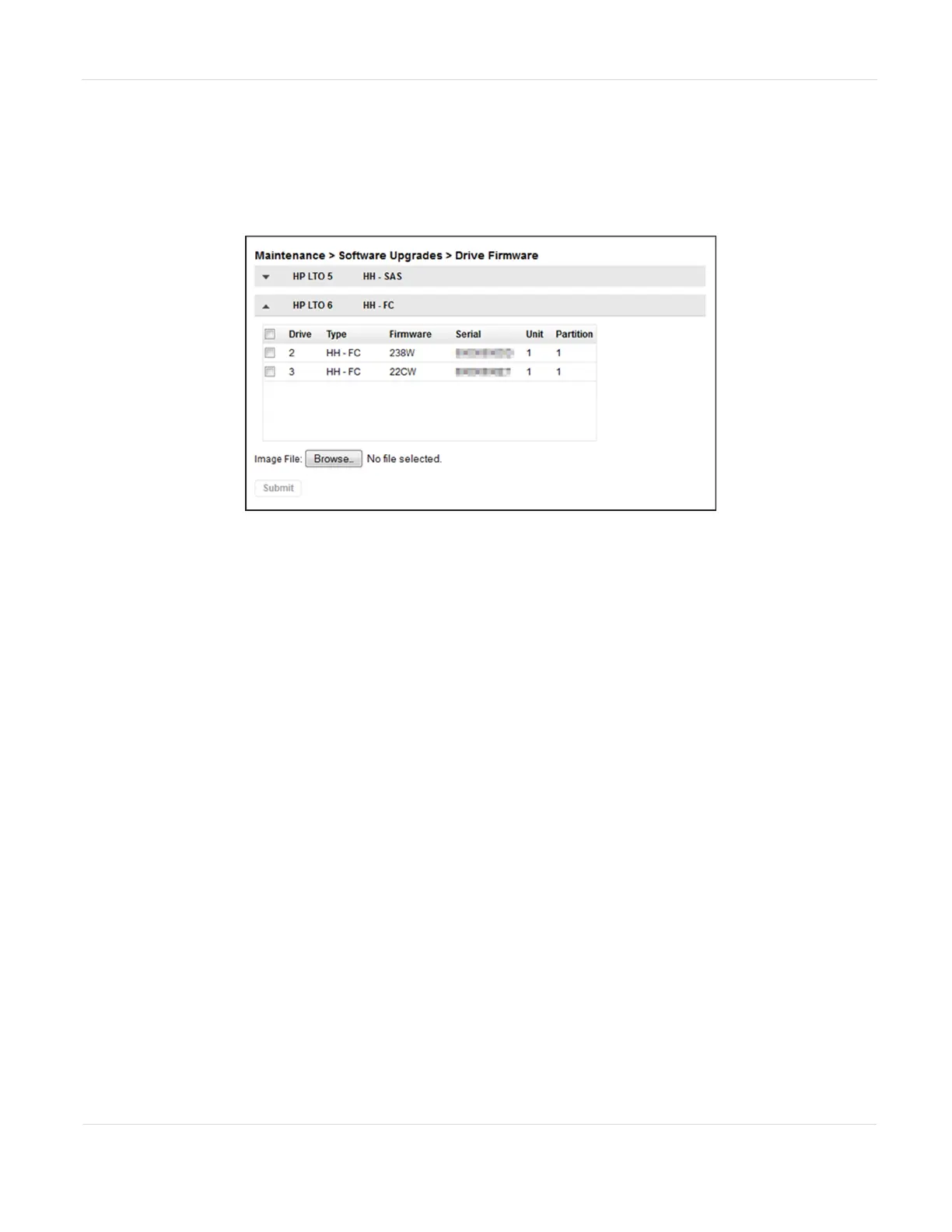
1. Navigate to the Maintenance > Software Upgrades > Drive Firmware screen. The
tape drives are organized by drive type.
Figure120 The Drive Firmware screen.
2. Expand the appropriate drive type and select one or more tape drives.
3. Click Browse and use your web browser to select the firmware file.
4. Click Submit.
JANUARY 2023 202
SPECTRA STACK LIBRARY
USER GUIDE
CHAPTER 7 - MAINTAINING THE LIBRARY



 To Next Page