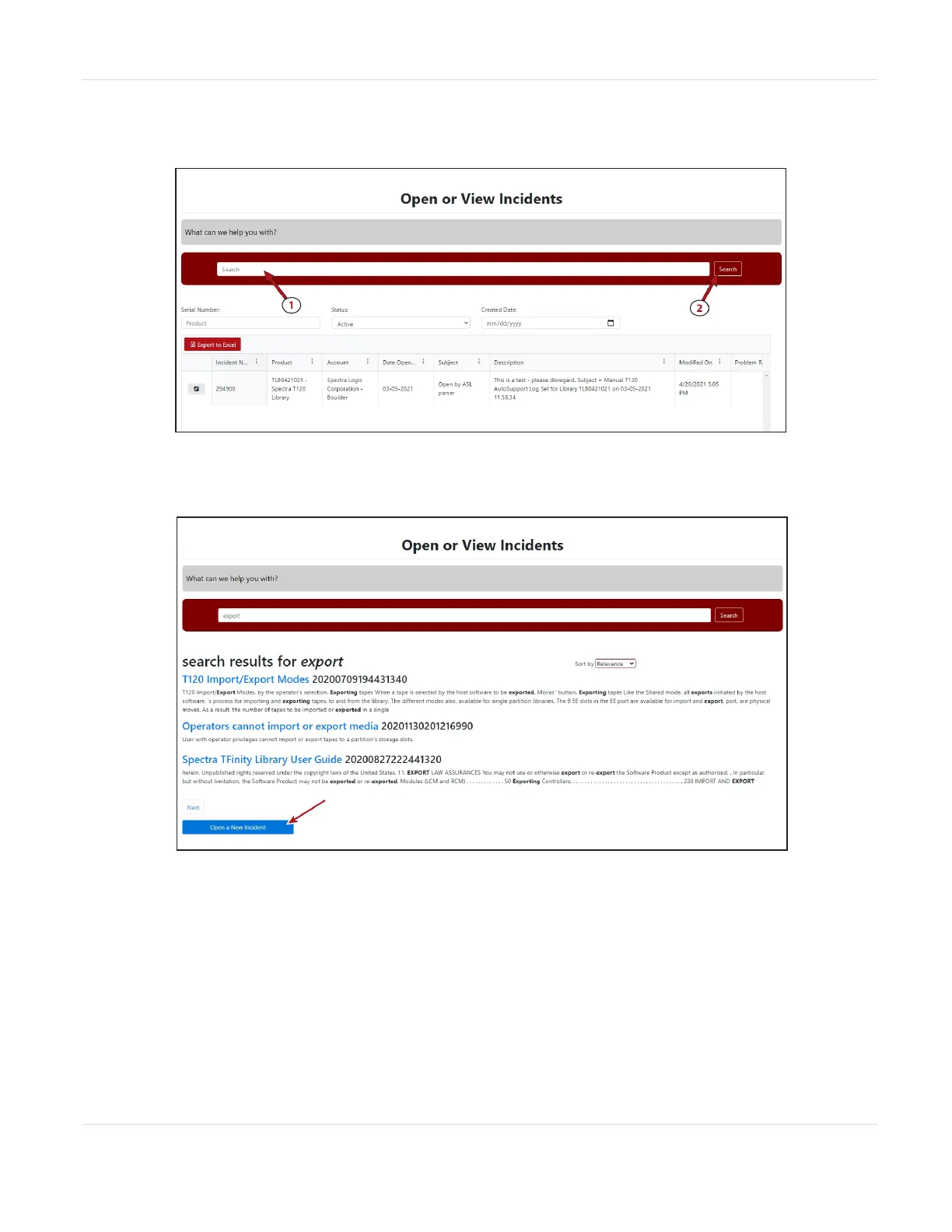
c. In the Search dialog box, enter a term or phrase about your problem (1)
and click Search (2).
Figure138 Enter a search phrase and click Search.
d. If the search does not provide an answer, click Open a New Incident.
Figure139 Click Open a New Incident.
e. Continue with Step 5 on page260.
JANUARY 2023 258
SPECTRA STACK LIBRARY
USER GUIDE
CHAPTER 10 - TECHNICAL SUPPORT



 To Next Page