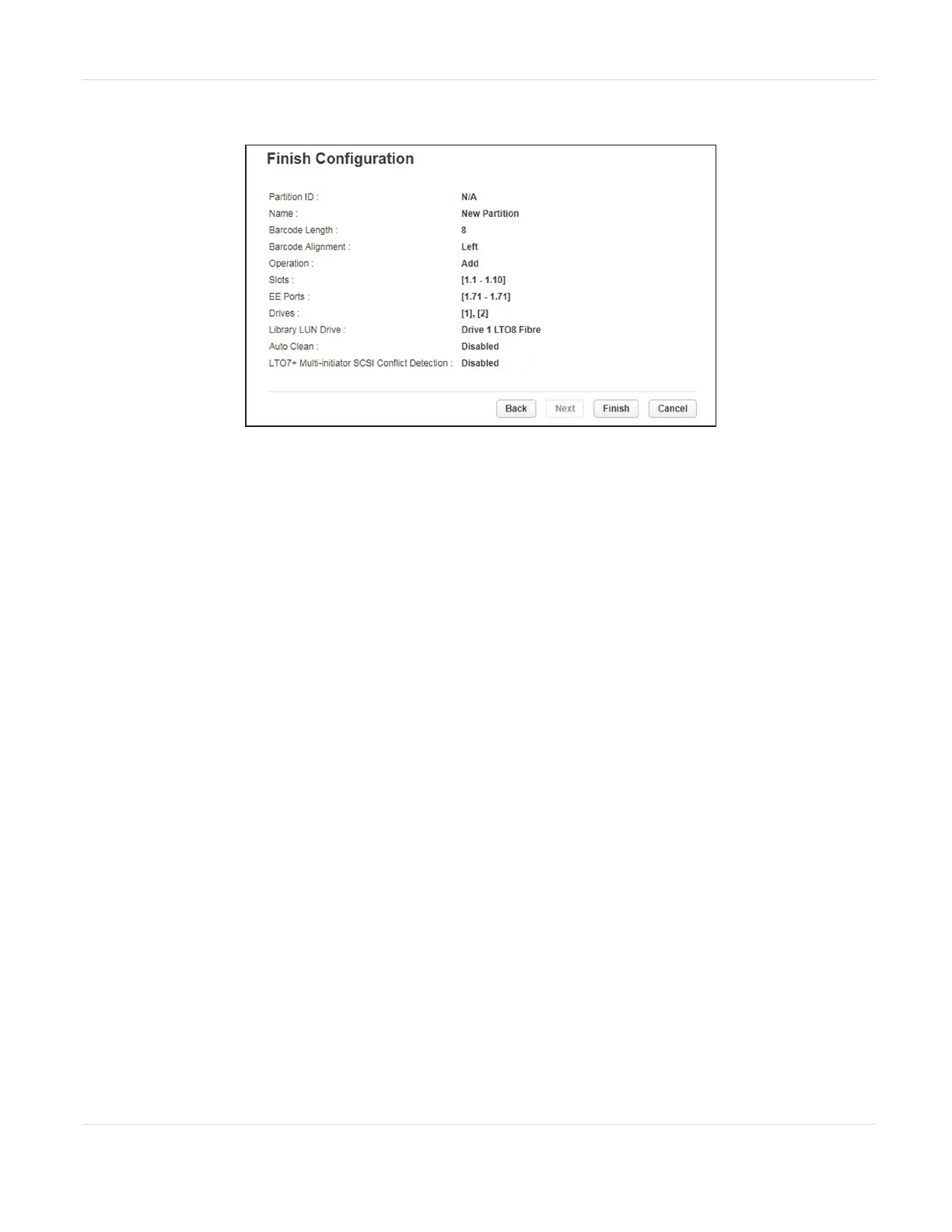
14.Click Next. The Finish Configuration screen displays.
Figure40 The Finish Configuration screen.
15.Verify the partition configuration and then click Finish.
After the wizard creates or reconfigures the partition, the library comes online
automatically.
Remove a Partition
1. On the Manage Partitions screen (see Figure34 on page88), select the partition
to remove.
2. Click Remove, and then click Next.
3. Verify that you want to remove the partition and click Finish.
After the wizard removes the partition, the library comes online automatically.
4. Select the partition in which you want to disable encryption, click Edit, and then
click Next. The General Settings screen displays.
JANUARY 2023 94
SPECTRA STACK LIBRARY
USER GUIDE
CHAPTER 3 - CONFIGURING THE LIBRARY



 To Next Page