14215700-IG, Edition 8.0
April 2018, Original document
115
Configuring Media Resource Settings
Note:
Not relevant to the Spectralink IP-DECT Server 200/400.
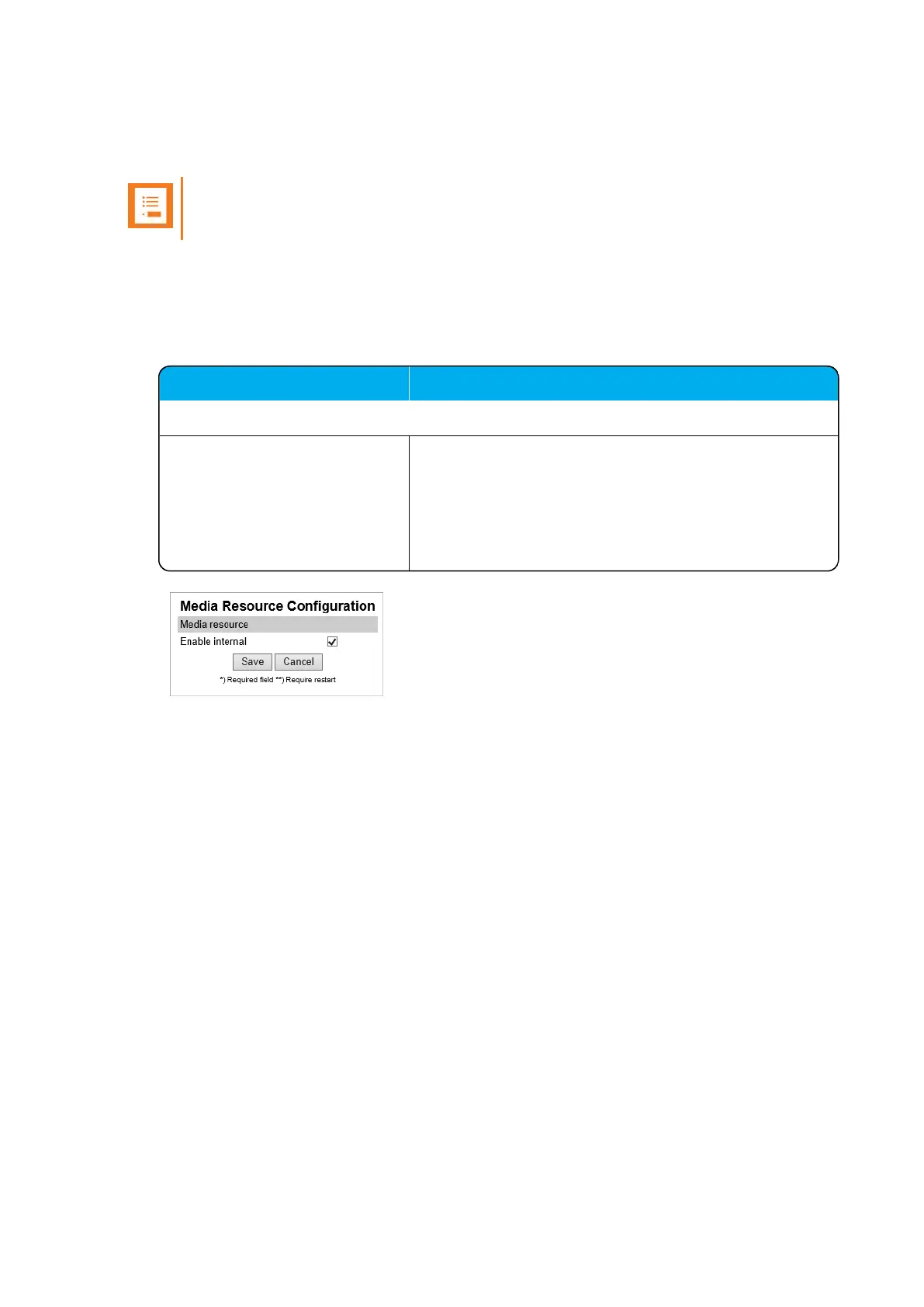
To use the internal media resource, this must be enabled. To configure media resource settings from
the web based Administration Page:
1. Click Configuration, and then click Media Resource.
2. On the Media Resource Configuration page, enter the following data:
Field
Media Resource Configuration - Media resource
Enable internal If enabled, the internal media resource will start up and
connect.
If disabled, CPU power is increased. Additional media
resource will take over then, if installed.
Default value:Enabled
3. Click Save.
Spectralink IP-DECT Server 200/400/6500 Installation and Configuration Guide



 To Next Page