14215700-IG, Edition 8.0
April 2018, Original document
159
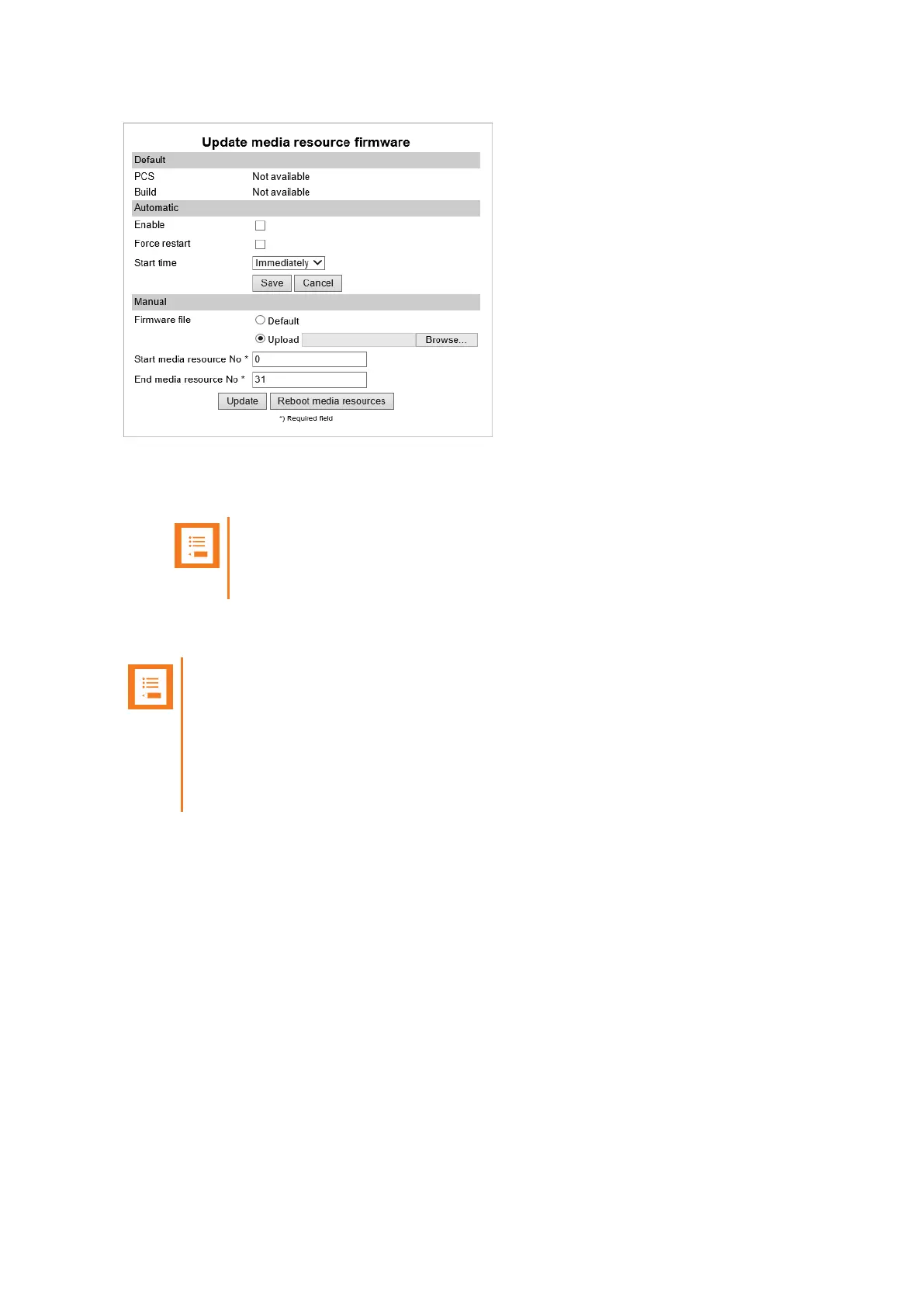
3. Click Update. Selected media resources will be updated.
4. Click Reboot media resources if you want to reboot selected media resources.
Note:
If Automatic update is not enabled, Spectralink DECTMedia Resources can be
rebooted manually after they have been updated.
To Update Spectralink DECT Handset Firmware Over The Air (SUOTA)
Note:
Only Spectralink DECT Handset 7202/7212, 7502, 7522/7532, 7622/7642, 7722/7742
and Spectralink DECT Handset Butterfly can be updated over the air (SUOTA).
The Spectralink DECT Handsets has a hardware platform that supports dual flash par-
tition to ensure that the new firmware can be verified before it takes over from current run-
ning firmware.
Spectralink IP-DECT Server 200/400/6500 Installation and Configuration Guide



 To Next Page