14215700-IG, Edition 8.0
April 2018, Original document
51
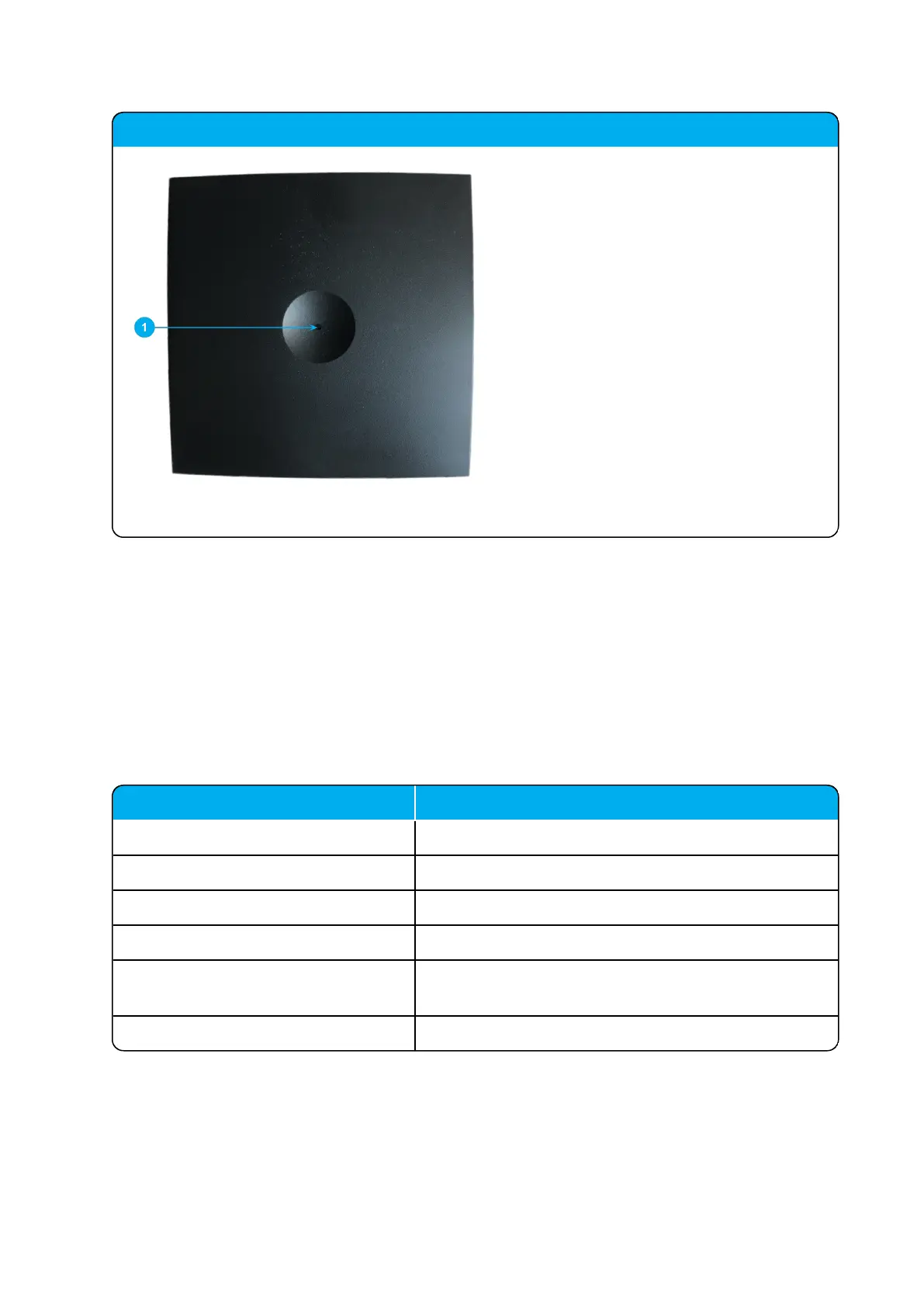
Spectralink IP-DECT Server 200 - front
1. LED
Spectralink IP-DECT Server 200 LED Indicators
Below you will find information about LED indicators on the server.
Front Cover
The server front cover has one indicator describing the server faults and failures. The indicator is off
when the server is not powered. The LED flashes when the server initializes. The indicator is on
when the server is operating.
LED Indicator Meaning
Steady green OK and idle.
Slow green flashing OK and active voice call.
Fast green flashing Busy (all channels are in use).
Steady red Reset/shutdown in progress.
Steady red for 5 seconds followed by
fast red flashing
Reset to factory settings.
Red flashing Error or rebooting
Spectralink IP-DECT Server 200/400/6500 Installation and Configuration Guide



 To Next Page