14215700-IG, Edition 8.0
April 2018, Original document
193
Configuring Corporate Phone Book/Dir-
ectory
You can set up the corporate phone book/directory in the server. As default, the corporate phone
book is disabled.
The server can be configured in two ways:
l Retrieving phone book data using LDAP server.
Configuration of the LDAP based phone book in the Spectralink IP-DECT Server is carried
out through the web based Administration Page of the server.
l Importing phone book data from a CSV file.
Note:
To access the corporate phonebook/directory from a Spectralink DECT Handset, the
long key MSF Function must be enabled.
For information on setting up long key and using the corporate phone book/directory in
the handset, see the relevant Handset User Guide.
To Get Phone Book Data through LDAP Server or CSV
File
Configure the server to retrieve phone book data using LDAP server or by importing phone book
data from a CSV file.
1. Click Administration, and then click Phonebook.
2. On the Phonebook Configuration page, enter the following data:
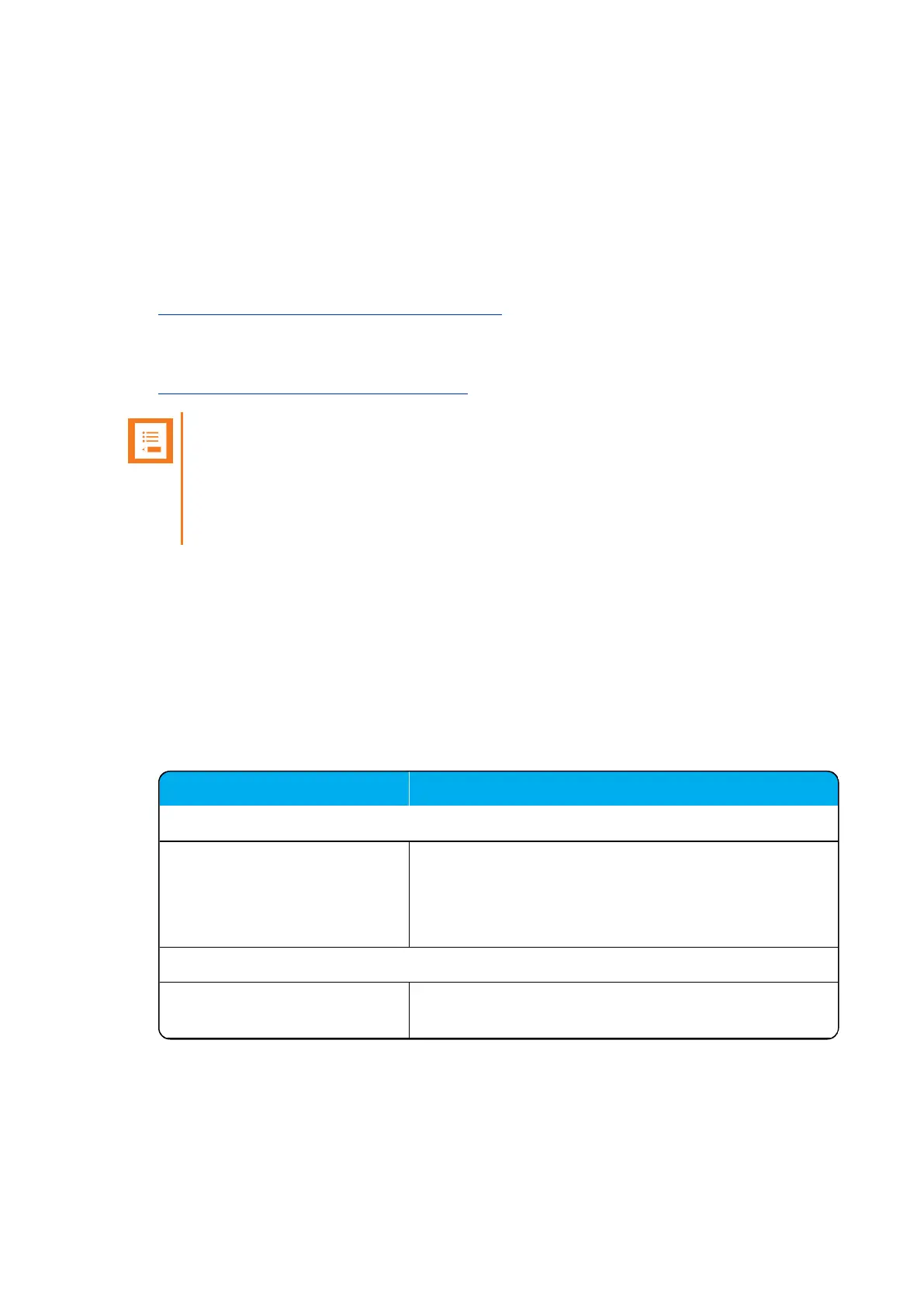
Field Setting
Phonebook Configuration - Disabled
Disabled As default, phone book configuration is disabled.
You can configure the server to retrieve phone book data
using LDAP server or by import of phone book data from
a CSV file.
Phonebook Configuration - Imported CSV file
Imported CSV file Enable this if you want to import phone book data from
CSV file.
Spectralink IP-DECT Server 200/400/6500 Installation and Configuration Guide



 To Next Page