14215700-IG, Edition 8.0
April 2018, Original document
124
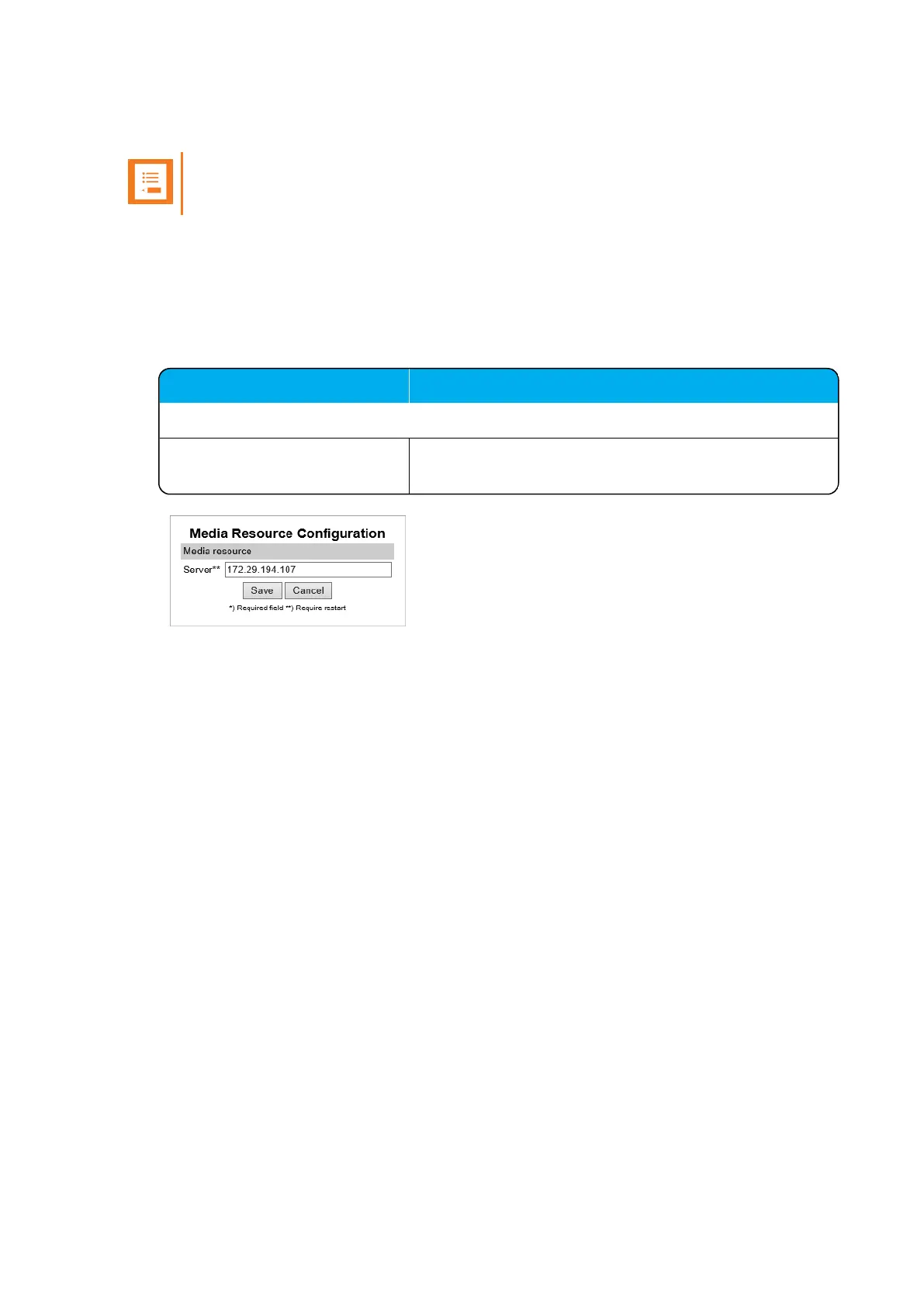
Manually IP-DECT Server Address Configuration for Media Resources
Note:
Not relevant to the Spectralink IP-DECT Server 400.
To configure the IP-DECT server address manually through the web based Administration Page of
the media resource:
1. Open a browser, and enter the IP address of the media resource.
2. Click Configuration, and then click Media Resource.
3. On the Media Resource Configuration page, enter the following data:
Field Setting
Media Resource - Wireless Server Host
Server Enter the address of the Spectralink IP-DECT Server
that the media resource must connect to.
4. Click Save.
5. Click Reboot to enable the configuration changes.
Spectralink IP-DECT Server 200/400/6500 Installation and Configuration Guide



 To Next Page