14215700-IG, Edition 8.0
April 2018, Original document
222
Field Setting
Packet Capture - Status
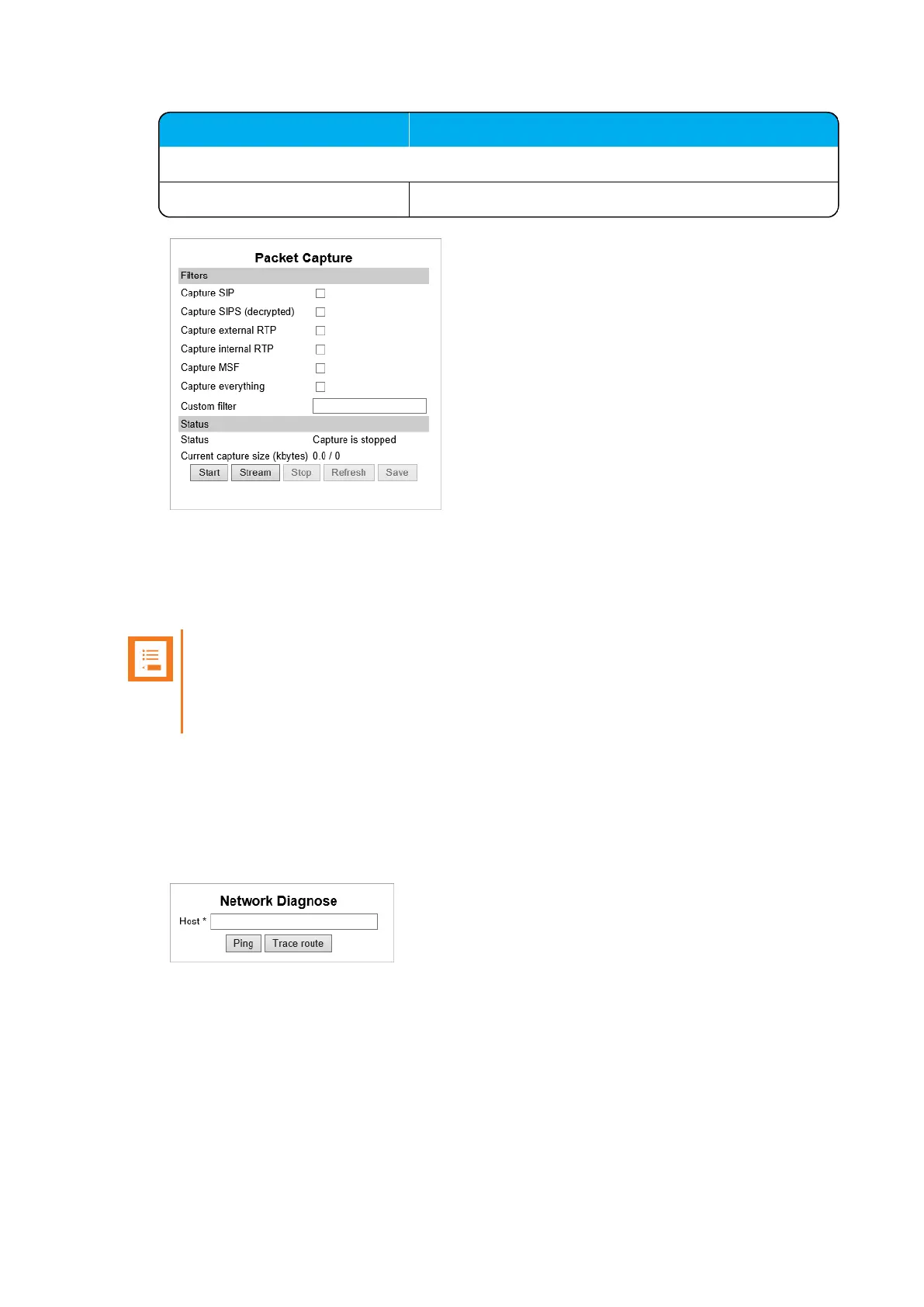
Status Shows the status of the capture progress.
3. If you want to start capturing the network packets,click Start, click Stop after trying to repro-
duce the expected failure/behaviour, and then click Save to download and save the packet
capture file.
4. If you want to stream a packet capture, click Stream. A pcap file is downloaded automatically.
Note:
The Spectralink IP-DECT Server has a packet capture size limit of 10 megabites. When
this limit is reached, the packet capture will restart. When performing a streaming packet
capture there is no size limit.
Network Diagnose
1. Click Status, and then click Network Diagnose.
2. On the Network Diagnose page, under Host, enter the relevant IP address or domain name:
3. Click Ping to send a ping request to the host to check if network is connected.
4. If you want to trace the route to the host, click Trace route.
Spectralink IP-DECT Server 200/400/6500 Installation and Configuration Guide



 To Next Page