14215700-IG, Edition 8.0
April 2018, Original document
164
l notice info (events that occur under normal operation)
3. Click Export if you want to save the logs in a file.
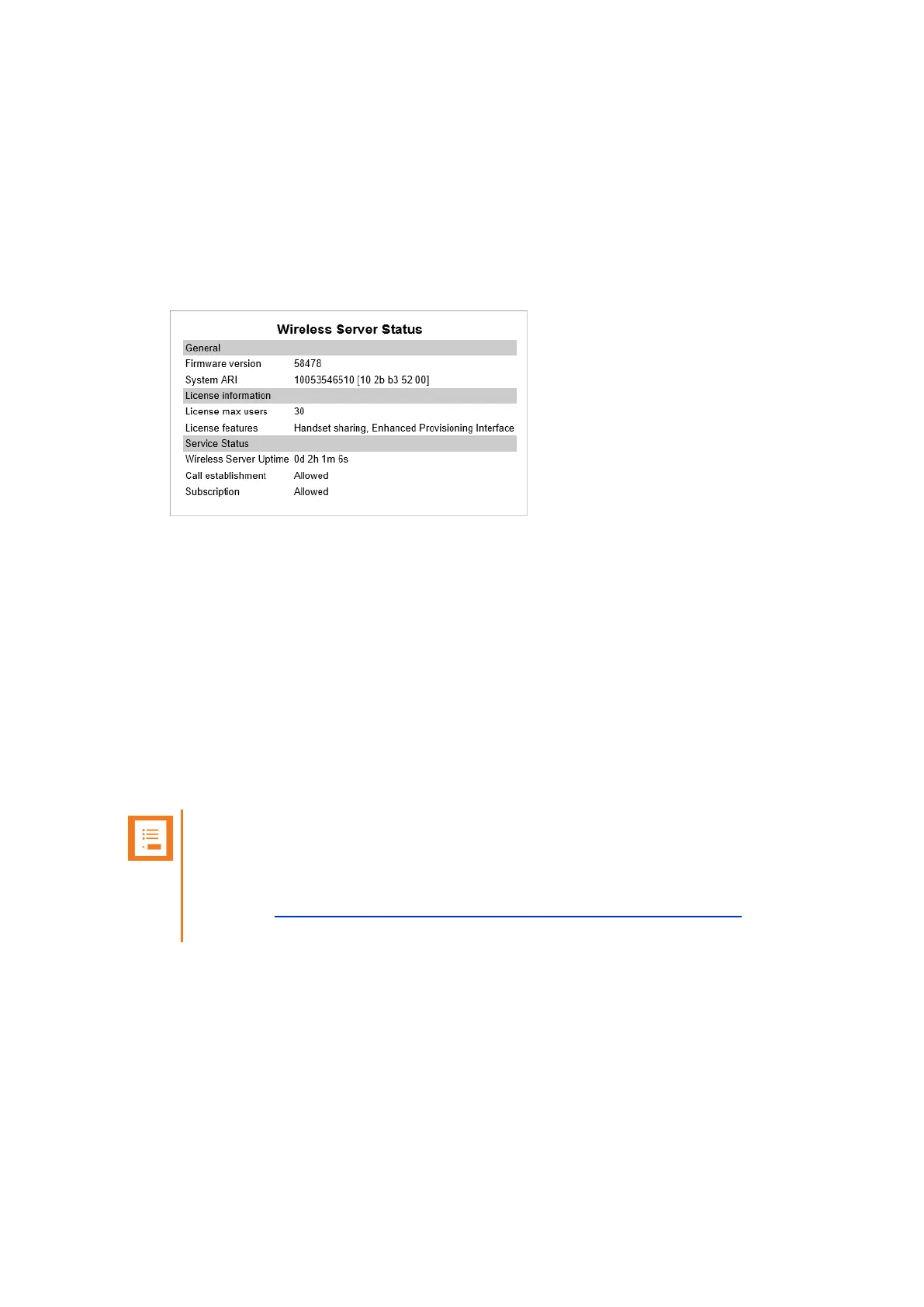
Wireless Server Information
This page provides information about the firmware version and ARI code of the Spectralink IP-
DECT Server.
1. Click Status, and then click Wireless Server. The Wireless Server Status page appears.
Statistics
On this page you can get an over all overview of how the system is running.
You can get statistics of the following:
l Wireless Server
l Media Resource
l Base Station
l Active Calls
l Abnormal Releases
l Traffic Distribution
Note:
For more in depth information and to gain access to the Spectralink training material, you
must attend training and become Spectralink Certified Specialist.
Please visit http://partneraccess.spectralink.com/training/classroom-training for more
information and registration.
Spectralink IP-DECT Server 200/400/6500 Installation and Configuration Guide



 To Next Page