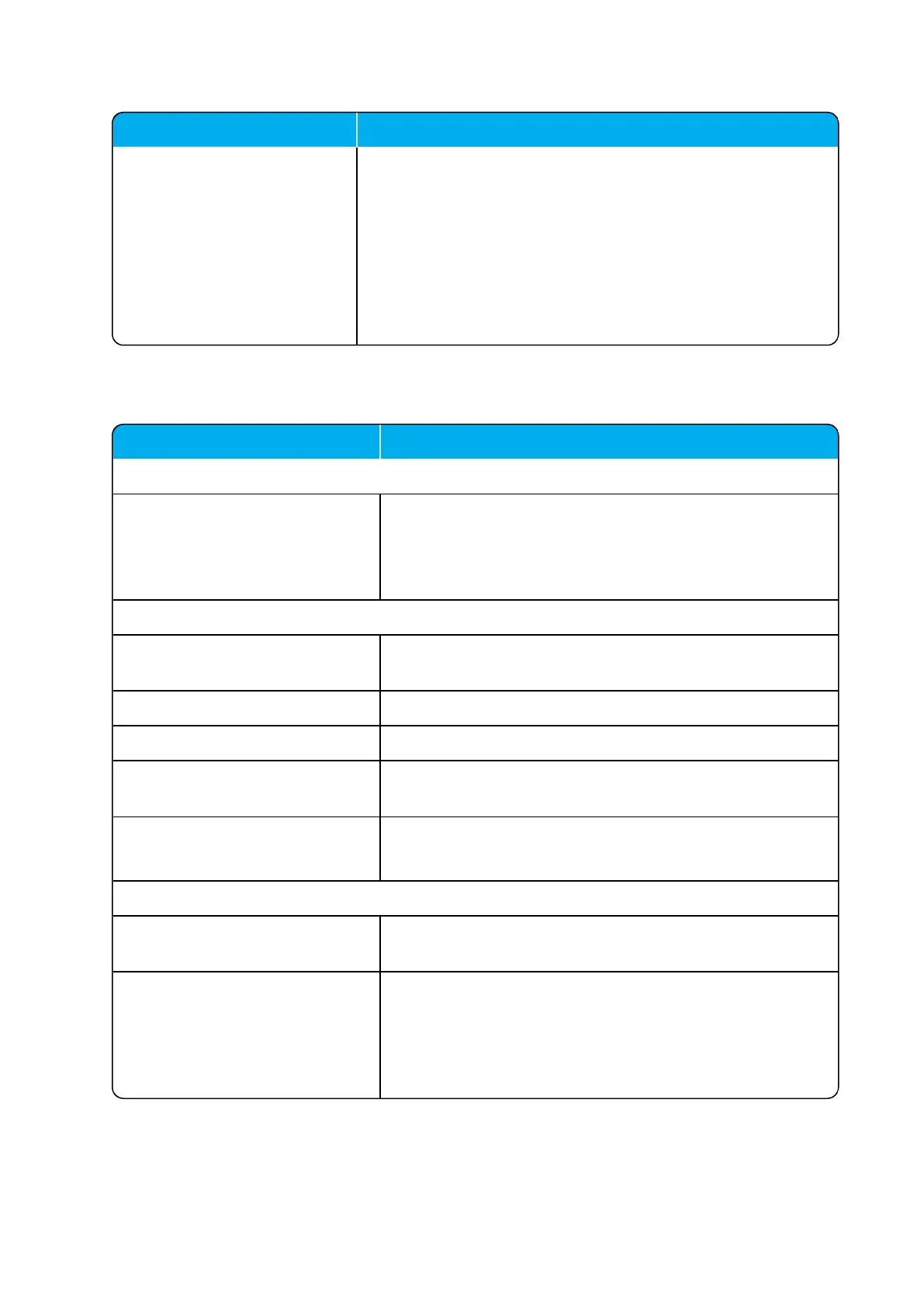
Field Setting
Remove user passwords from
exported data (Optional)
If enabled, users passwords are prevented from being included
when data are exported from the Spectralink IP-DECT Server-
,e.g. when exporting the user list to XML files or CSV files.
Note: Enabling this will exclude the user database from full sys-
tem backups.
Note: Once enabled, this setting can only be disabled by a fact-
ory reset (Configuration > Factory Reset) that will remove all
configuration and user data.
Field
Certificates - Device certificate chain
Overview of device certificates. These are non-changeable.
Examples of device certificates are: Device certificate, Spec-
traLink Issuing CA / Spectralink Inc. and SpectraLink Root
CA / Spectralink Inc.
Certificates - Host certificate chain
Certificate file Click Browse to find the relevant host certificate file (*.crt
file).
Key file Click Browse to find the relevant key file (*.pem file).
Password (Optional) Enter a password.
Type Select between the following certificate types; X.509 or
PKCS#12.
Click Import Certificate, if you want to import the certificate.
Click Remove, if you want to remove a certificate.
Certificates - CA certificates
Click Browse to find the relevant CA certificate file (*.pem
file). E.g. a custom list of CA certificate files.
Click Import List, if you want to import the list.
It is also possible to; remove all CA certificates (Clear List),
restore default list of public CA certificates (Restore Default
List), or export the list of CA certificates in PEM format
(Export List).



 To Next Page