14215700-IG, Edition 8.0
April 2018, Original document
91
Configuring Network Settings
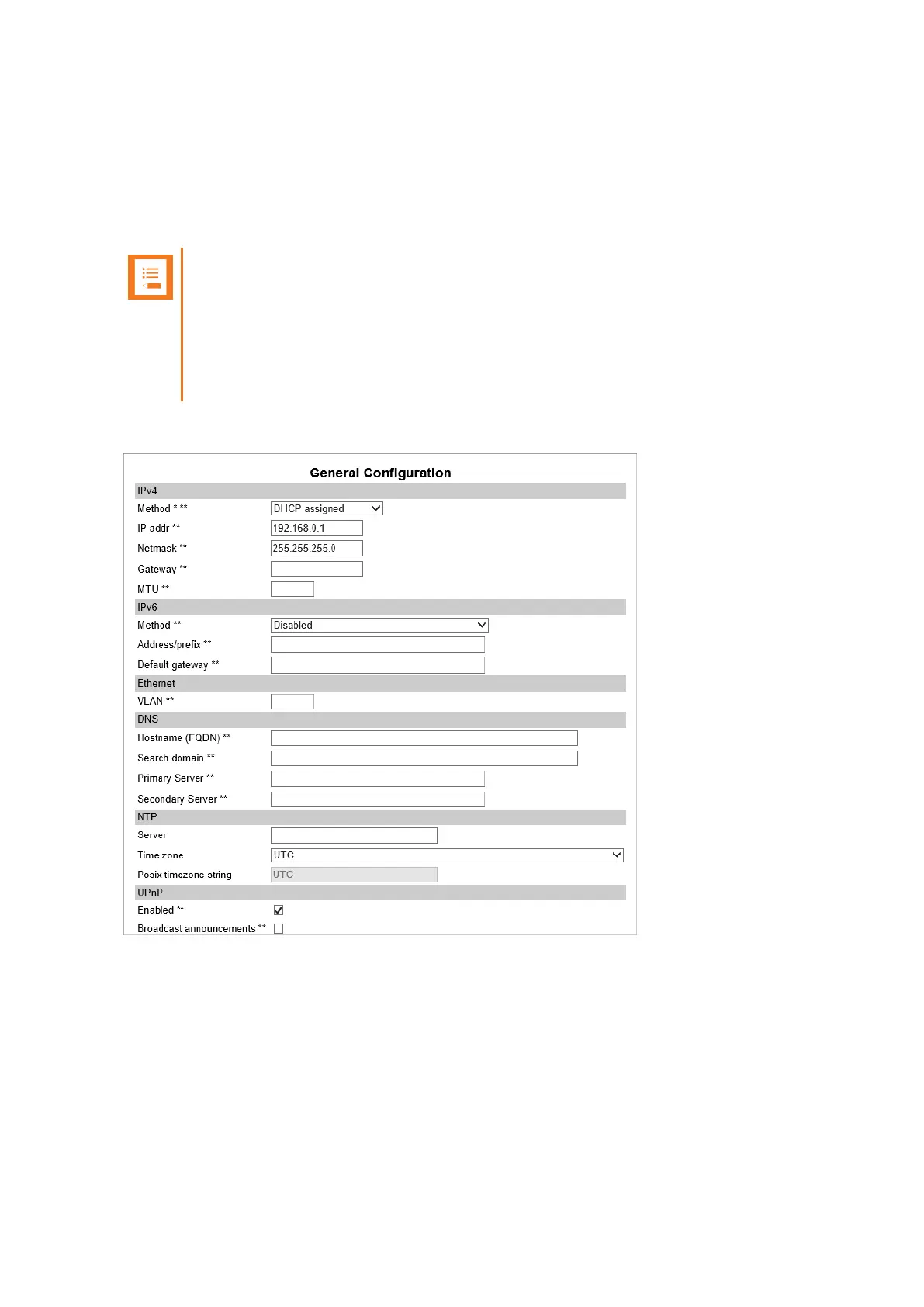
Through the web based Administration Page of the server, you can configure the network for the
Spectralink IP-DECT Server components using a static IP address or a dynamic IP address
(DHCP). For more information, see "Recommended Network Configuration" on page85.
Note:
As the Spectralink IP-DECT Server is a critical part of the SIP infrastructure, it is highly
recommended that you do not use DHCP.
Using a static IP address for the Spectralink IP-DECT Server is the preferred method. If
the device is configured using a static IP address, it is possible to assign options to the
DHCP server making it extremely easy to configure all base stations.
It is also possible to configure Simple Network Management Protocol (SNMP).
Spectralink IP-DECT Server 200/400/6500 Installation and Configuration Guide



 To Next Page