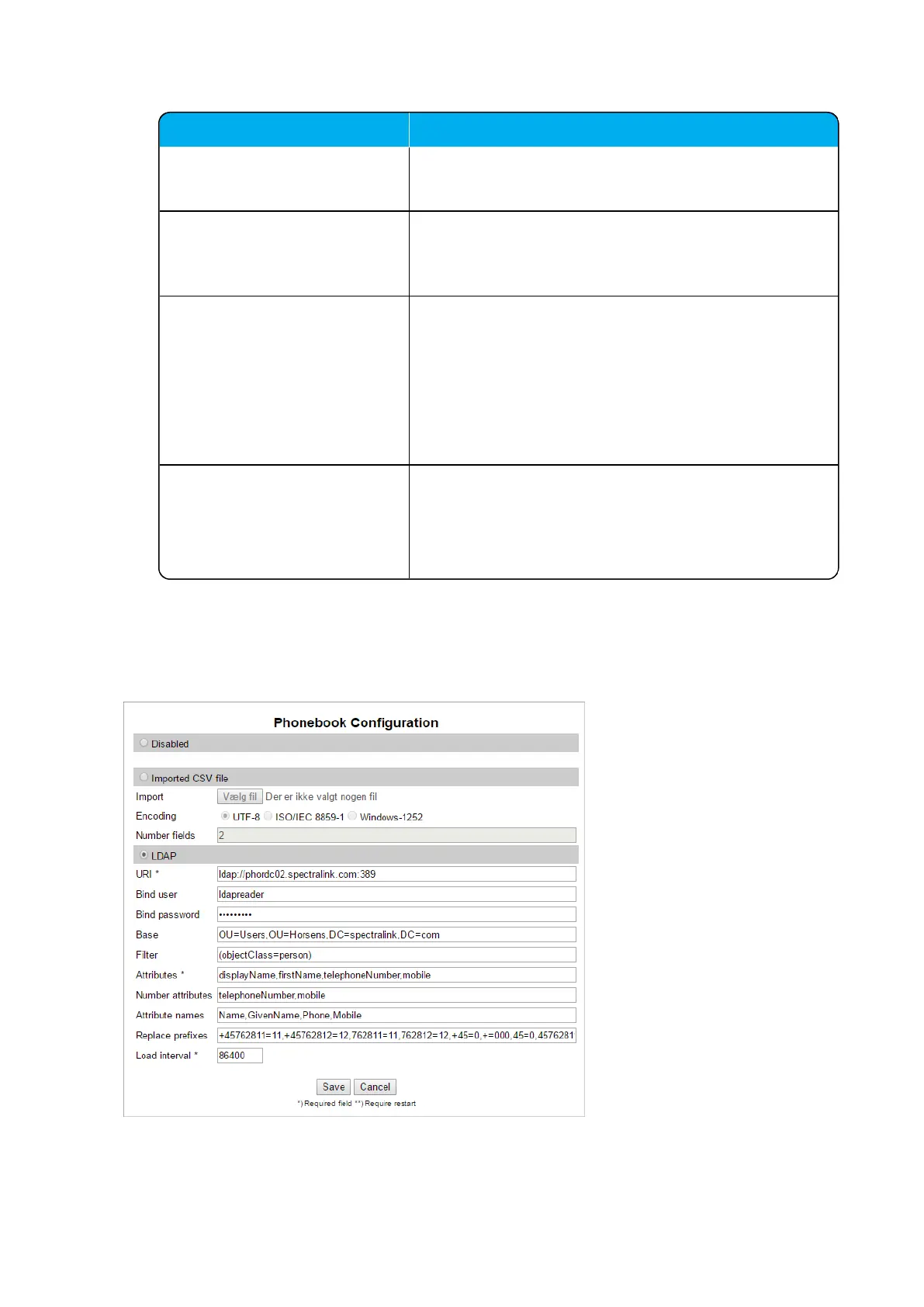
Field Setting
Number attributes (Optional) Enter LDAP attributes that will be used to dial.
E.g. telephoneNumber,mobile.
Attributes names (Optional) Enter the attribute names you want to assign to the attrib-
utes specified above, separated by a comma.
E.g. Name,Phone,Mobile.
Replace prefixes (Optional) Enter the phone number prefixes to replace or strip, sep-
arated by a comma.
E.g.: if the phone number is +45678912345, and that
user has the extension 12345, then you specify
“+456789” in the Replace prefixes field. Or if the phone
number is “+456789123456” and “06789123456” must
be dialled, then specify “+45=0”.
Load interval Enter the interval in seconds for querying the LDAP
server for updates.
Default value: 3600 sec
Possible values: 60 – 999999 sec
3. Click Save.



 To Next Page