14215700-IG, Edition 8.0
April 2018, Original document
59
How to Add a Spectralink DECTMedia Resource
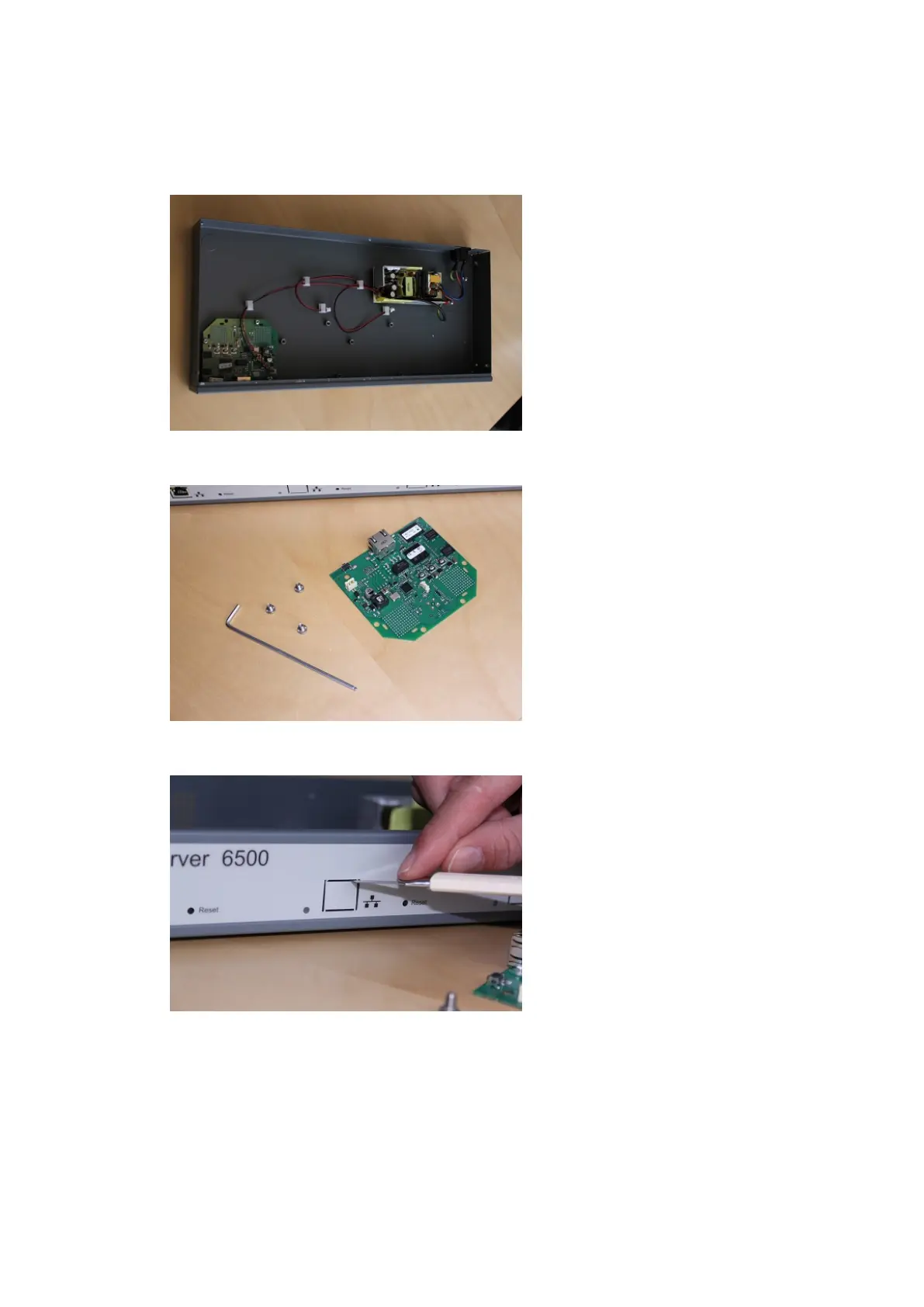
1. Remove the top cover from the cabinet.
2. Unpack the media resource board.
3. Cut a hole for the RJ45 network connector in the front foil of the cabinet.
4. Mount the media resource board in the cabinet with three screws.
Spectralink IP-DECT Server 200/400/6500 Installation and Configuration Guide



 To Next Page