14215700-IG, Edition 8.0
April 2018, Original document
145
Tasks to Perform from User List
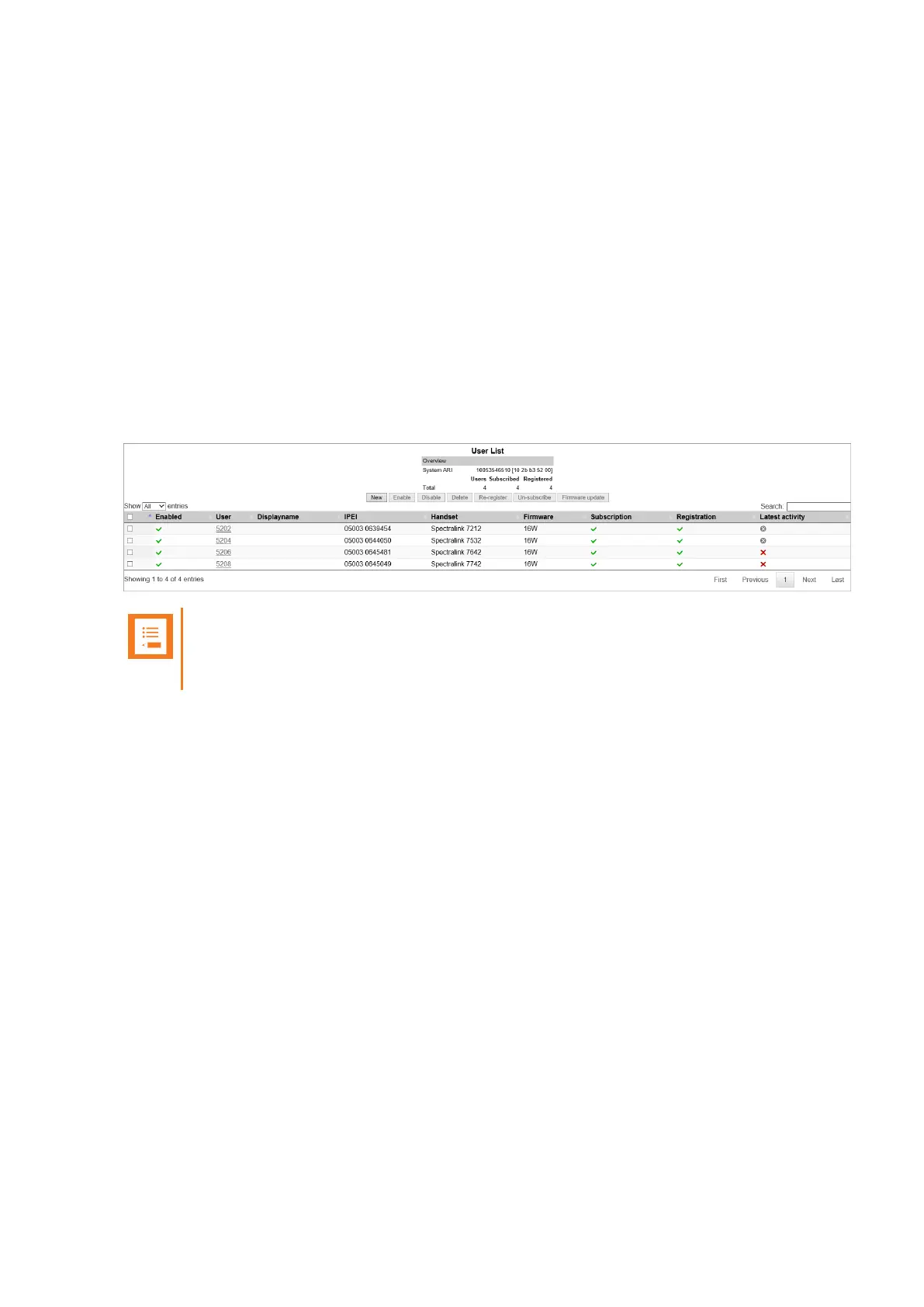
Selecting one or more users from the list you can do the following:
l view or change handset/user configurations
l search handset/user information
l enable/disable users
l delete users
l re-register users
l un-subscribe users
l update firmware in the handsets
l deregister a handset
Note:
You can also create users from the User List. For more information, see "Registering a
User" on page139.
To View or Change Handset/User Configuration
You can view or change all the user configurations of the wireless system through the web based
Administration Page.
1. Click Users, and then click List Users.
The list will show all entries as default. It is possible to search for information.
2. Click on the relevant user to change user configurations, such as the AC (authentication
code). For more information, see "Registering Users and Subscribing Spectralink DECT
Handsets" on page139.
3. If changing user configuration settings, click Save.
Spectralink IP-DECT Server 200/400/6500 Installation and Configuration Guide



 To Next Page