14215700-IG, Edition 8.0
April 2018, Original document
138
Checking Sync State of Spectralink IP-DECT Base Sta-
tion
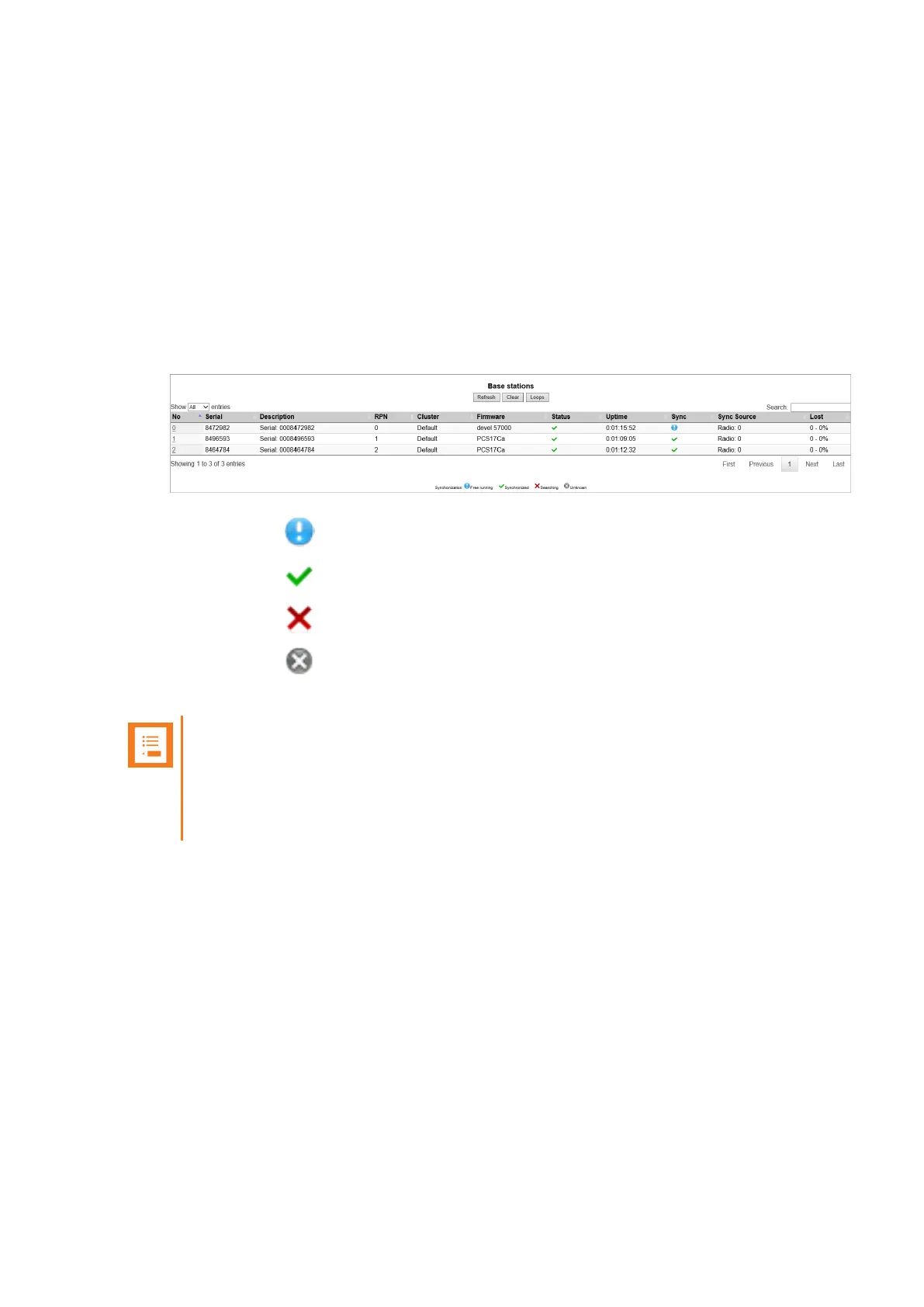
You can get information about the synchronization state of the base station - the uptime and to which
radio unit it synchronizes on through the web based Administration Page of the Spectralink IP-
DECT Server. This is useful when you want to get an overview of the base stations and in case of
problem solving.
1. Click Administration, and then click Base Station.
2. On the Base Stations page, check the sync state of the base stations:
l
If marked with : Free running (Sync Master)
l
If marked with green: Synchronized (Primary Sync Master)
l
If marked with : Searching (not in sync with any radio unit)
l
If marked with : Unknown (not connected - base station removed from installation)
3. View RFP and RPN numbers.
Note:
When you click a base station in the list, you can check the RSSI values of the base sta-
tions it is synchronizing on (Primary sync/Secondary (Alternative) sync). For more inform-
ation about synchronization and RSSI values, see Synchronization and Deployment
Guide.
Checking for Loops
As part of troubleshooting it is possible to check if loops have accidently been created in the syn-
chronization chain.
1. Click Administration, and then click Base Station.
2. Click Loops.
If a synchronization loop is being detected, synchronization chain must be reconsidered.
Spectralink IP-DECT Server 200/400/6500 Installation and Configuration Guide



 To Next Page