14215700-IG, Edition 8.0
April 2018, Original document
43
Ordering Licenses
1. Send your Purchase Order (PO) including the software part number and the number of
licenses needed to Spectralink Order Management via (EMEA and APAC) emeaom@spec-
tralink.com or (NALA) nalaom@spectralink.com .
2. When your order is processed, Order Management will send you an email including an
Authentication Product Key for your software license.
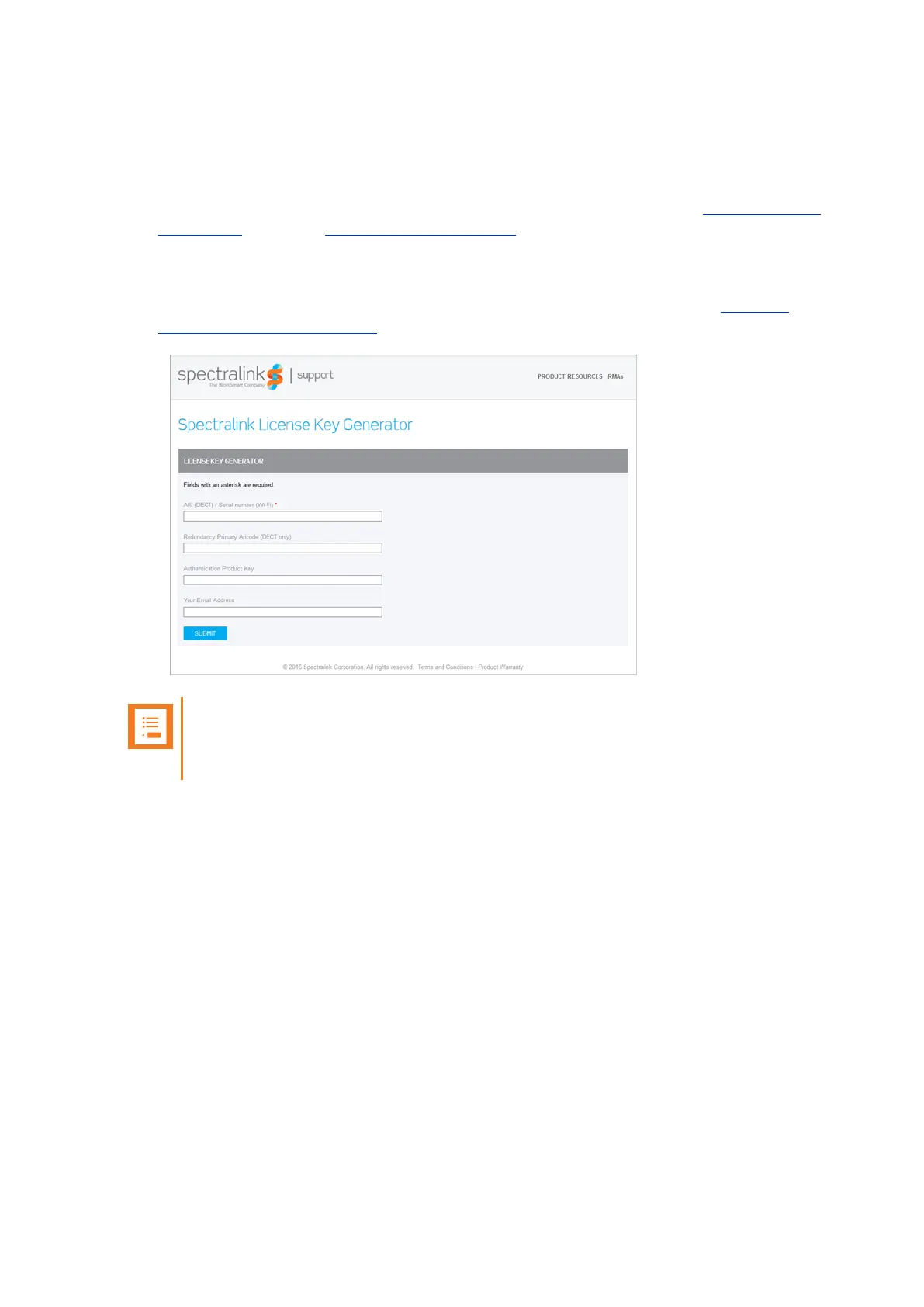
3. To activate your software license, use the License Key Generator available at http://sup-
port.spectralink.com/keycode .
Note:
Once a software license is generated, this is locked to the specified ARI code, and cannot
be changed.
Loading Licenses
1. Click Administration, and then click License.
2. Copy the provided license key from your email, paste it in the License field, and then click
Load.
3. Reboot the server to activate the license.
Loaded licenses can be seen on the web based Administration Page > Administration > Licenses
> Loaded licenses.
For information about deleting a license and retrieving a license being deleted by mistake, see "Delet-
ing Licenses" on page172.
Spectralink IP-DECT Server 200/400/6500 Installation and Configuration Guide



 To Next Page