14215700-IG, Edition 8.0
April 2018, Original document
57
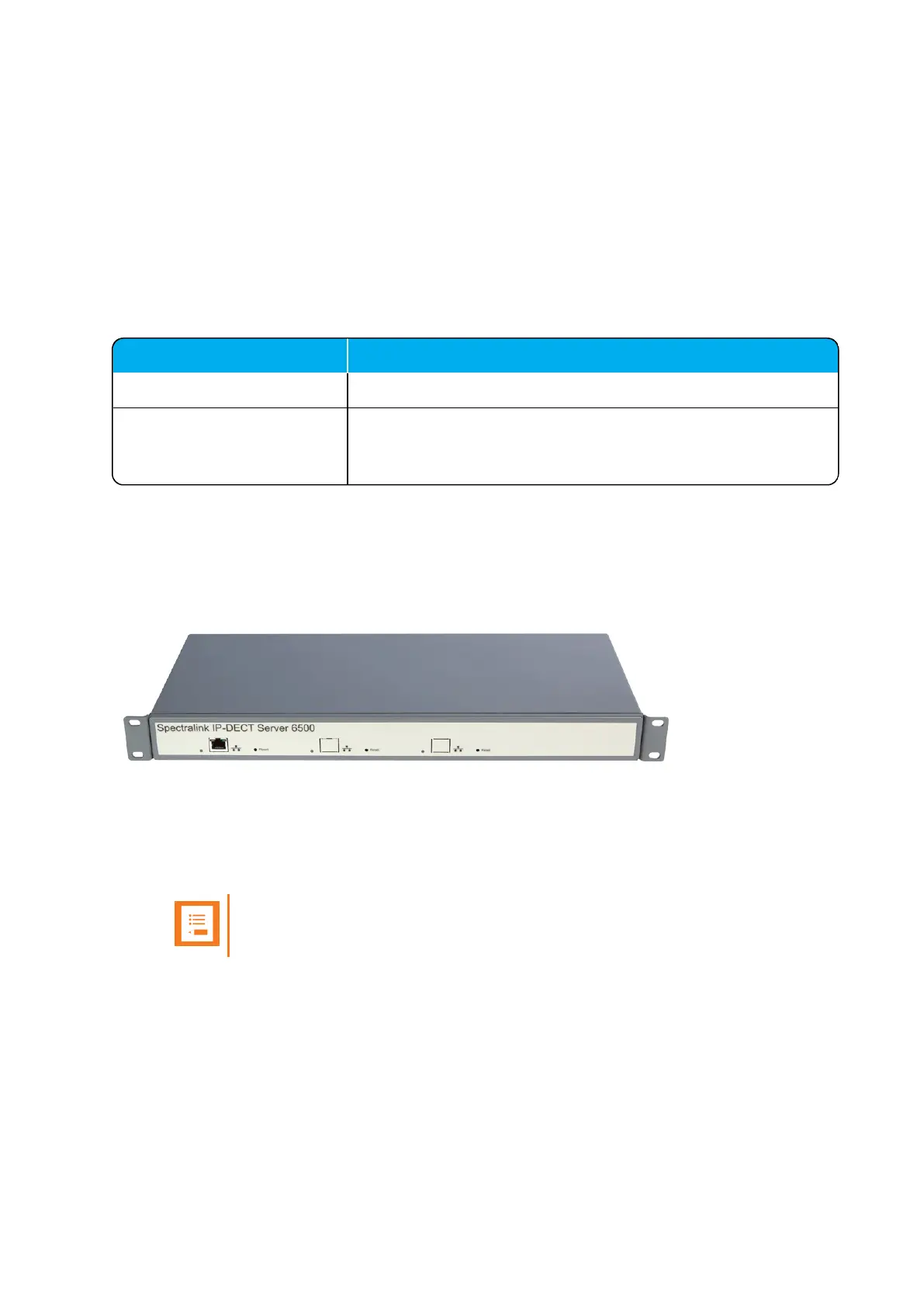
Server and Media Resource Reset Button
You can restart or reset the Spectralink IP-DECT Server 6500/Spectralink DECTMedia Resource
by pressing the Reset button on the front of the server/media resource.
Resetting or Restarting the Spectralink IP-DECT Server and Spectralink
DECTMedia Resource
Below you will find information about Reset button actions that can take place when you press the
Reset button.
Press button Action
Short press (2 to 5 sec.) System restarts when button is released.
Long press (5 to 9 sec.) until
front LED flashes red, then
release button
Resets the system to factory default settings (original IP settings
and empty user data base) and restarts the system. Firmware ver-
sion is not affected.
Mounting in aRack
The Spectralink IP-DECT Server 6500/Spectralink DECTMedia Resource is mountable in a rack.
1. Mount the two wings with the screws. If you are mounting the Spectralink IP-DECT Server
6500 on a wall, twist the wings 90° degrees.
2. Mount the cabinet in the 19" rack or on the wall.
Note:
Screws and nuts/rawl plugs are not supplied.
3. Connect the RJ45 ethernet plug to the front of the cabinet.
All Spectralink IP-DECT Server 6500s and Spectralink DECTMedia Resources must be con-
nected to a switch port.
Installed Spectralink DECTMedia Resources must have their own switchport.
4. Connect the power on the back of the cabinet.
Spectralink IP-DECT Server 200/400/6500 Installation and Configuration Guide



 To Next Page