14215700-IG, Edition 8.0
April 2018, Original document
72
Programming a Spectralink DECT Repeater with the
Repeater Programming Kit
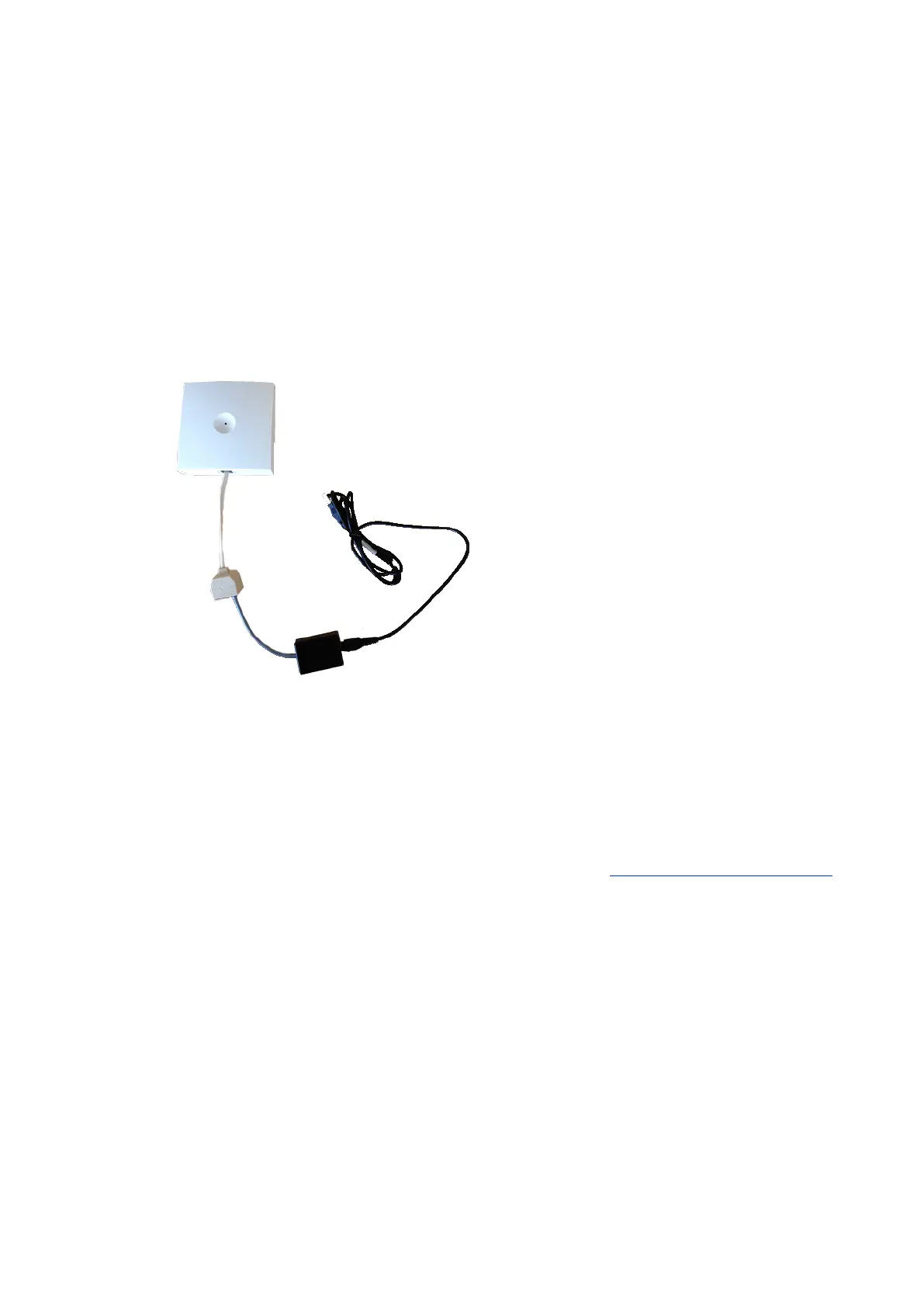
Content of the Spectralink Repeater Programming Kit
The Repeater Programming Kit (Part no. 0250 9210) consists of:
l Splitter
l Programming tool with RJ-Connector
l USB cable
Set up of the Hardware for Repeater Programming
It is recommended that you carry out the set up in the following order:
1. Unplug the repeater power supply and insert the splitter.
2. Connect the repeater power supply to the splitter and the mains. LED flashes.
3. Connect the USB cable to the programming tool.
4. Download the Handset and Repeater Management Tool from http://support.spectralink.com/
and install it on your computer.
The repeater is now ready for programming via the Handset and Repeater Management Tool.
Spectralink IP-DECT Server 200/400/6500 Installation and Configuration Guide



 To Next Page