14215700-IG, Edition 8.0
April 2018, Original document
165
Statistics of Wireless Server
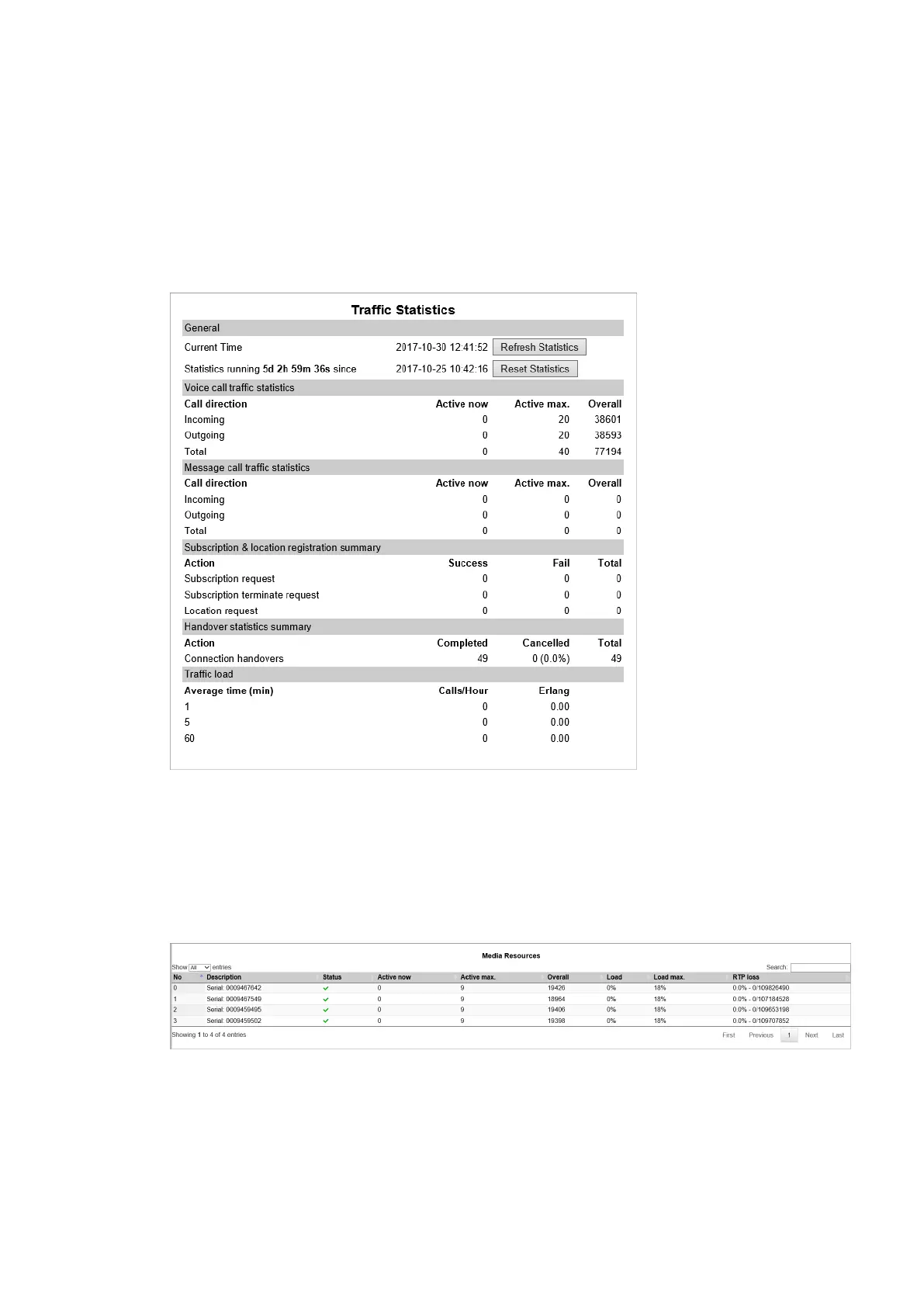
This page is useful to get information about traffic on the Spectralink IP-DECT Server such as voice
call traffic and message call traffic and it provides a summary of subscription and handover statistics.
It also provides information about the traffic load (Erlang) of the installation which is useful when
determining the number of media resources needed.
l Click Statistics, and then click Wireless Server. The Trafic Statistics page appears.
You can delete all statistic traffic information by clicking Reset Statistics.
Statistics of Media Resource
This page is useful to get statistical information about the media resource.
l Click Statistics, and then click Media Resource. The Media Resources page appears.
Spectralink IP-DECT Server 200/400/6500 Installation and Configuration Guide



 To Next Page