14215700-IG, Edition 8.0
April 2018, Original document
182
How to Generate License for Backup IP-DECT Server
1. Order the licenses. Send your Purchase Order (PO) including the software part number and
the number of licenses needed to Spectralink Order Management via (EMEA and APAC)
emeaom@spectralink.com or (NALA) nalaom@spectralink.com .
Note:
l License required on the backup:
Redundancy Backup | IP-DECT Server 6000/6500 (part no. 1407 5260)
Note:
The license for the backup Spectralink IP-DECT Server 6500 contains an ARI
change license (also known as ARI swap license), which means that the Spec-
tralink IP-DECT Server 6500 redundant solution only refers to the ARI code of the
master Spectralink IP-DECT Server 6500, and not the ARI code of the backup
Spectralink IP-DECT Server 6500.
For more information, see "Administration Scenarios" on page191.
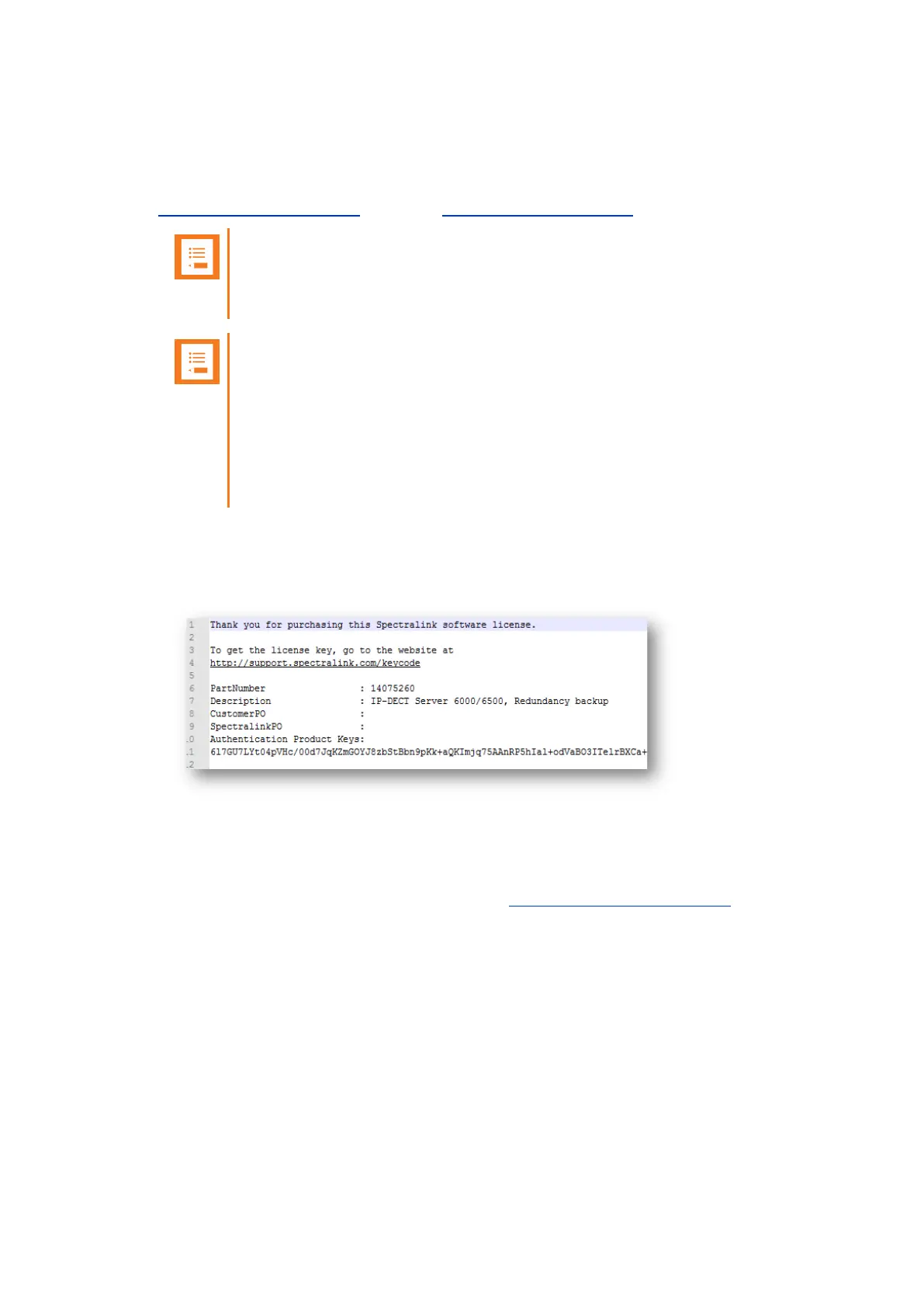
2. When your order is processed, Order Management will send you an email including an
Authentication Product Key for your software license. The e-mail contains a txt document
called “License.txt” and looks like this:
3. Find the System ARI Code for your backup Spectralink IP-DECT Server6500 to be used in
the License Key Generator. For more information, see "Identifying ARI on Spectralink IP-
DECT Server" on page48.
4. Turn your browser to Spectralink Support portal http://support.spectralink.com/, and click the
License Key Generator link to open the License Key Generator.
The following Spectralink License Key Generator screen appears:
Spectralink IP-DECT Server 200/400/6500 Installation and Configuration Guide



 To Next Page