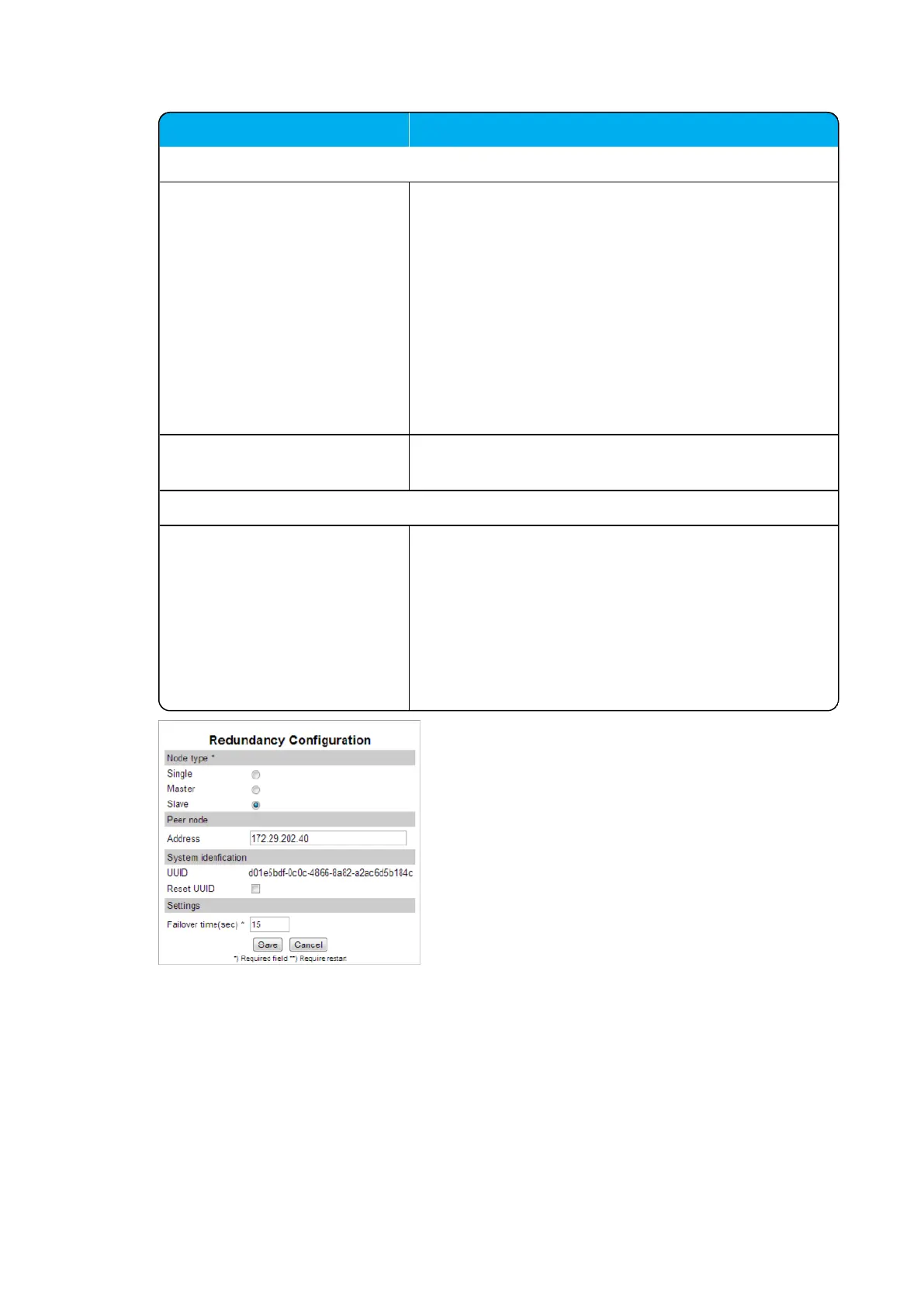
Field Setting
Redundancy Configuration - System identification
UUID (Optional) The UUID (unique ID) of the redundant system. This
must be the same for master server and backup server
for replication to be performed. The master server auto-
matically generates the UUID.
Note: When reset on the master server, the UUID is auto-
matically generated, and when reset on the backup
server, it is retrieved from the master server. The UUID
must be reset when a master Spectralink IP-DECT
Server 6500 is changed to a backup Spectralink IP-
DECT Server 6500, or when a backup Spectralink IP-
DECT Server 6500 is moved to another solution.
Reset UUID (Optional) If enabled, the UUID is reset if the UUID of the master
server and backup server is not matching.
Redundancy Configuration - Settings
Failover time(sec) Enter value for failover time.
Failure time is the time in seconds from the Spectralink
IP-DECT Server detects a failure, until it initiates a fail-
over operation and cause the other peer to take over.
Default value: 15 sec
For more information about failure time, see "Failover
time conditions" on page192.
4. Click Save.
5. Reboot the system.



 To Next Page