CHAPTER 1 GETTING STARTED
Introduction
The DS7708 2D Vertical Slot Scanner provides intuitive, hands-free scanning. The scanner reads all retail
symbologies and has multi-interface capability to interface to all popular POS devices. The scanner can be
mounted to a table top or vertical surface such as a wall using optional mounting accessories.
Unpacking the Scanner
Remove the scanner from its packing and inspect it for damage. The following items are included in the
package:
•
Scanner
•
DS7708 2D Vertical Slot Scanner Quick Reference Guide (p/n MN001063Axx).
If any items are missing or damaged, call the Zebra Technologies Support Center. See page x for contact
information. KEEP THE PACKING.
It is the approved shipping container and should be used if it is ever
necessary to return the equipment for servicing.
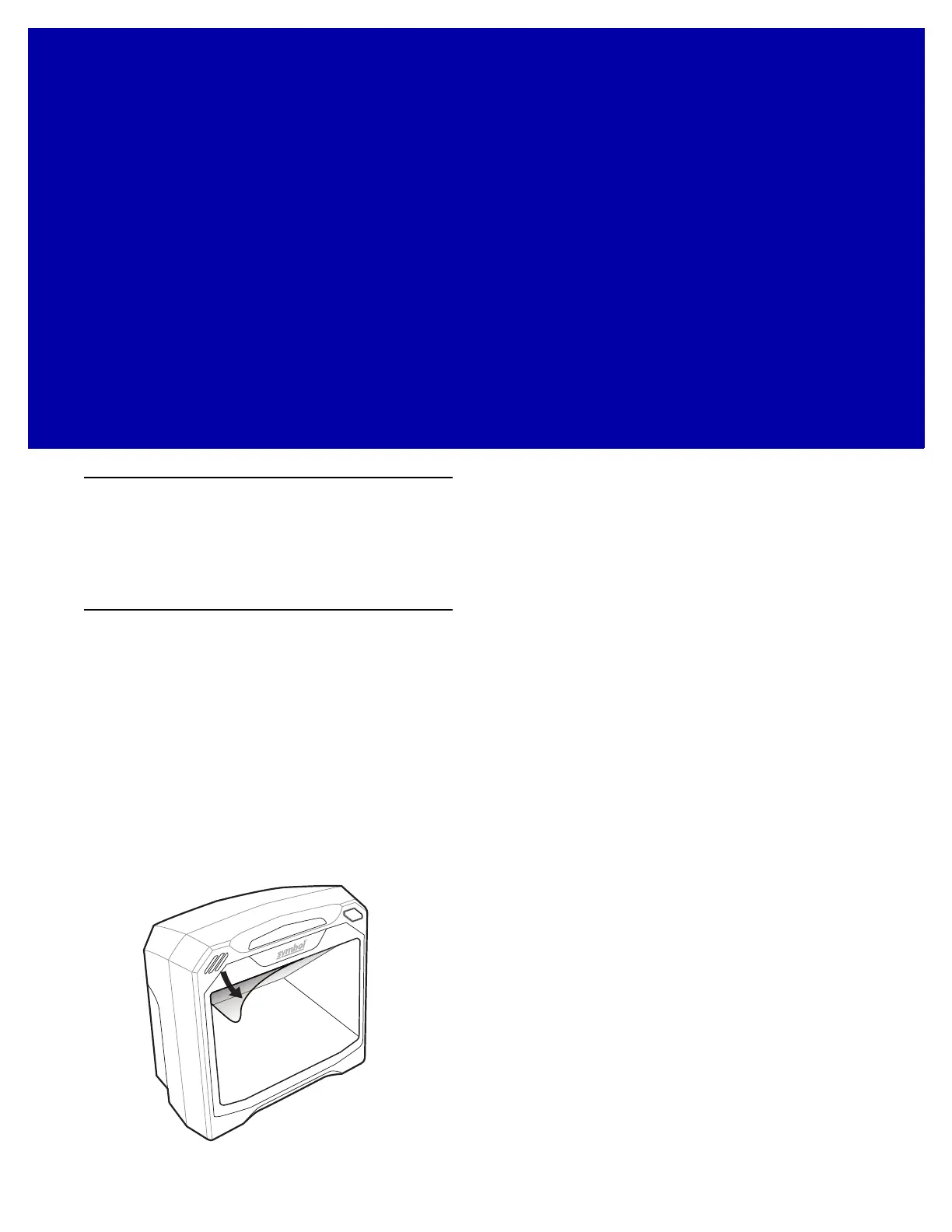
Protective Cover
Before using the scanner peel off the protective cover from the scan window.
Figure 1-1
Peeling Off Protective Covering



 To Next Page