10 - 8 DS7708 2D Vertical Slot Scanner Product Reference Guide
Simple Serial Interface Default Parameters
This section describes how to set up the decoder with a SSI host. When using SSI, program the decoder via
bar code menu or SSI hosts commands.
Throughout the programming bar code menus, asterisks (
*) indicate default values.
Table 10-2 lists the defaults for the SSI host. There are two ways to change
the default values:
•
Scan the appropriate bar codes in this guide. These new values replace the standard default values in
memory. To recall the default parameter values, scan the bar code *Set Defaults on page 4-4.
•
Download data through the device’s serial port using SSI. Hexadecimal parameter numbers appear in
this chapter below the parameter title, and options appear in parenthesis beneath the accompanying bar
codes. Refer to the Simple Serial Interface (SSI) Programmer’s Guide for detailed instructions for
changing parameters using this method.
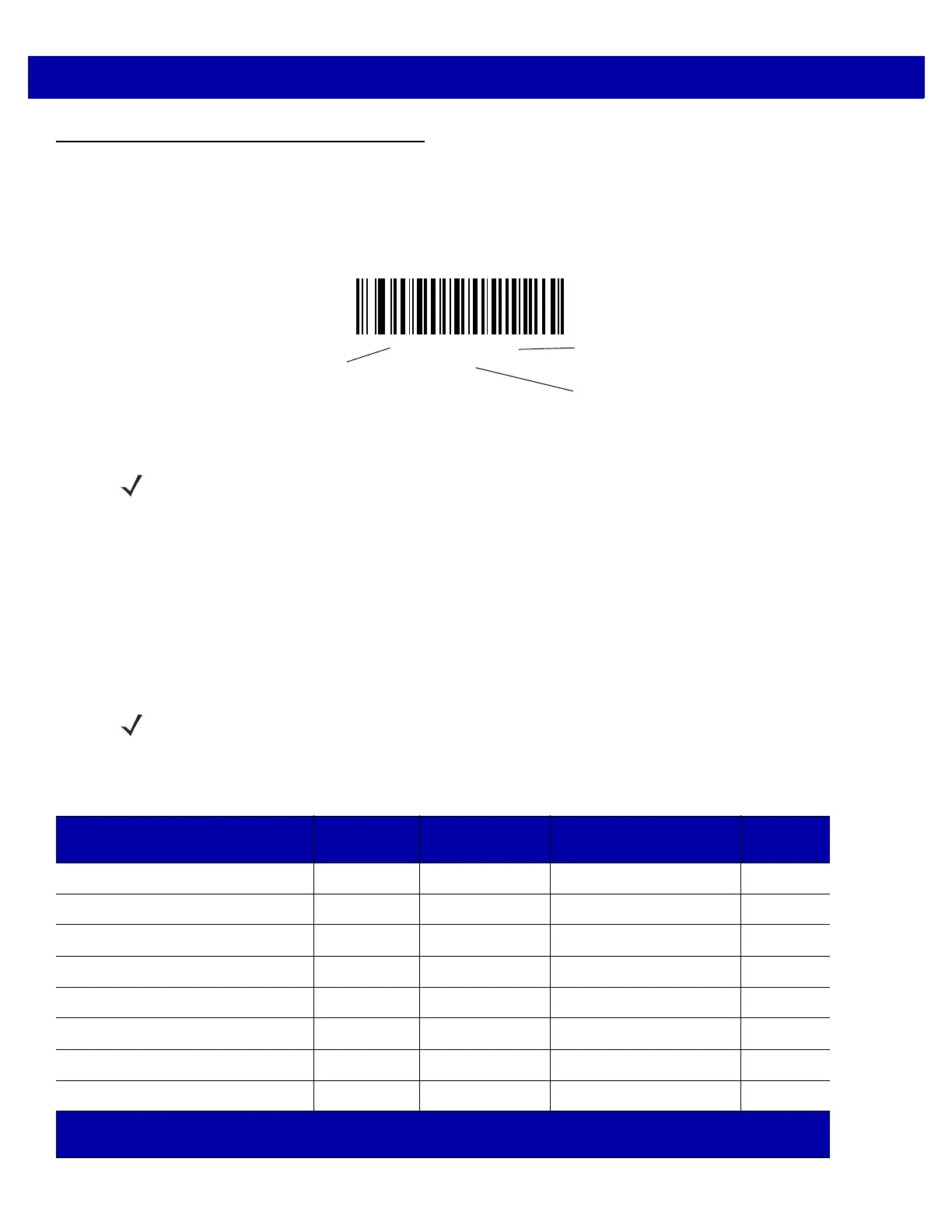
*Baud Rate 9600
(06h)
Feature/Option
* Indicates Default
Option Hex Value for programming
via SSI command
NOTE Most computer monitors allow scanning the bar codes directly on the screen. When scanning from the
screen, be sure to set the document magnification to a level where you can see the bar code clearly, and
bars and/or spaces are not merging.
NOTE SeeAppendix A, STANDARD DEFAULT PARAMETERS for all user preferences, hosts, symbologies, and
miscellaneous default parameters.
Table 10-2
SSI Default Table
Parameter
SSI
Number
1
Parameter
Number
2
Default
Page
Number
Select SSI Host n/a n/a n/a
10-10
Baud Rate 9Ch 156 9600
10-11
Parity 9Eh 158 None
10-15
Check Parity 97h 151 Disable
10-17
Stop Bits 9Dh 157 1
10-18
Software Handshaking 9Fh 159 ACK/NAK
10-19
Host RTS Line State 9Ah 154 Low
10-20
Decode Data Packet Format EEh 238 Send Raw Decode Data
10-21
1
SSI number hex values are used for programming via SSI commands.
2
Parameter number decimal values are used for programming via RSM commands.



 To Next Page