5 - 2 DS7708 2D Vertical Slot Scanner Product Reference Guide
Scanning Sequence Examples
In most cases scanning one bar code sets the parameter value. For example, to enable signature capture,
scan the Enable Signature Capture bar code under Signature Capture on page 5-20. The scanner issues a
fast warble beep and the LED turns green, signifying a successful parameter entry.
Other parameters require scanning several bar codes. See these p
arameter descriptions for this procedure.
Errors While Scanning
Unless otherwise specified, to correct an error during a scanning sequence, just re-scan the correct parameter.
Imaging Preferences Parameter Defaults
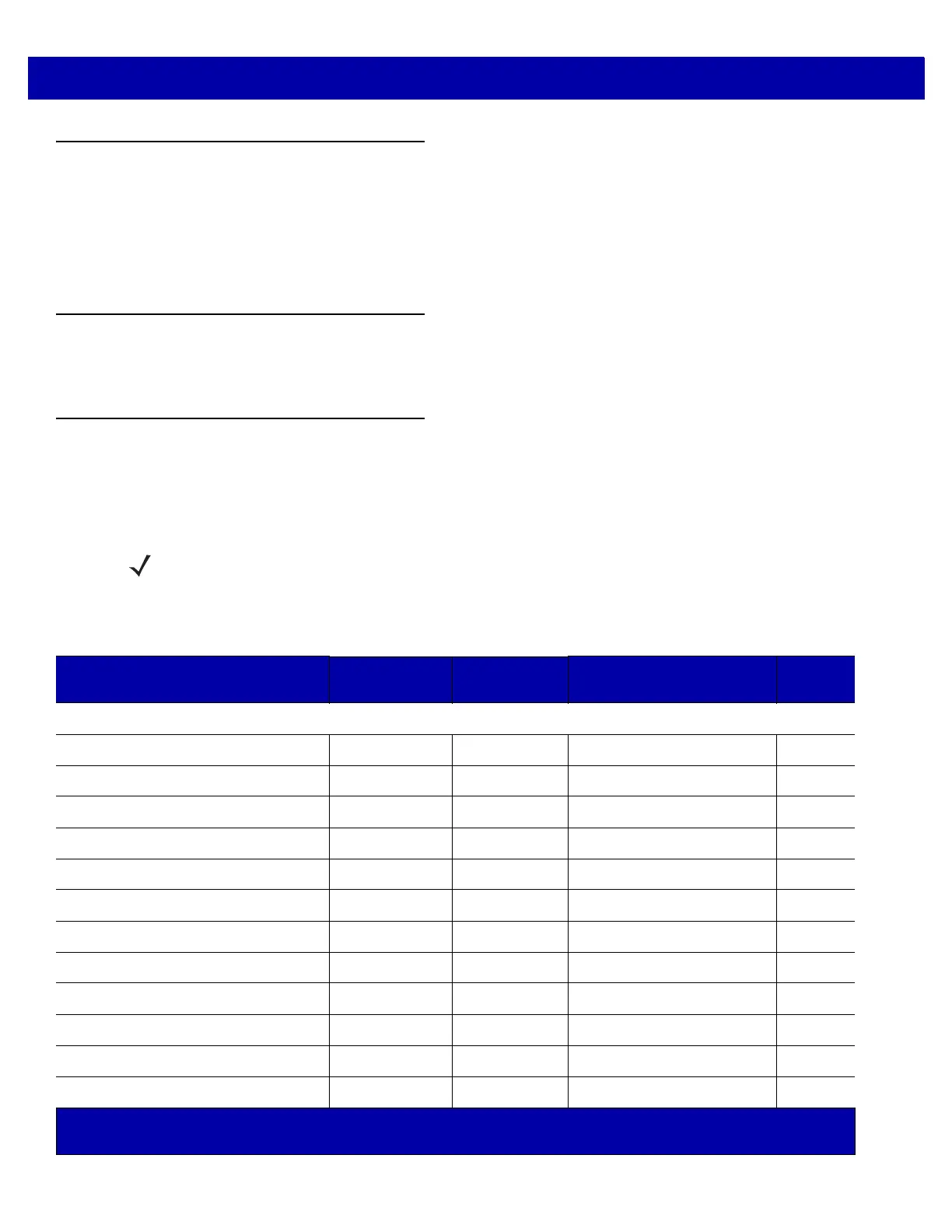
Table 5-1 lists the defaults for imaging preferences parameters. To change the default values, scan the
appropriate bar codes in this guide. These new values replace the st
andard default values in memory. To recall
the default parameter values, scan the Set Default Parameter on page 4-4.
NOTE See Appendix A, STANDARD DEFAULT PARAMETERS for all user preferences, hosts, symbologies, and
miscellaneous default parameters.
Table 5-1
Imaging Preferences Parameter Defaults
Parameter SSI Number
1
Parameter
Number
2
Default
Page
Number
Imaging Preferences
Operational Modes N/A N/A N/A
5-4
Snapshot Mode Timeout F0h 43h 323 0 (30 seconds)
5-5
Image Size (Number of Pixels) F0h 2Eh 302 Full
5-6
Image Brightness (Target White) F0h 86h 390 180
5-8
JPEG Image Options F0h 2Bh 299 Quality
5-9
JPEG Target File Size F1h 31h 561 160 kB
5-10
JPEG Quality and Size Value F0h 31h 305 65
5-11
Image Enhancement F1h 34h 564 Low (1)
5-12
Image File Format Selection F0h 30h 304 JPEG
5-14
Image Rotation F1h 99h 665 0
5-16
Bits per Pixel (BPP) F0h 2Fh 303 8 BPP
5-18
Signature Capture 5Dh 93 Disable
5-20
1
SSI number hex values are used for programming via SSI commands.
2
Parameter number decimal values are used for programming via RSM commands.



 To Next Page