D - 8 DS7708 2D Vertical Slot Scanner Product Reference Guide
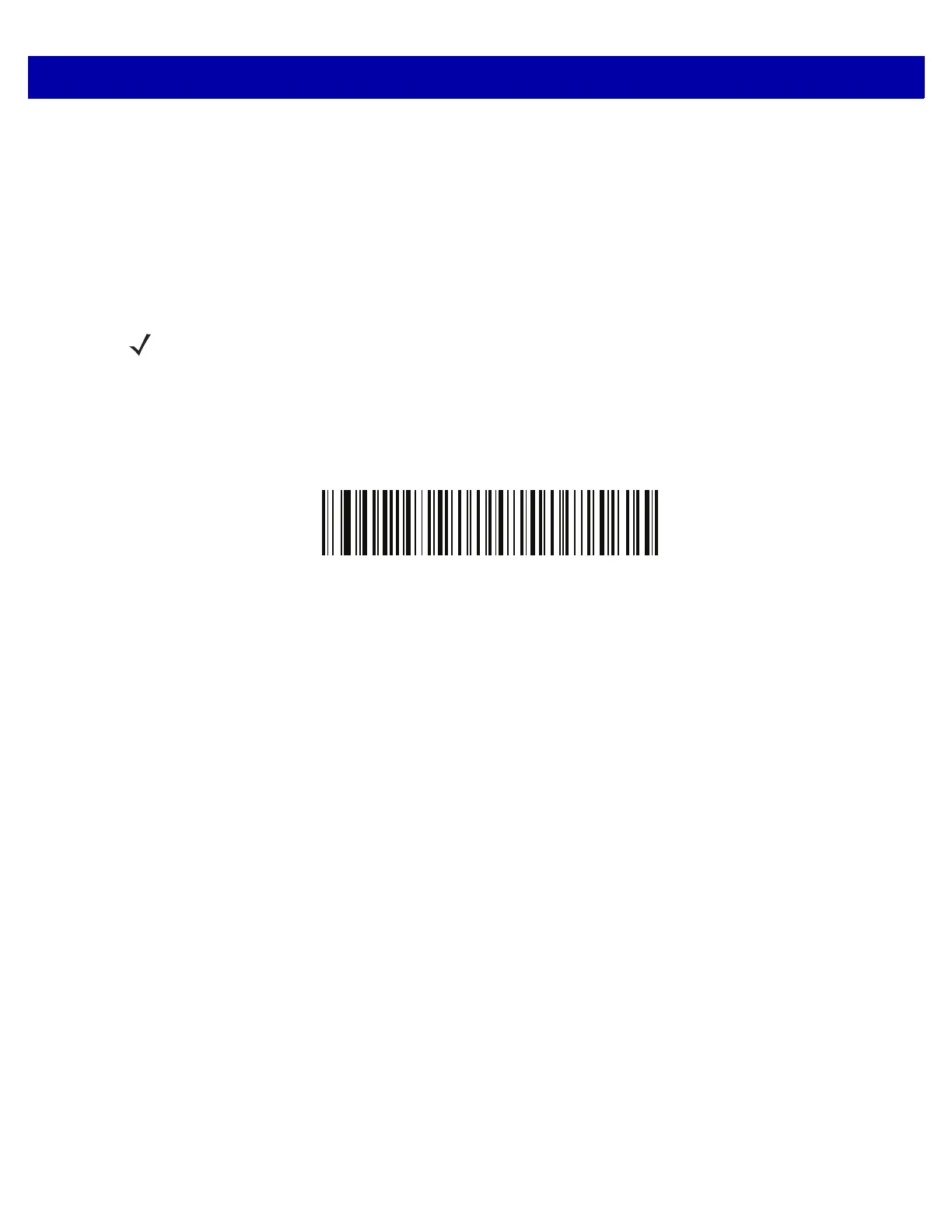
Non-CJK UTF Bar Code Output
SSI # F2 C0
Parameter # 960
Some country keyboard type layouts contain characters that do not exist in the default code page (see Country
Keyboard Type Missing Characters on page D-9). Although the default code page can not encode these
characters in a bar code, they can be encoded in the UTF-8 bar code. Scan this parameter bar code to output
the Unicode value
s by emulation mode.
Use US English IME on Windows. See Unicode Output Control on page D-2.
Non-CJK UTF-8 Emulation Output
NOTE Use this special country keyboard type to decode the non-CJK UTF-8 bar code. After decoding,
re-configure the scanner to use the original country keyboard type.



 To Next Page