1 - 12 DS7708 2D Vertical Slot Scanner Product Reference Guide
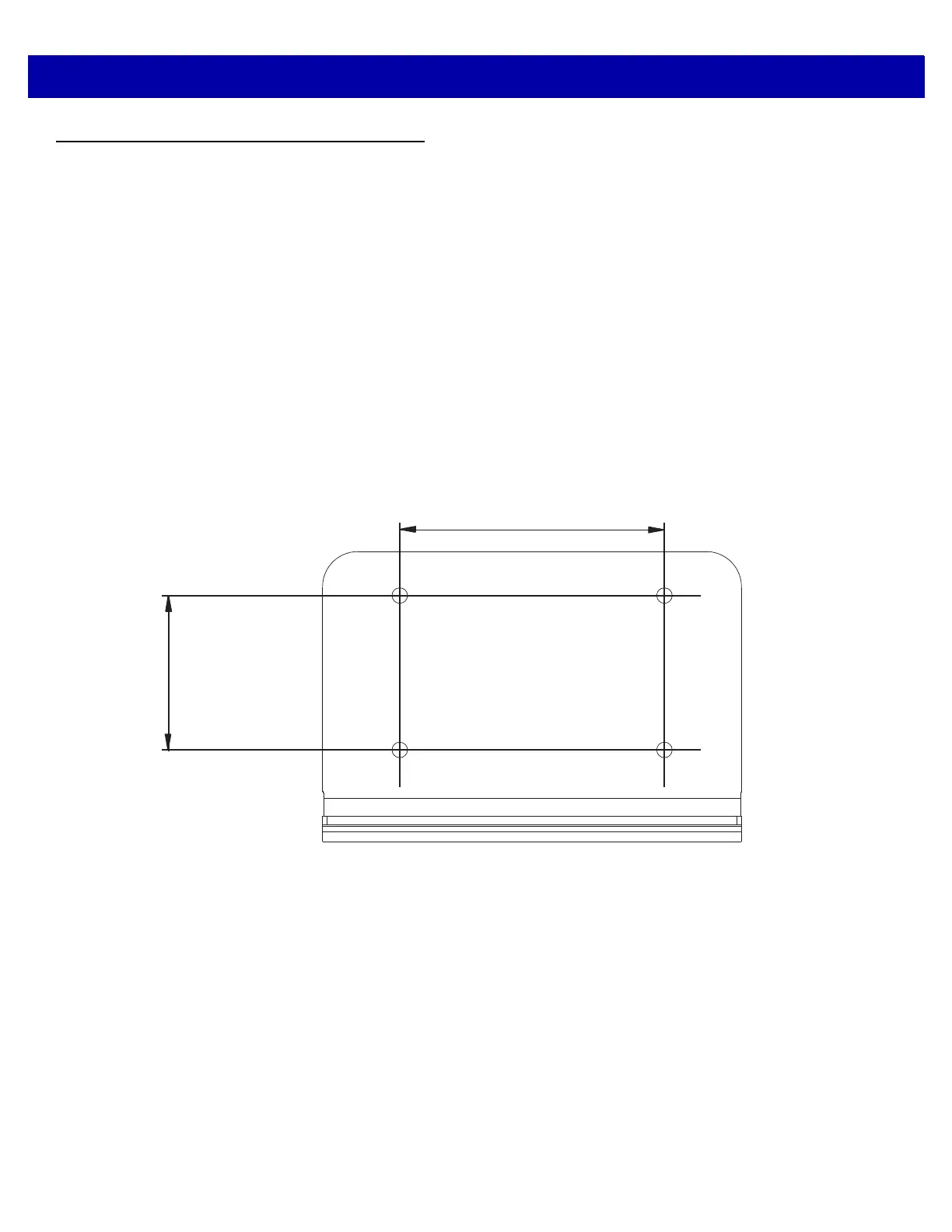
Wall Mount Template
To use this template:
1. Print the actual size of this page. Do not scale.
2. Determine the location for installing the scanner.
3. Tape the template to the wall.
4. Drill the four holes using the template.
5. Place the mounting bracket in position over the drilled holes with its flat surface facing the mounting
surface.
6. Insert four screws (provided) through the holes and fasten to the mounting surface.
Figure 1-13
Wall Mount Template
2.36 in. (60.00 mm)
1.38 in. (35.00 mm)



 To Next Page