USER PREFERENCES & MISCELLANEOUS OPTIONS 4 - 25
Field of View
SSI # F1h 61h
Parameter # 609
By default, the scanner searches the full field of view.
To search for a bar code in a smaller region, in order to speed search time and prevent unintended bar code
reads, select Small Field of V
iew or Medium Field of View.
Options:
•
Small Field of View
•
Medium Field of View
•
*Full Field of View.
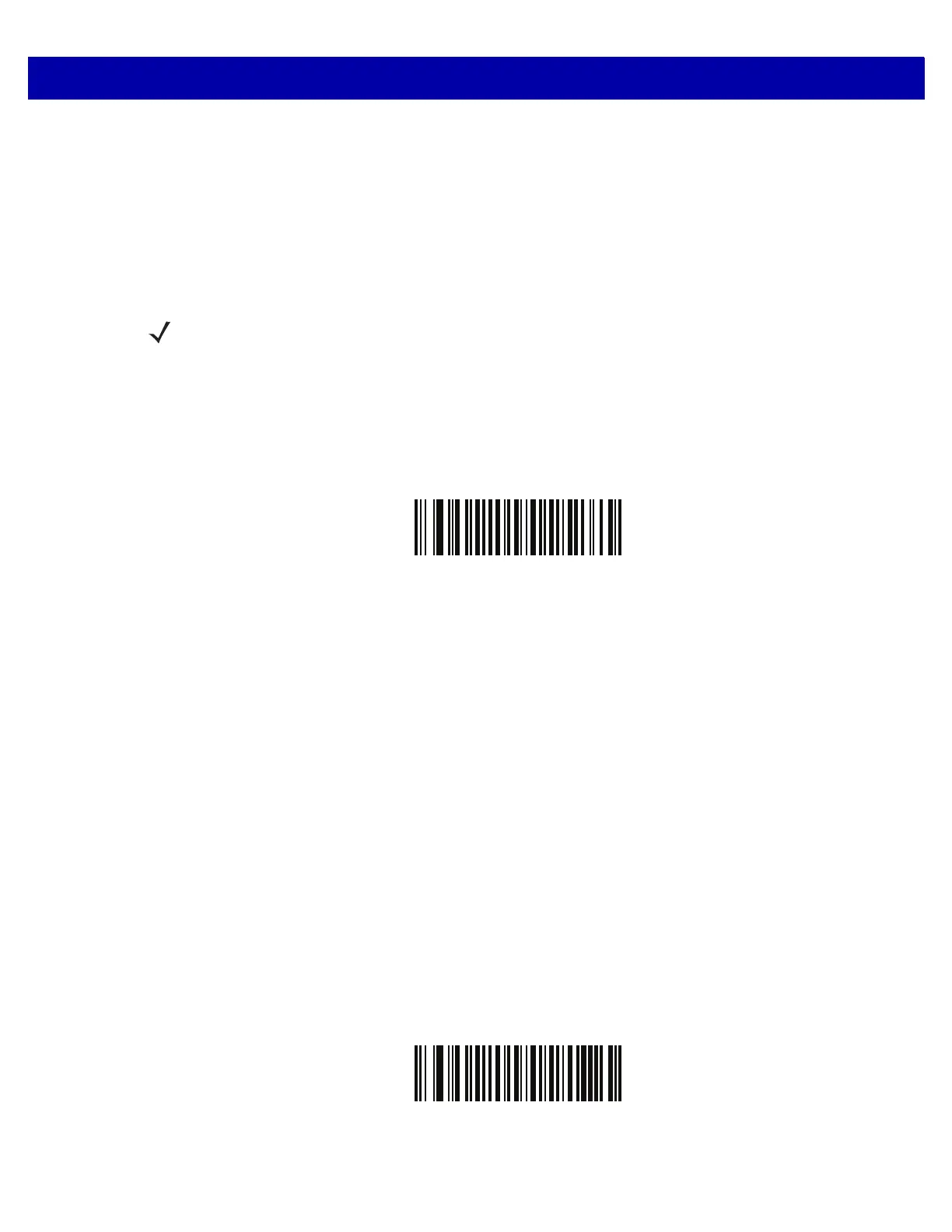
Small Field of View
(00h)
Medium Field of Vi
ew
(01h)
NOTE When the scanner is set to Small Field of View or Medium Field of View and a bar code is only partially
presented into the field of view, the scanner automatically opens to Full Field of View to scan the bar
code. It then returns to the mode set.



 To Next Page