13 - 24 DS7708 2D Vertical Slot Scanner Product Reference Guide
OCR Reduced Quiet Zone
SSI # F1h B7h
Parameter # 695
This option sets the OCR reduced quiet zone. The decoder stops scanning a field when it detects a sufficiently
wide blank space. The width of this space is defined by the End of Field option. Used with parsers that tolerate
slanted characters, the End of Field count is roughly a count of 8 for a character width. For example if set to 15,
then two character widths are an end of line indicator for the parser. Larger end of field numbers require bigger
reduced quiet zones at each end of text line.
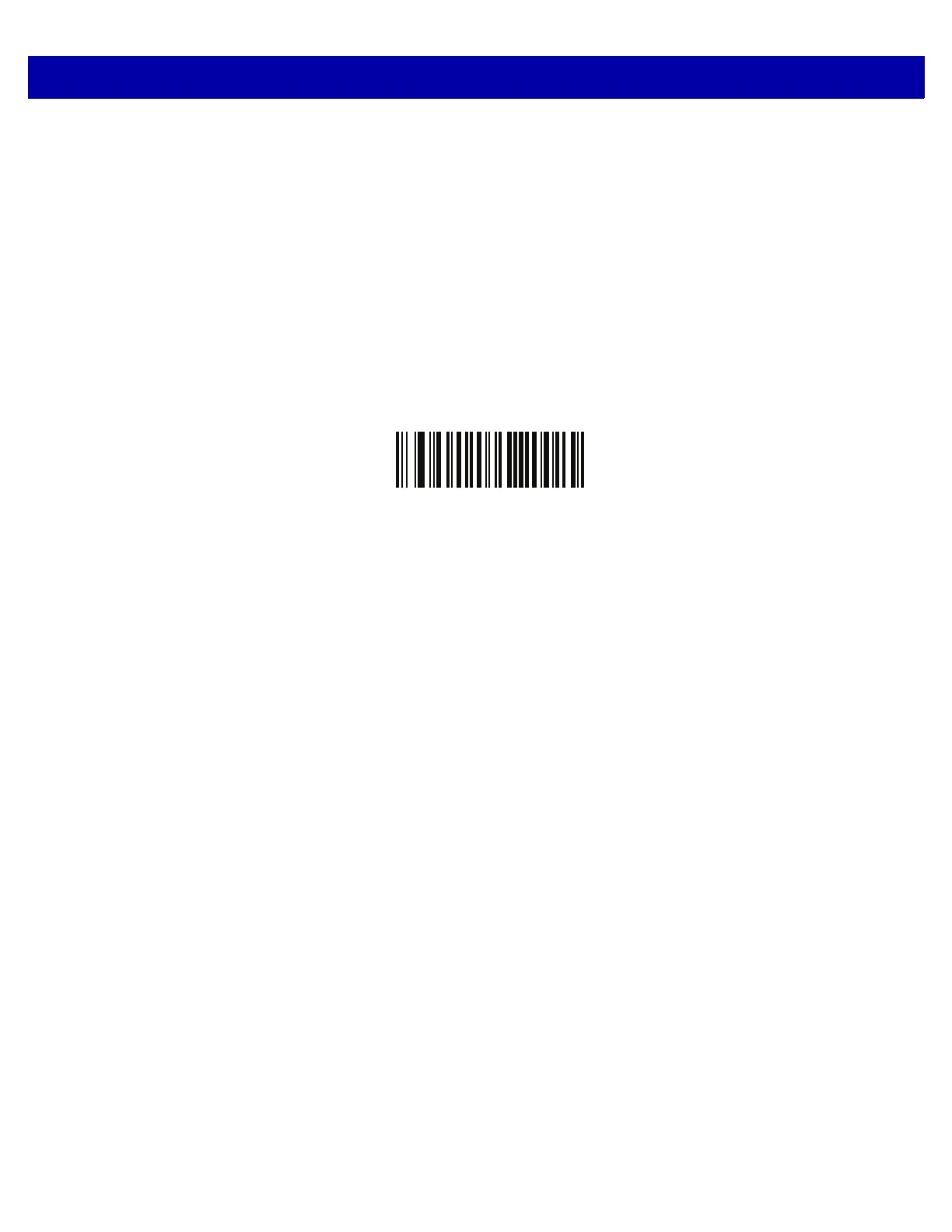
To set a reduced quiet zone, scan the following bar code
, then scan
a two-digit number using the numeric
keypad in the Advanced Data Formatting Guide. The range of the reduced quiet zone is 20 - 99 and the default
is 50, indicating a six character width reduced quiet zone.
OCR Reduced Quiet Zone



 To Next Page