D - 2 DS7708 2D Vertical Slot Scanner Product Reference Guide
CJK Control Parameters
Unicode Output Control
SSI # F2 CD
Parameter # 973
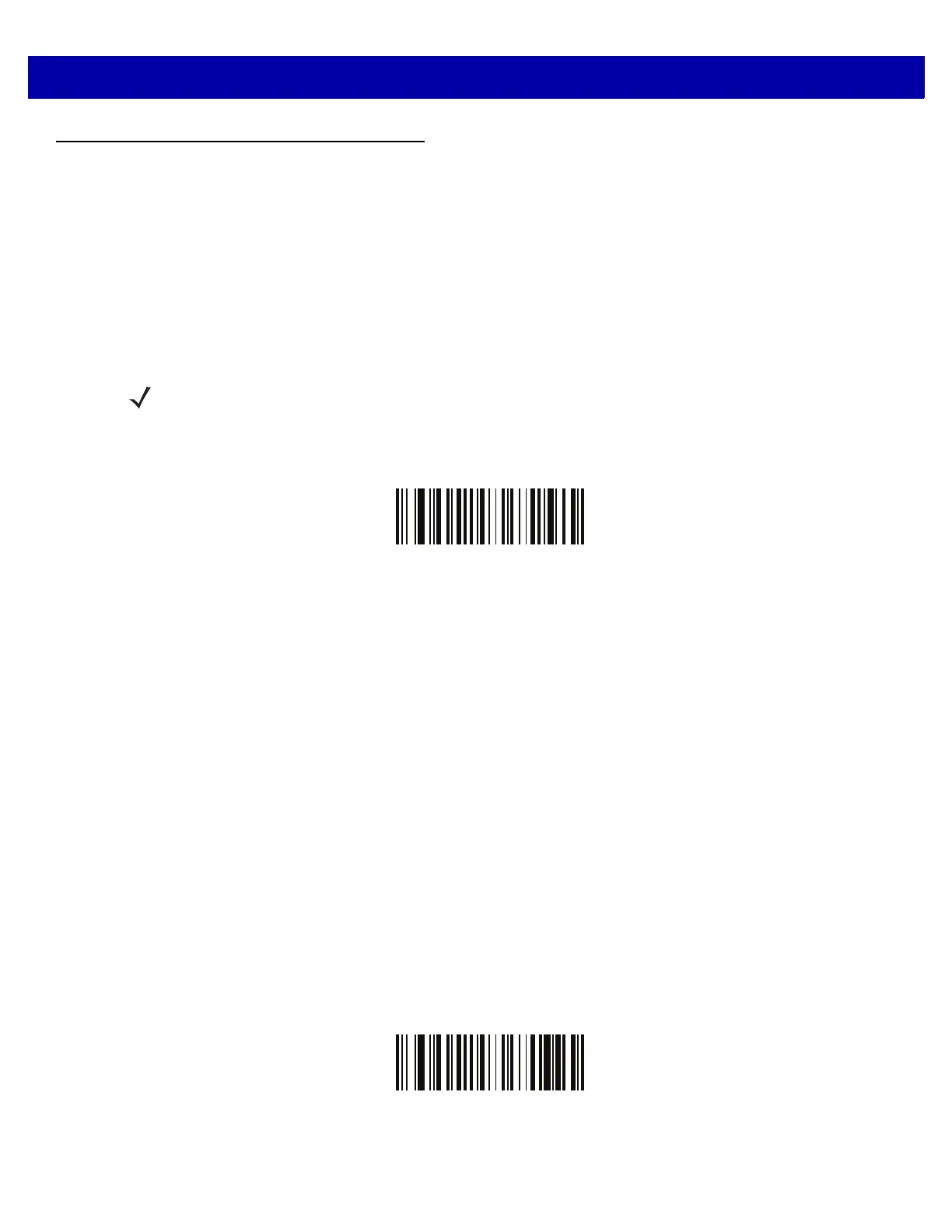
For a Unicode encoded CJK bar code, select one of the following options for unicode output:
•
Universal Output to Unicode and MBCS Application - This default method applies to Unicode and MBCS
expected applications, such as MS Word and Notepad on a Windows host.
•
Output to Unicode Application Only - This method applies only to Unicode expected applications, such as
MS Word and WordPad, but not Notepad.
*Universal Output
(0
)
Unicode Applicat
ion Only
(1)
NOTE To support Unicode universal output, set up the registry table for the Windows host. See Unicode/CJK
Decode Setup with Windows Host on page D-10.



 To Next Page