6 - 4 DS7708 2D Vertical Slot Scanner Product Reference Guide
USB Default Parameters
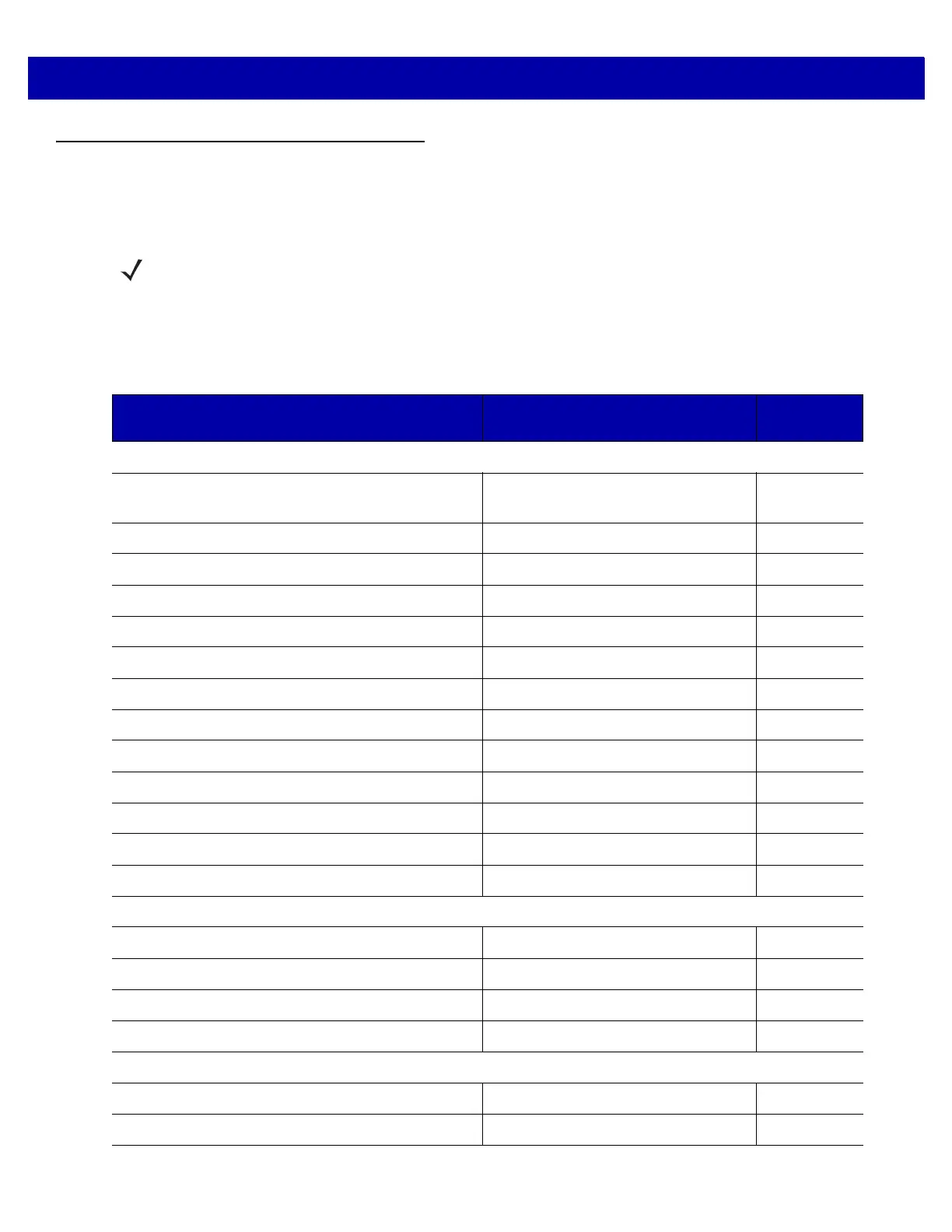
Table 6-1 lists the defaults for USB host parameters. To change any option, scan the appropriate bar code(s)
beginning in USB Host Parameters on page 6-5.
NOTES See Appendix B, COUNTRY CODES for USB Country Keyboard Types (Country Codes).
See Appendix A, STANDARD DEFAULT PARAMETERS for all user preferences, hosts, symbologies, and
miscellaneous default parameters.
Table 6-1
USB Host Default Table
Parameter Default
Page
Number
USB Host Parameters
USB Device Type USB Keyboard HID (Human Interface
Device)
6-5
Symbol Native API (SNAPI) Status Handshaking Enable
6-9
USB Keystroke Delay No Delay
6-10
USB CAPS Lock Override Disable
6-12
USB Ignore Unknown Characters Send Bar Codes
6-13
USB Convert Unknown to Code 39 Disable
6-14
Emulate Keypad Enable
6-15
Keypad Emulation with Leading Zero Enable
6-16
USB Keyboard FN1 Substitution Disable
6-17
Function Key Mapping Disable
6-18
Simulated Caps Lock Disable
6-19
Convert Case Disable
6-20
USB Static CDC Enable
6-22
USB Transmission Speed Parameters
USB HID Polling Interval 3 msec
6-23
Fast HID Keyboard Enable
6-28
Quick Keypad Emulation Enable
6-29
IBM Specification Version
2.2 6-30
Optional USB Parameters
Beep Directive Ignore
6-31
Bar Code Configuration Directive Ignore
6-32



 To Next Page