B - 2 DS7708 2D Vertical Slot Scanner Product Reference Guide
USB and Keyboard Wedge Country Keyboard Types (Country Codes)
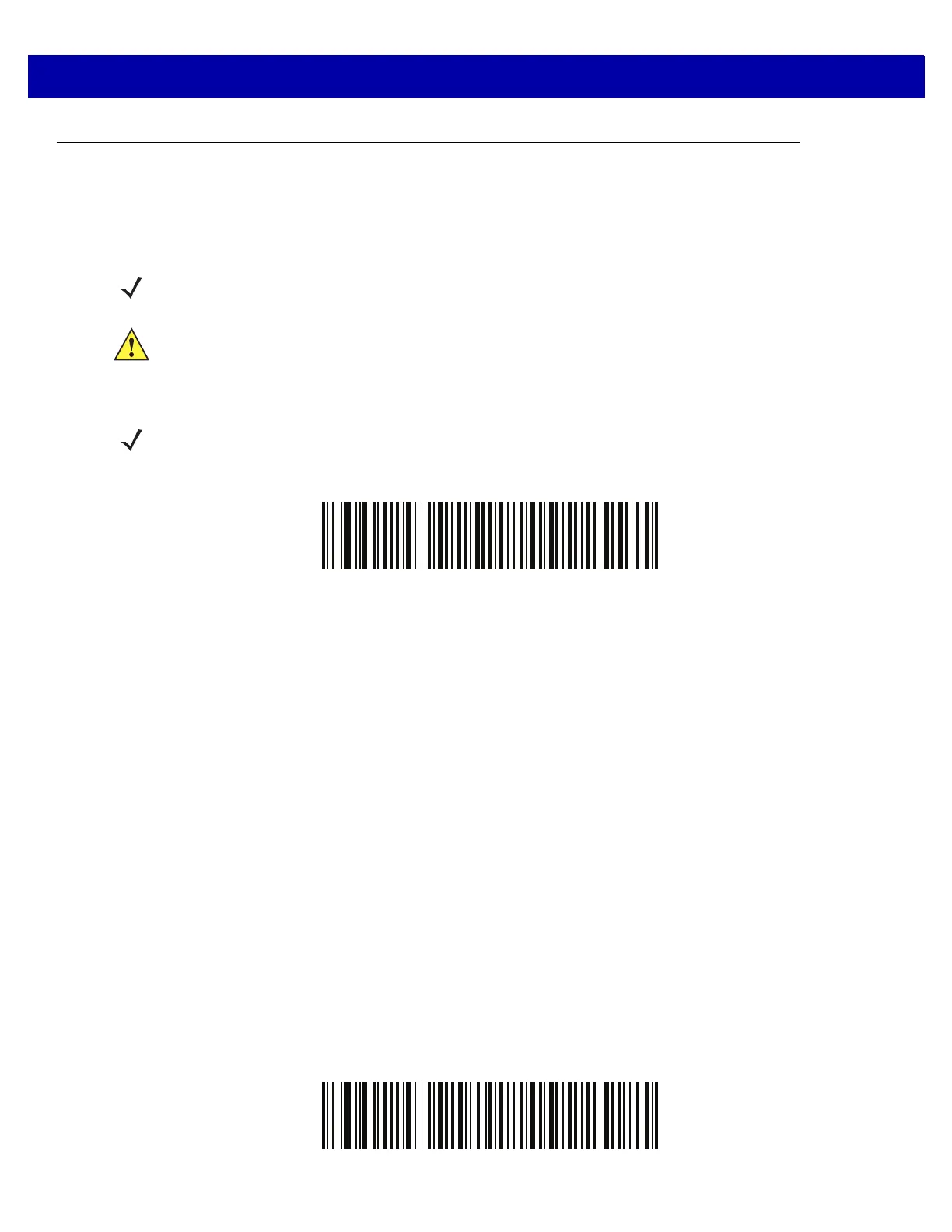
Scan the bar code corresponding to the keyboard type. For a USB host, this setting applies only to the USB
Keyboard (HID) device. If the keyboard type is not listed, see Emulate Keypad on page 6-15 for the USB HID
host. For a Keyboard Wedge host, see Alternate Numeric Keypad Emulation on page 9-10.
*US English (North American)
NOTE When changing USB country keyboard types the scanner automatically resets. The scanner issues the
standard startup beep sequences.
IMPORTANT 1. Some country keyboard bar code types are specific to certain Windows Operating Systems (i.e.,
XP, and Windows 7, or higher). Bar codes requiring a specific Windows OS are noted so in their
bar code captions.
2. Use the French Inte
rnational bar code for Belgium French keyboards.
NOTE For best results when using international keyboards, enable Quick Keypad Emulation on page 6-29.



 To Next Page