2 - 4 DS7708 2D Vertical Slot Scanner Product Reference Guide
User Indicators
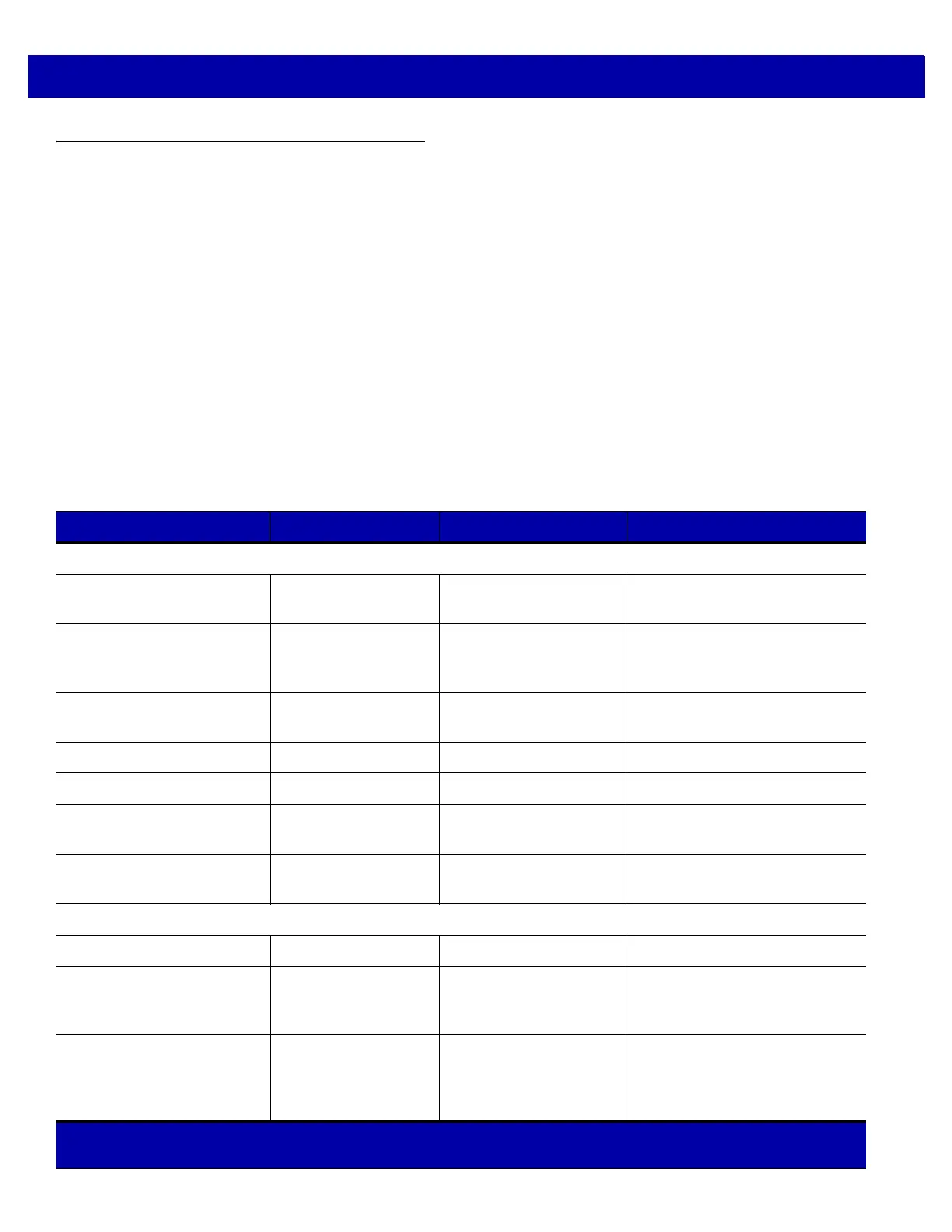
Table 2-2 lists beeper and LED indicators.
Beeper Volume/ Beeper Tone
If the decode tone is set to Off, the Volume/Tone button cannot be used to change the decode tone. To allow
the tone change using the Volume/Tone button, scan a tone other than Off.
See Adjusting Speaker Volume on page 1-11 and Adjusting Speaker Tone on page 1-11 to change the volume
and/or tone of the beep.
LED and Beeper Indicators
The scanner includes an array of three bi-color (green/red) LEDs to display system status and alerts.
Center LED conditions: Off, Full; Outer LED conditions: Off
, Full.
Table 2-2
Beeper and LED Indicators
Event Beeper Sequence LED Description
Standard Use
Bootup Low, medium, high
beeps
Green Power up.
Decode (as configured) Center green full on,
followed by outer LE
Ds
green full on
A bar code symbol was decoded.
Presentation Mode None Center green LED
remains ON
Present
ation Mode is on.
Transmit Error 4 low beeps Red Transmission error
Convert Error 5 low beeps Red Conversion or Format error
Parity Error Low, low, low, extra
low beep
s
Red RS-232 Receive error
BELL (RS-232) High beep None A <BEL> character is received
over RS-232
Image Capture
Snapshot Start Low beep All green, blinking Snapshot mode started.
Snapshot Complete Low beep Green (default) LED
mode based upon
Han
ds-free mode state
Snapshot mode completed.
Snapshot Timeout High, low beeps Green (default) LED
mode based upon
Han
d-held/Hands-free
mode state
Snapshot mode timed-out.
Unless otherwise specified, both red and green LEDs display across all three LED indicators (center and
outer).



 To Next Page