13 - 38 DS7708 2D Vertical Slot Scanner Product Reference Guide
OCR Check Digit Modulus
SSI # F1h B0h
Parameter # 688
This option sets OCR module check digit calculation. The check digit is the last digit (in the right most position)
in an OCR string and improves the accuracy of the collected data. The check digit is the end product of a
calculation made on the incoming data. For check digit calculation, for example Modulus 10, alpha and
numeric characters are assigned numeric weights (see OCR Check Digit Multiplie
r on p
age 13-39). The
calculation is applied to the character weights and the resulting check
digit is added to the end of the data. If
the incoming data does not match the check digit, the data is considered corrupt.
The selected check digit option does not take effect until you set
OCR Check Digit Validation.
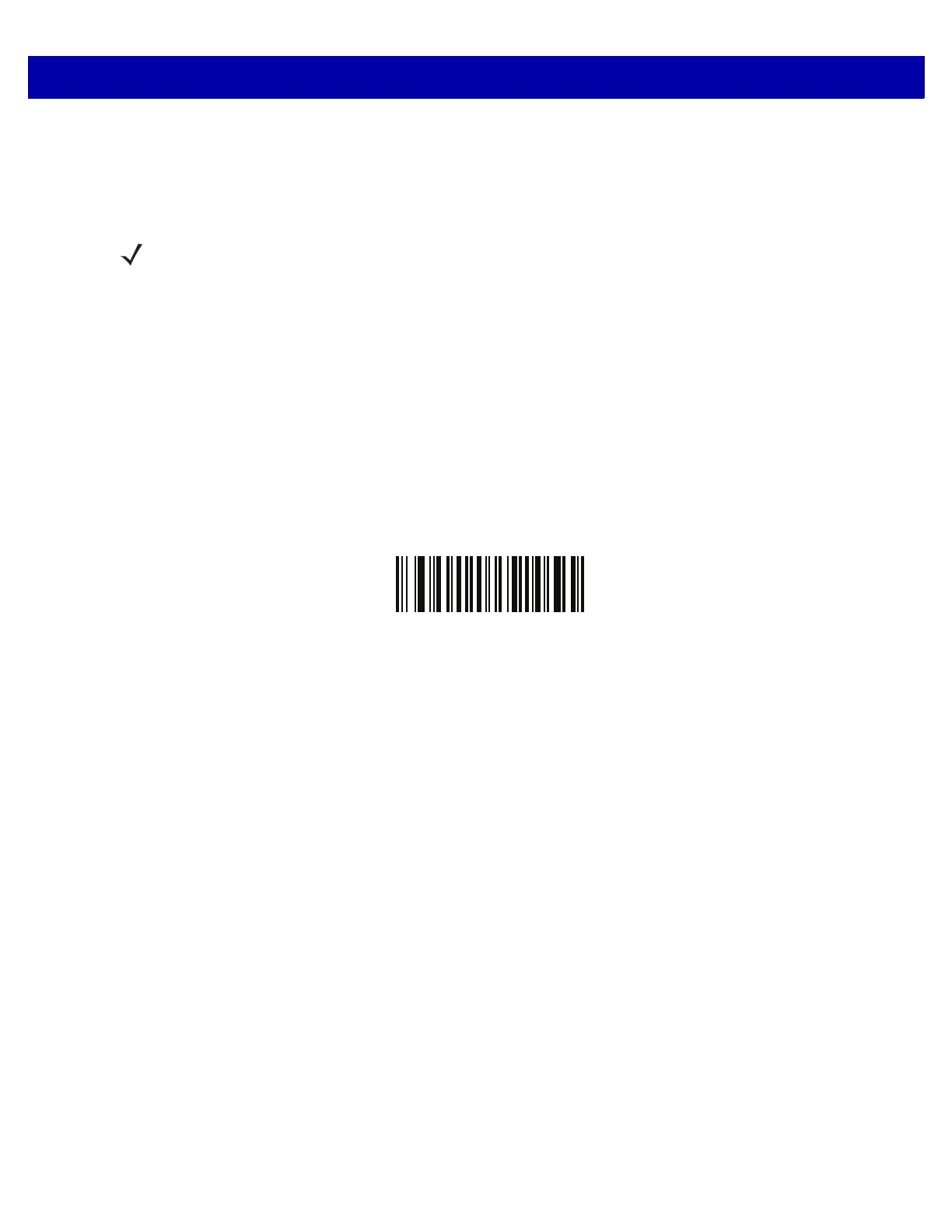
To choose the Check Digit Modulus, such as 10
for modulo 10, scan the following bar code, then scan a
three-digit number from 001 to 099 representing the check digit using the numeric keypad in the Advanced
Data Formatting Guide. The default is
1.
OCR Check Digit
NOTE This feature is currently only partially supported, and will be fully supported in future versions.



 To Next Page