CHAPTER 7 RS-232 INTERFACE
Introduction
This chapter provides information for setting up the scanner with an RS-232 host. Use the RS-232 interface to
attach the scanner to point-of-sale devices, host computers, or other devices with an available RS-232 port
(e.g., com port). This scanner uses TTL RS-232 levels to interface with all PC's without additional hardware.
If the particular host is not listed in Table 7-1, set the communication parameters to match the host device. See
the documentation for the host device.
Throughout the programming bar code menus, asterisks (
*) indicate default values.
NOTE Particularly noisy electrical environments may require a cable with an RS-232 transceiver. To obtain this
cable, contact the Zebra Support Center.
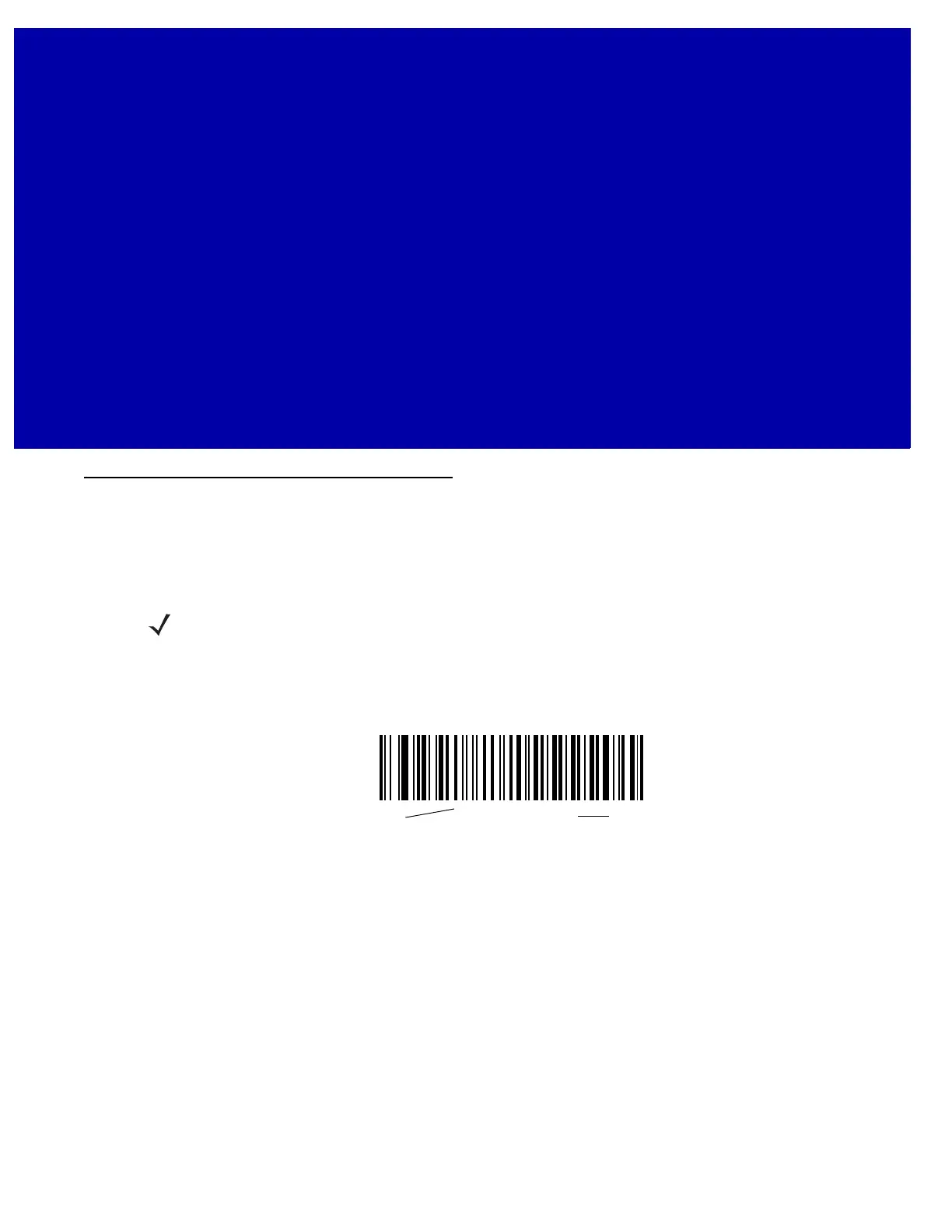
*Baud Rate 9600
Feature/Option
* Indicates Default



 To Next Page