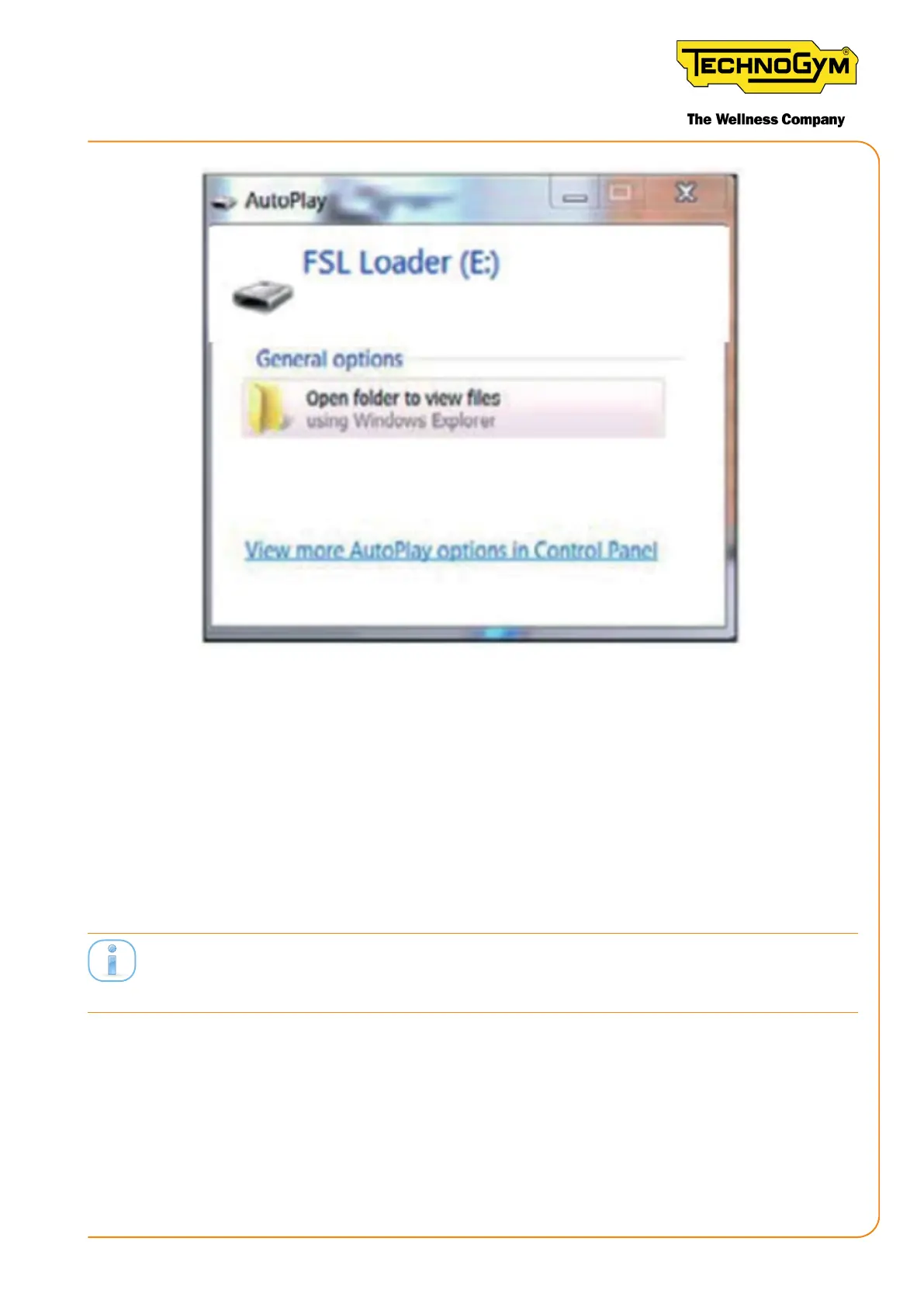
Figure 64
3. If asked (depending on the operating system installed) “Do you want to repair the content?”
respond: “Continue without analysing”.
4. Connect the upgrade key to the PC as soon as synchronised with the Equipment Software
Loader program:
• Open the “GC2” folder on the synchronised USB key;
• Openthe“console_wifi-ant+”sub-folder.
• Drag the fw file (in this case the only one) for the console (ANT_BAxx_CAyy.sb) to the
equipment folder.
NOTE:therstfwlereleasedforthenewWI-FI/ANT+consolehasthefollowingstring:GC3_
BAxx_CAyy.sb.
• Wait for the le to copy (approx. 10 seconds);
• Disconnect the MINI USB cable from the console, the console will turn o after a few sec-
onds.
• When the SW update is complete, put the protective cover back on the console’s MINI USB
connector.
• Put the console back on the bike.
New Group Cycle (D92):
Technical Service Guide - Rev. 5.1
Document uncontrolled when printed
Page 85














 To Next Page