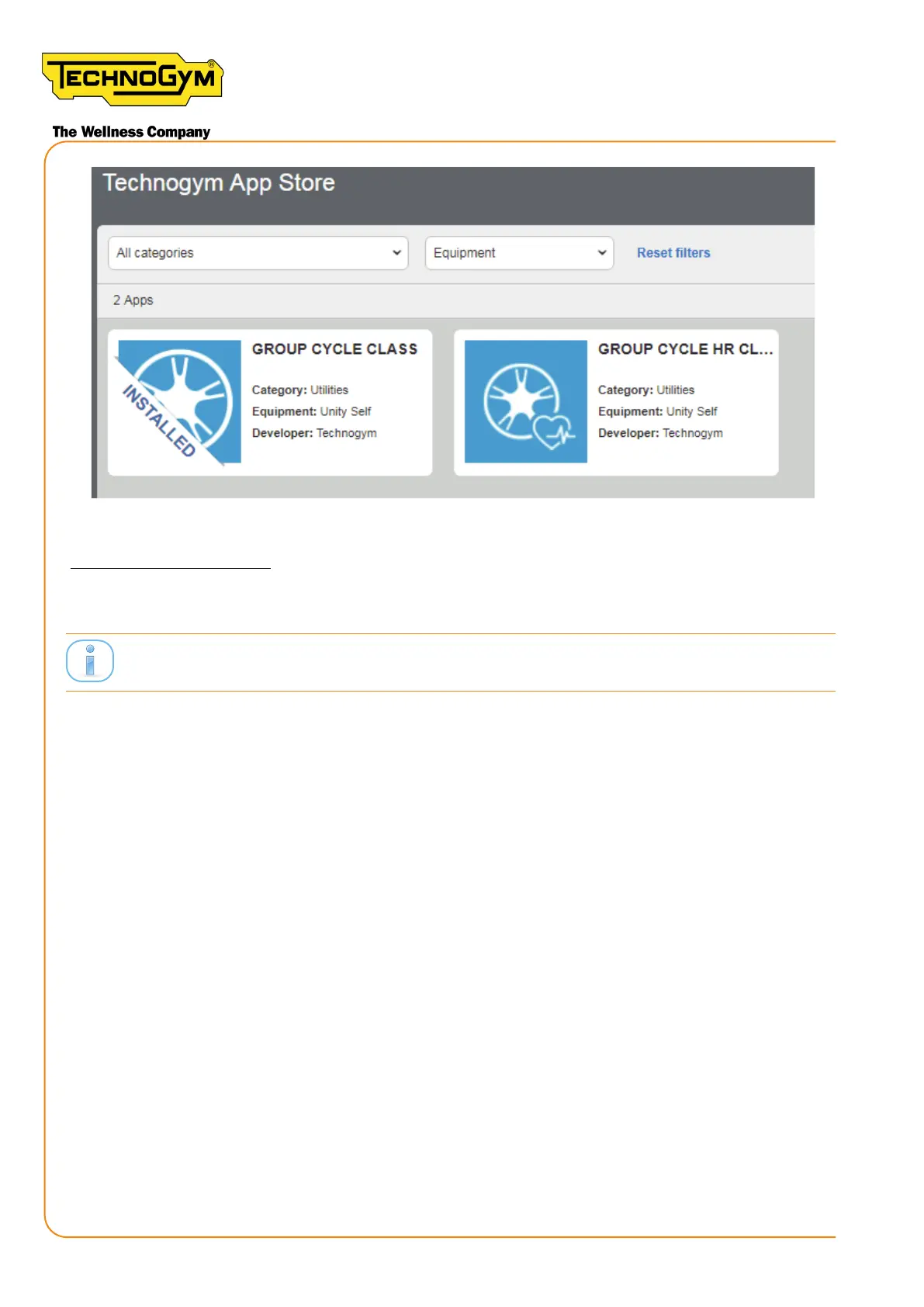
Figure 65
CREATING THE ROOM:
3- On the pro.mywellness.com site, click on PLANNER --> ROOMS FOR GROUP CLASSES -->
NEW ROOM. Set the name of the room. Click the OK key to the boom right to save the seing.
ClasssetbythecustomerorbytheCloudtechnicalreferentoftheAfterSalesOce.
New Group Cycle (D92):
Technical Service Guide - Rev. 5.1
Document uncontrolled when printed
Page 88














 To Next Page