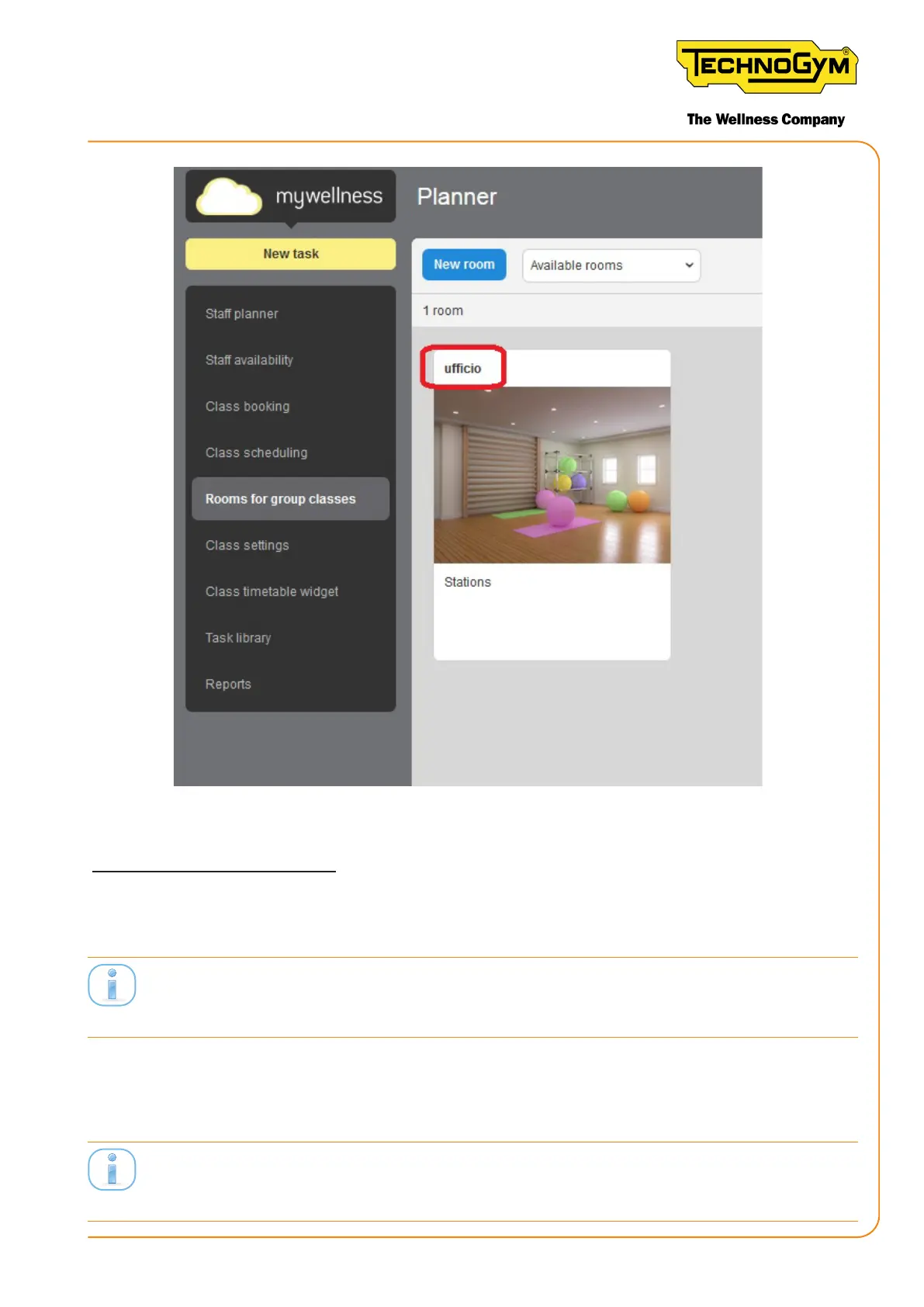
Figure 66)
CONFIGURING UNITY SELF:
4- From the display of the Unity Self: Access the service menu 2501 or customer menu 2406, con-
gure the Unity Self with a static IP (NETWORK section) and set the Facility URL (GENERAL
SETTINGS section).
Store the IP address of Unity Self becauseitmustbeusedintheGroupCycleconsoleconguration.
Group Cycles and Unity Self must have the same Facility URL.
5- Login to the Unity Self to verify that the Unity-Self is connected to a Network.
6- Download and open the “Equipment Set-Up” App, available for Android and iOS mobile
phones. It’s strongly recommended to use an Android mobile phone.
Pleasenotethattocongurethedevicenumberandthenameoftheroomthesmartphonemustbe
connectedtoanetwork.Nowit’snotnecessaryyettocongurethesmartphonetobeanhotspot.
New Group Cycle (D92):
Technical Service Guide - Rev. 5.1
Document uncontrolled when printed
Page 89














 To Next Page