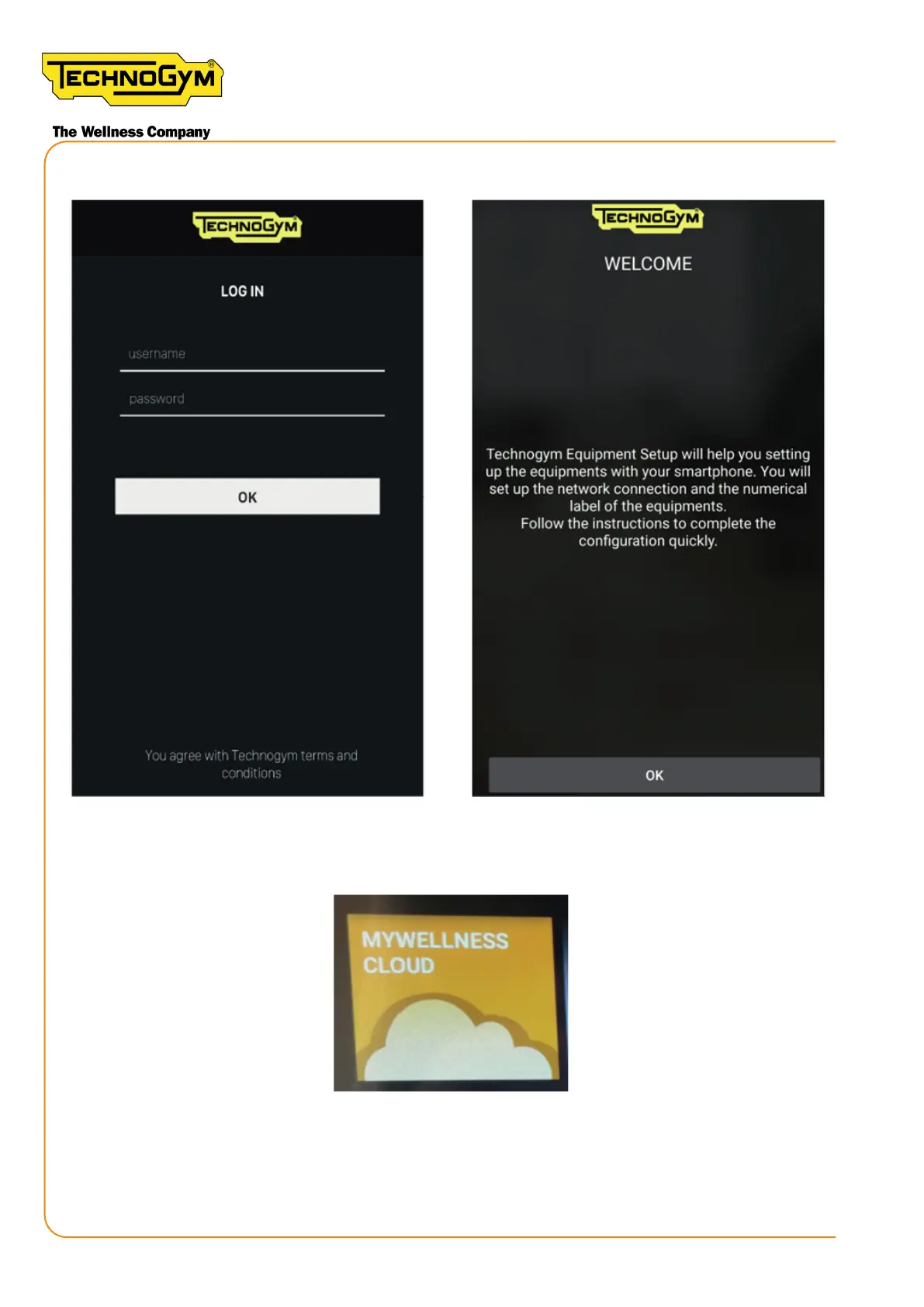
6a- Login with the Mywellness Cloud Login data to enter the ‘Equipment Set Up’ App:
Figure 67
7- From the Unity Self screen, click on the Mywellness Cloud buon to view the QR code.
Figure 68
8- Point the camera of your smartphone towards the QR code shown on the display and scan it.
New Group Cycle (D92):
Technical Service Guide - Rev. 5.1
Document uncontrolled when printed
Page 90














 To Next Page