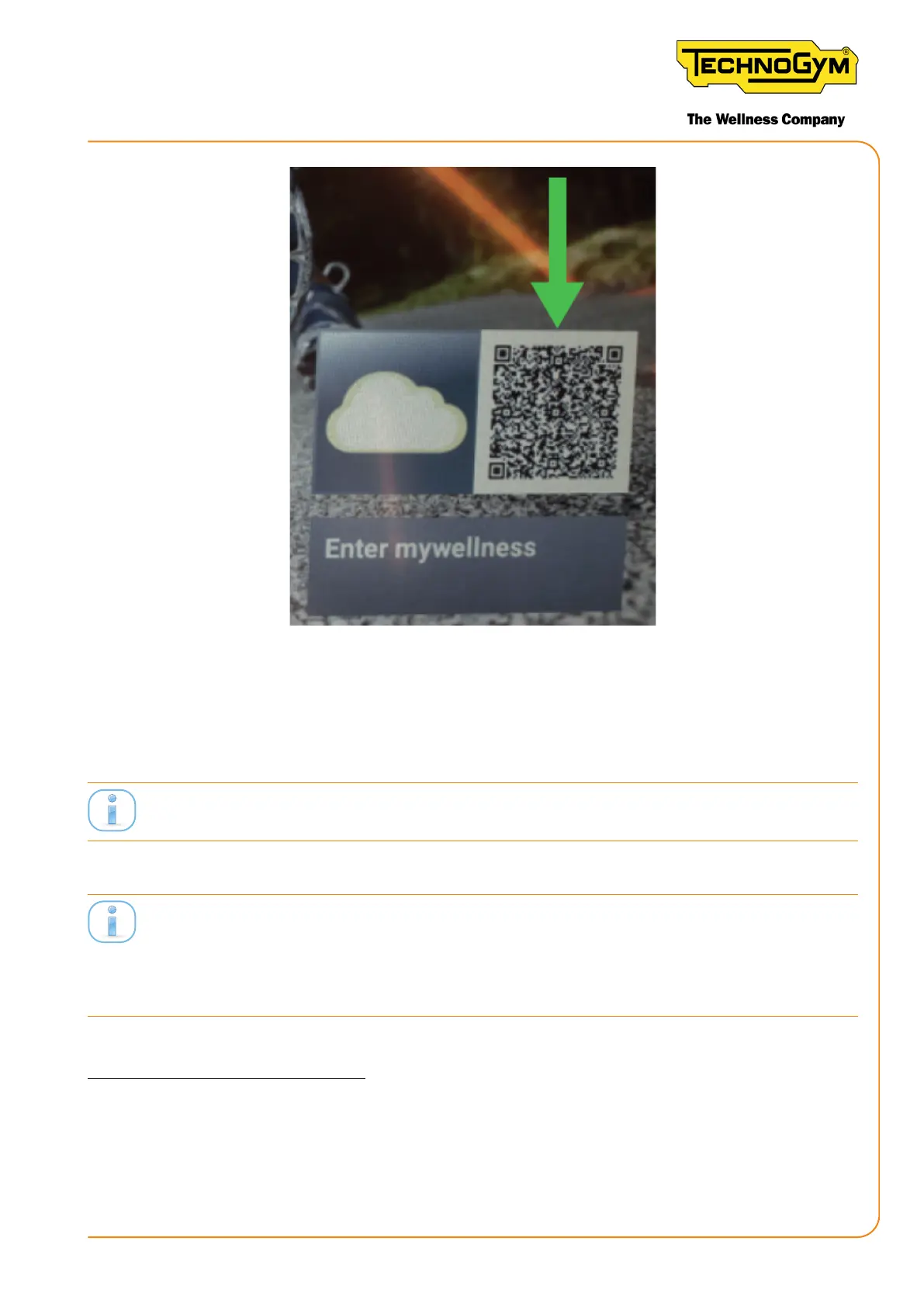
Figure 69
9- In the Equipment Seing section of the ‘Equipment Set Up’ app, congure the Unity Self by
entering:
- Unity Self number = 0 (recommended);
The assigned numbers must identify univocally the Unity Self and each Group Cycle of the class.
- The room name (in this example the room name is: TEST)
The name of the room must correspond to the room created in the pro.mywellness.com site. The name
of the room where UNITY SELF is located must be equal to the name of the room where the Group
Cycles are located. The assigned numbers must identify univocally the Unity Self and each Group
Cycle of the class.
CONFIGURING GROUP CYCLES:
10- Watch the tutorial of the ‘Equipment Set-Up’ App to learn how to congure your smartphone
to be an Hotspot;
New Group Cycle (D92):
Technical Service Guide - Rev. 5.1
Document uncontrolled when printed
Page 91














 To Next Page