Probesubsites Clarius Project example
The following is a step-by-step procedure to configure the Summit-12000 so the probesubsites
project executes successfully.
For probers using the Velox prober control software:
On the probe station computer, refer to the Velox user manual and help content for information on
setting up and loading a wafer map that contains sites (dies) and subsites (subdies). A test sequence
also needs to be specified.
Nucleus UI prober control software
For probers using the Nucleus UI prober control software:
1. On the probe-station computer, if the Nucleus toolbar is not already open, double-click the
Nucleus icon on the Windows desktop.
Figure 278: Nucleus icon
2. Log in.
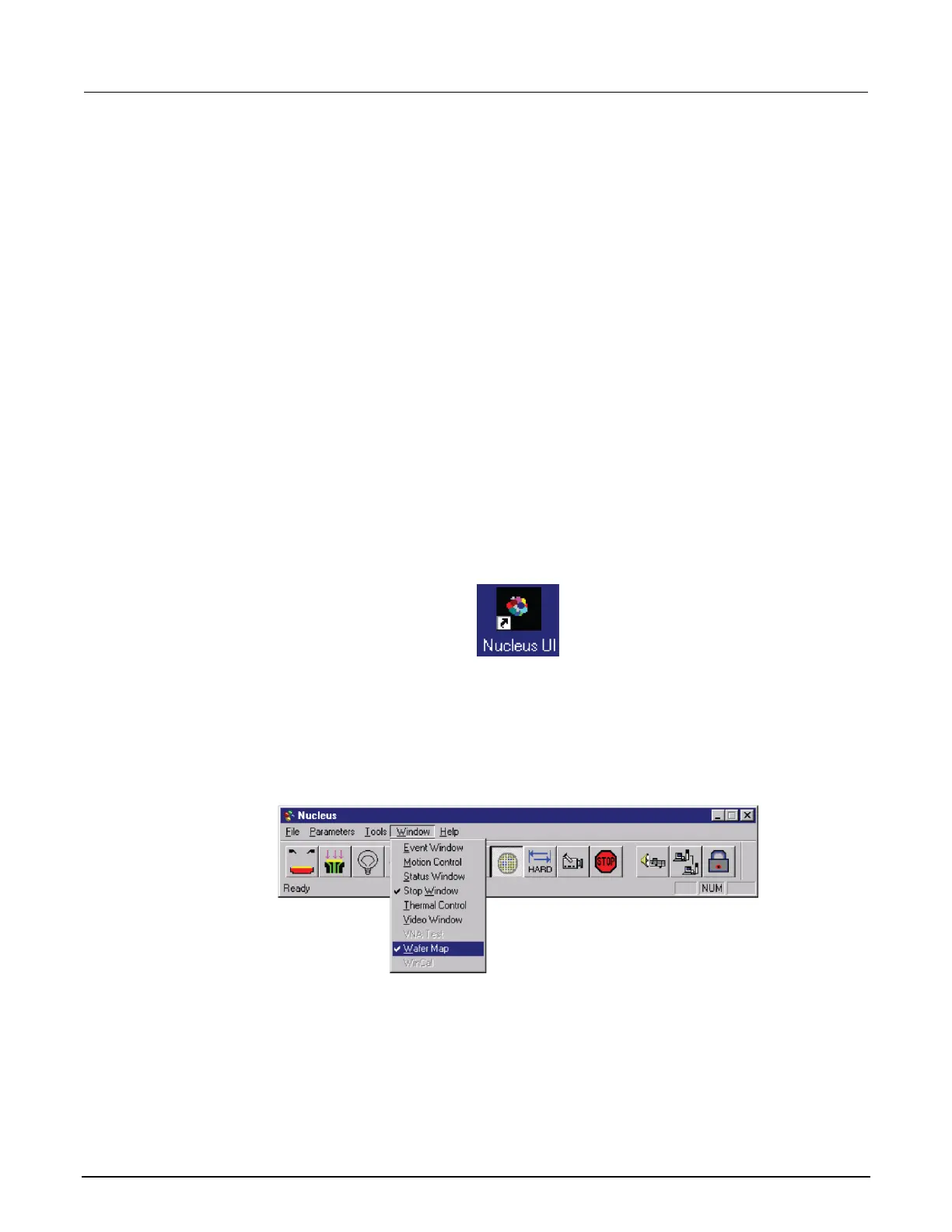
3. From the Window menu of the Nucleus toolbar, select WaferMap to display the wafer map
window. See the following two figures.
Figure 279: Nucleus toolbar



 To Next Page
 Loading...