X35 Monitor Air Seeder Setup
6.28
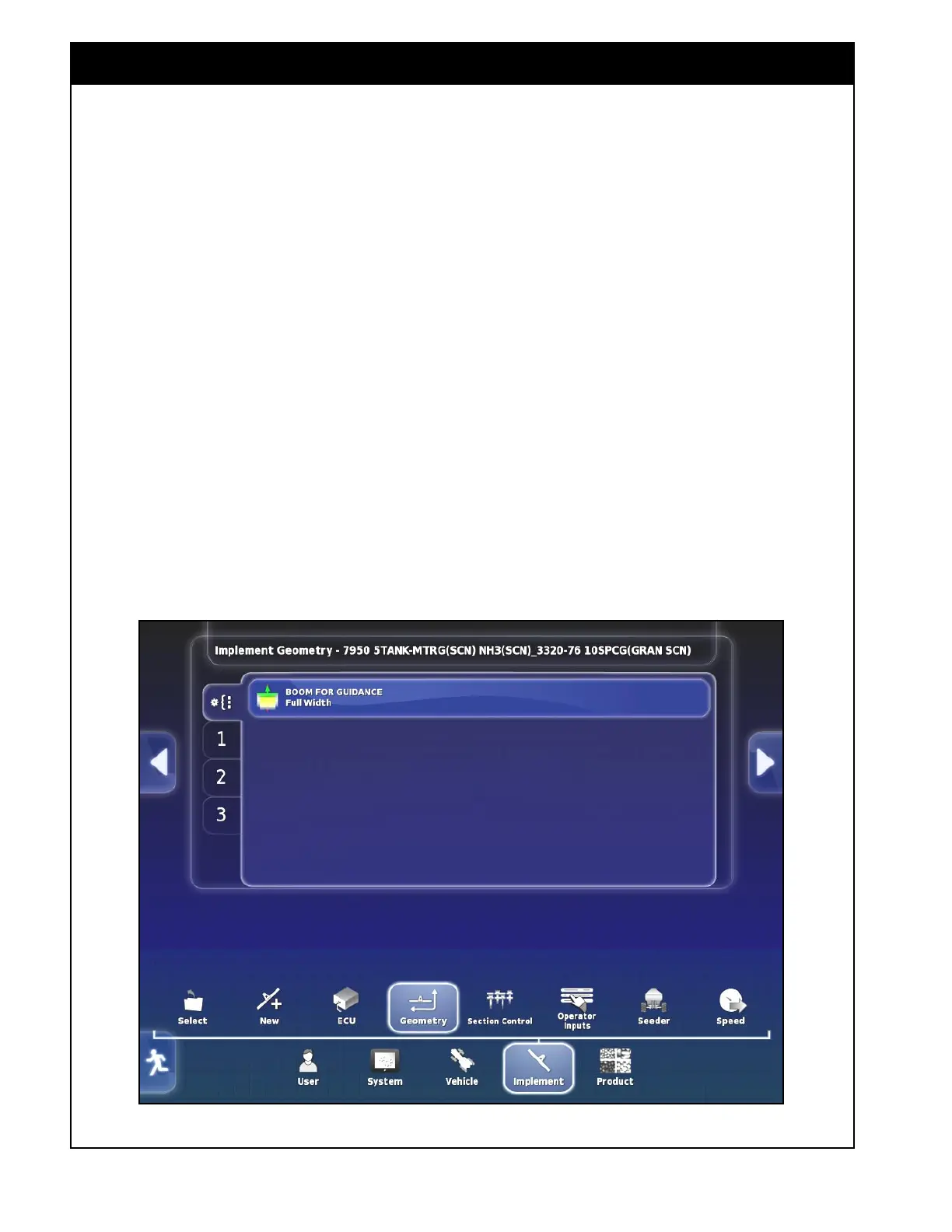
To set implement geometry select Implement/
Geometry.
1. Boom for Guidance
This setting is designed for Topcon Auto Steer
Control and will let you select what boom should
be used for guidance. For more information refer
to the Topcon Auto Steer operators manual.
a. This setting can be left at the default Full
Width.
6.4 Geometry
Figure 6.40 - Implement Geometry
2. Boom Geometry
There will be a separate geometry tab for each
boom depending on the configuration of your
machine. If a Factory profile is selected most
of the dimensions will be preset but each boom
tab should be reviewed to enter the appropriate
geometry to ensure the correct application rate and
coverage (if a Custom profile is created all the
dimensions will need to be entered).
i. Full Width Boom
ii. Seed Boom
iii. Fertilizer Boom
iv. Liquid or NH3 Boom
v. Drill Control Boom
When the dimension to be set is selected, the
name of the dimension will appear in the title bar.
Also, a numerical keypad will appear. Enter the
dimension value and confirm.



 To Next Page