X35 ConsoleTrouble Shooting
12.2
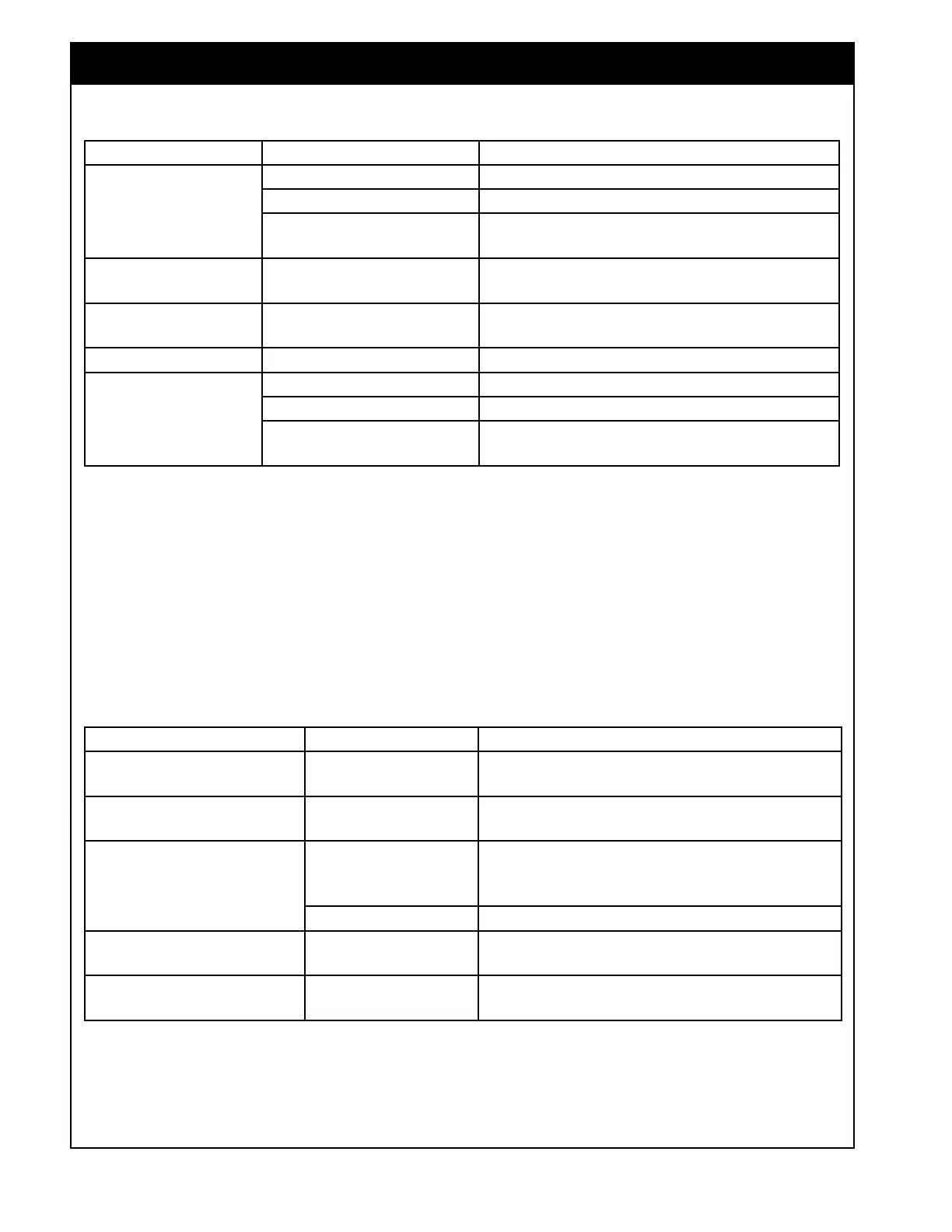
SYMPTOM PROBABLE CAUSE SOLUTION
Monitor will not
power up.
Low voltage. Start vehicle - check battery voltage.
Blown fuse. Check for damaged wiring.
Damaged unit.
Contact Bourgault dealer for repair and/or
replacement.
Blank display after
startup.
Damaged unit. Contact Bourgault dealer.
Error messages on
startup.
Missing or corrupt files. Contact Bourgault dealer.
White Screen Frozen screen. Contact Bourgault dealer.
No power to ECU's on
the tank
(No LED's lit up)
No implement power. Recycle tractor key.
Blown fuse. Check 100A fuse near tractor battery.
Poor connection.
Check connection at the tractor, rear of the drill
and connections into the ECU(s).
12.1 Start-up
12.2 Controls
SYMPTOM PROBABLE CAUSE SOLUTION
Touch screen control buttons
will not work.
Virtual switches not
enabled.
In Setup screen go to Implement/Operator Input
(refer to Section 6.8 - Operator Inputs).
Cabin switchbox controls
will not work.
Keypad switches not
enabled.
In Setup screen go to Implement/Operator Inputs
(refer to Section 6.8 - Operator Inputs).
Cabin or on-frame keypad
flashing.
Not set up.
Assign keypads. In setup screen go to
Implement/Operator Inputs. Refer to
Section
6.8.2 - Keypad.
Not synchronized. Unplug keypad and reconnect.
No LEDs on keypad
Brightness not
adjusted.
Adjust brightness of X35 monitor.
Some LEDs are out on
keypads
Not synchronized Restart X35 console/tractor to reboot system.



 To Next Page