X35 Console Monitoring & Managing Files
10.10
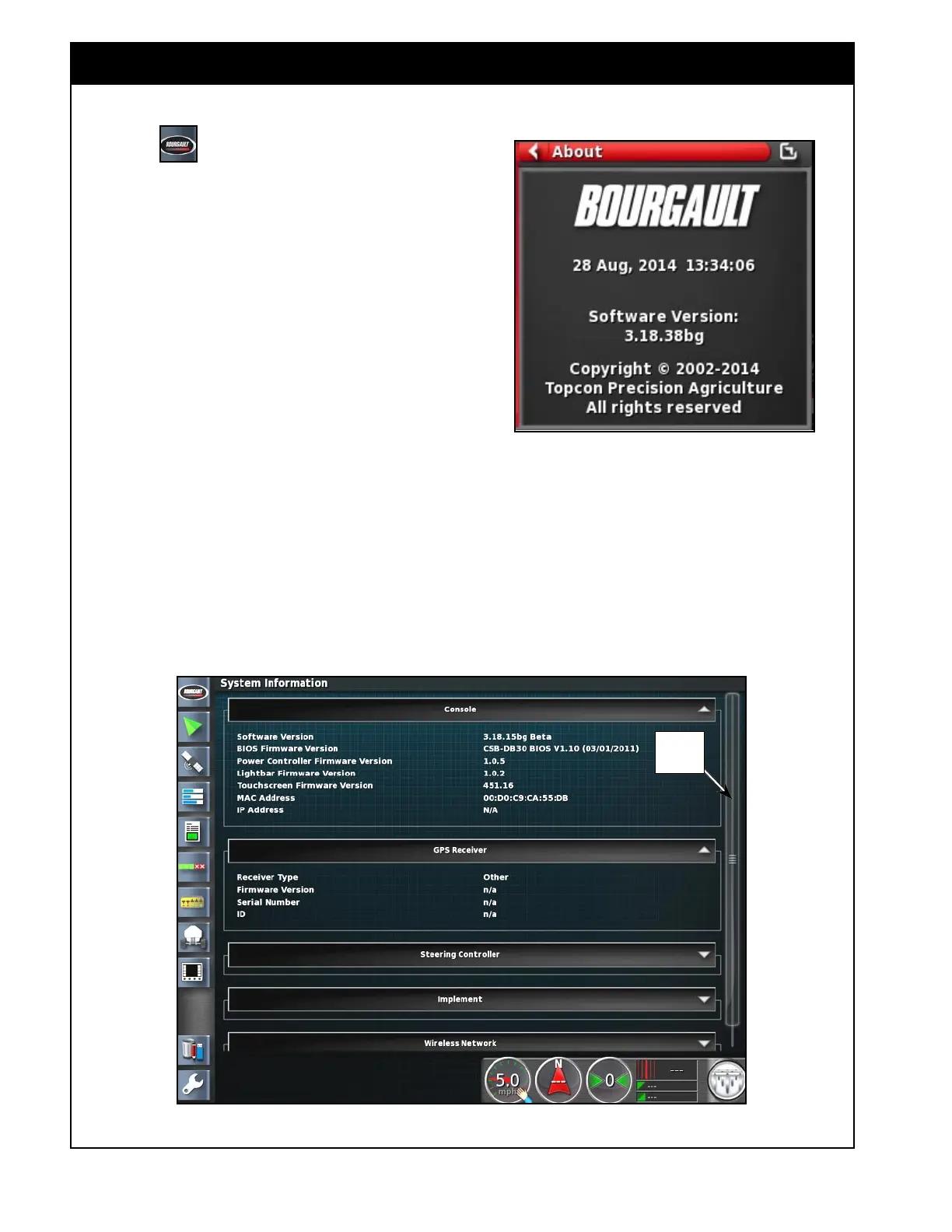
Figure 10.21 - System Information Panel
10.5 System information
Select the icon to open the About mini-view
window. Refer to Figure 10.20.
The About window displays date, time, and the
current version of the software.
1. Selecting the maximize arrow (top right corner)
will expand mini-view window into main
viewing area.
2. The information displayed in the full System
Information panel is divided in to five sections:
a. Console
b. GPS Receiver
c. Steering Controller
d. Implement
e. Wireless Network
i. Use arrows in the sections title bar to
expand or hide.
ii. When needed a scroll bar will be
displayed. Refer to
Figure 10.21.
Figure 10.20 - About Mini-View Window
Scroll
Bar



 To Next Page