X35 Monitor Air Seeder Setup
6.73
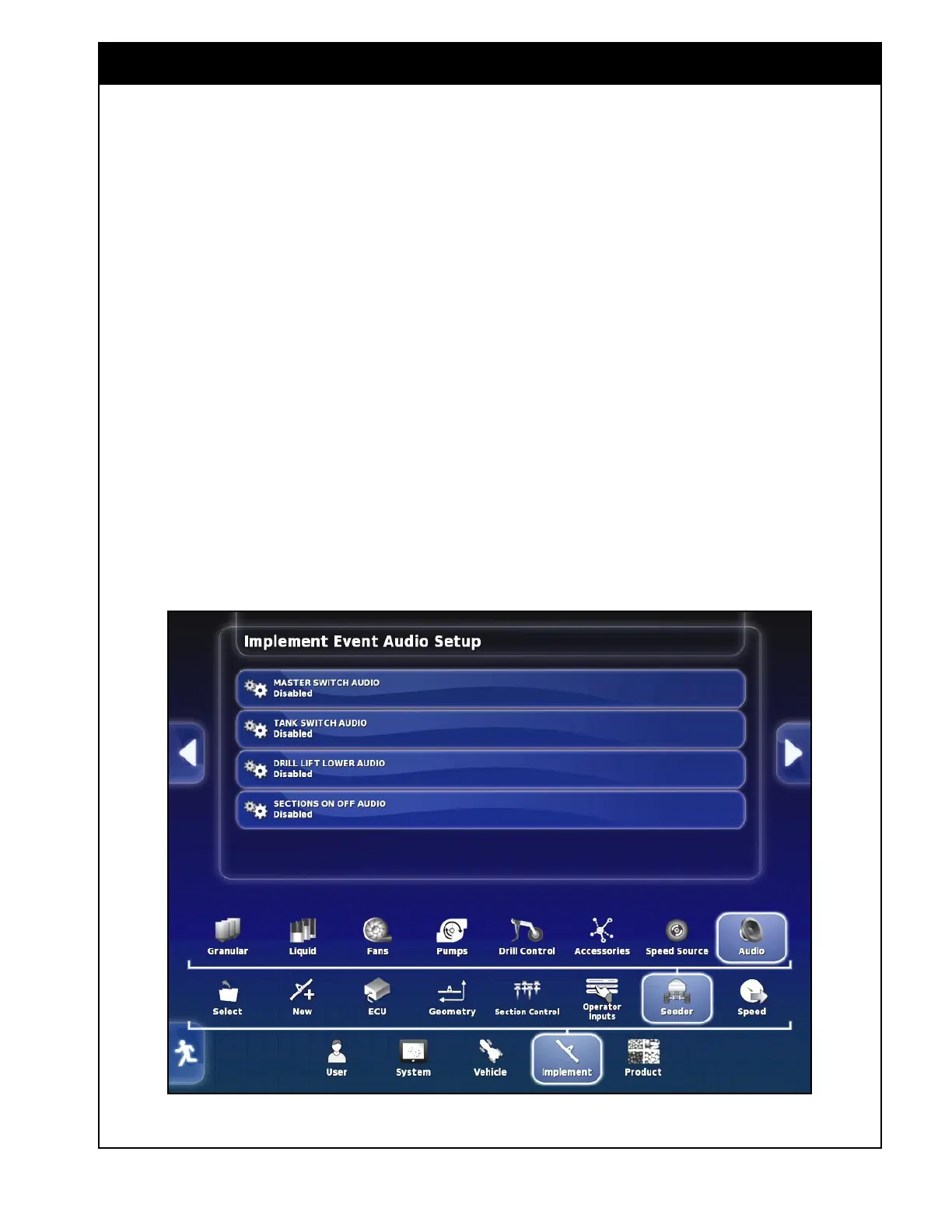
6.6.9 Audio
Audio can be enabled for certain operations on the
monitor to indicate the function,
1. Master Switch Audio - set to enabled for an
audio click when the master switch is turned
on or off.
2. Tank Switch Audio - set to enabled for an
audio click when the tank switches are turned
on or off.
3. Drill Lift Lower Audio - set to enabled for an
audio click when the drill is lifted or lowered.
4. Sections On Off Audio - set to enabled for an
audio click when the sections are opened or
closed.
Figure 6.94 - Audio Setup



 To Next Page