X35 Console Field / Job
9.19
9.3.7 Variable Rate Control
If the Variable Rate Control (VRC) has been
enabled (refer to Section 4.1.4 - Implement), select
. Configure the VRC on the Job Menu to
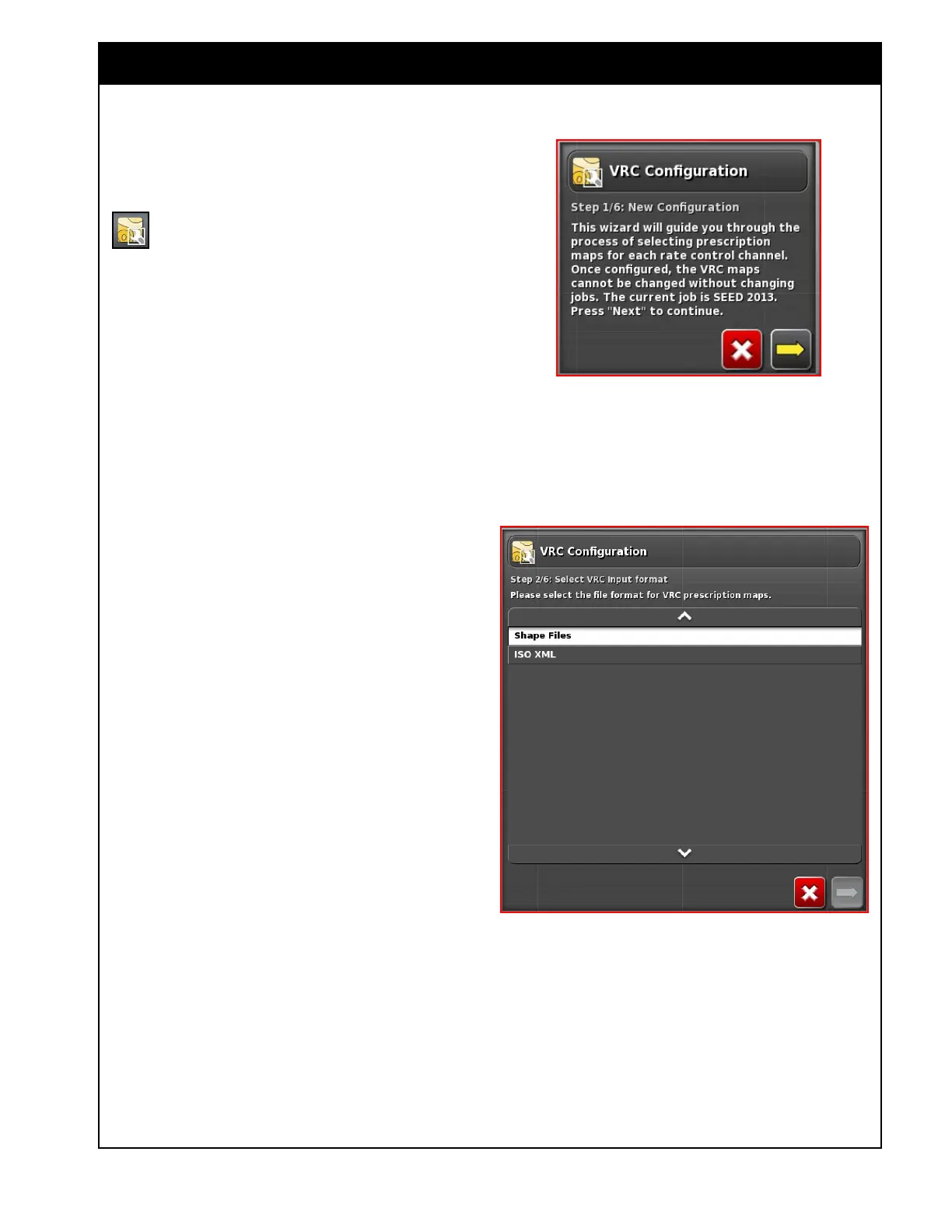
start the VRC wizard (Figure 9.28).
1. Pick a VRC file format.
a. Select from the Shape files (most common)
and ISO XML.
b. Note that these file types are different from
the XML file type that was used with the
X20. Refer to
Figure 9.29.
Figure 9.28 - VRC Wizard - Step 1
Figure 9.29 - VRC Wizard - Step 2



 To Next Page