X35 ConsoleProduct Setup
7.8
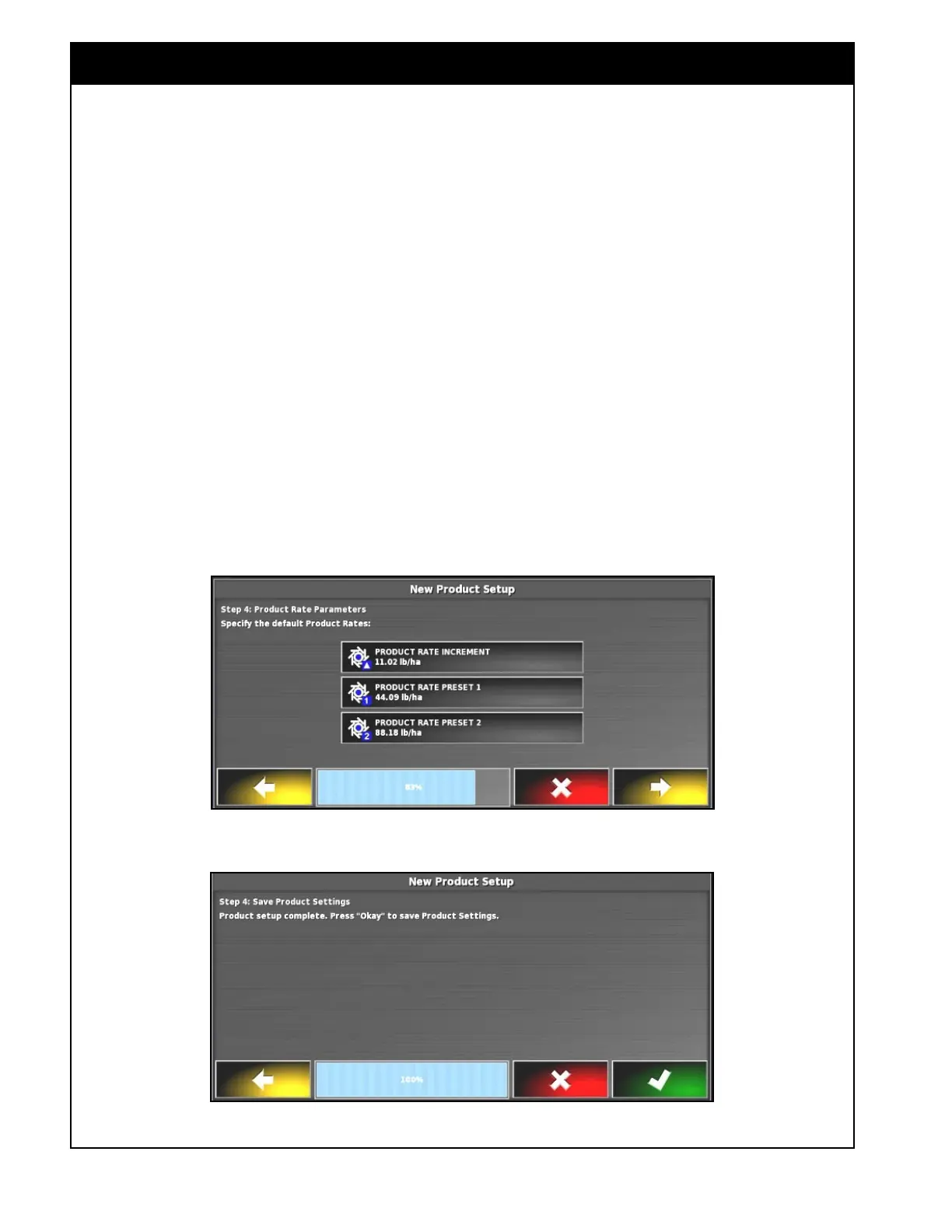
5. Refer to Figure 7.10. Enter product rate
increment, product rate preset 1 & 2.
a. Rate Increment - is used during operation
to increase/decrease the requested rate by a
preset value.
b. Product Rate Preset 1 & 2 - are preset
rates, that are used to immediately adjust
the application rate to that value during
operation.
c. Select the Product Increment button, using
the numeric keypad to enter the required
value and confirm.
d. Repeat for Rate Preset 1 and Rate preset 2.
6. Product setup is complete and the next screen
will prompt you to save the product settings or
cancel it, refer to
Figure 7.11.
Figure 7.10 - Entering Rate Increment, and Rate Preset 1 & 2
Figure 7.11 - Product Setup Complete



 To Next Page