X35 ConsoleOverview
2.8
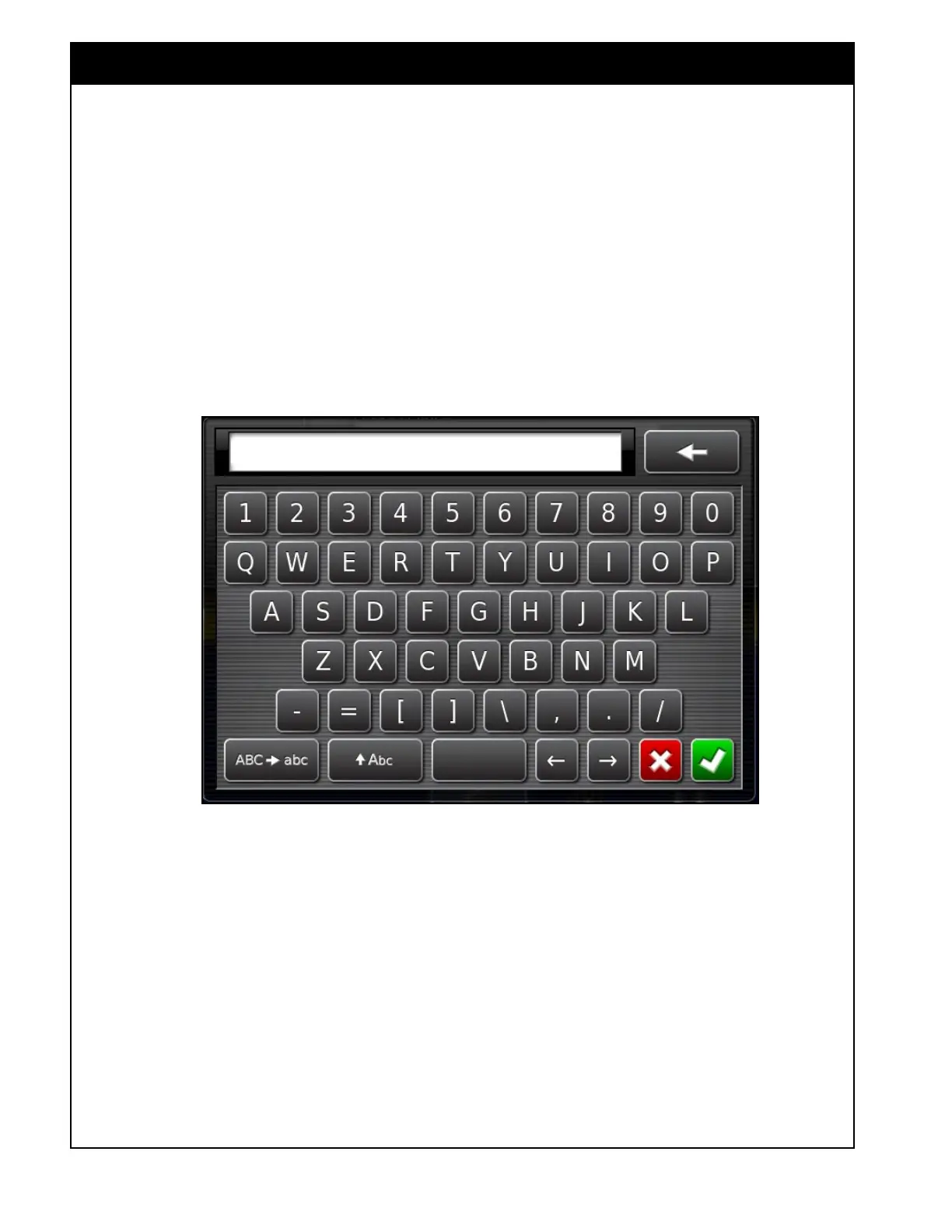
Figure 2.12 - QWERTY Keyboard
5. QWERTY Keyboard
Refer to
Figure 2.12.
When it is required to enter text, for example
when entering a tank or implement name. A
QWERTY keyboard will appear. You can enter
text using upper and lower case letters. You can
use the backspace to delete the last symbol.



 To Next Page