X35 Monitor System Settings
4.11
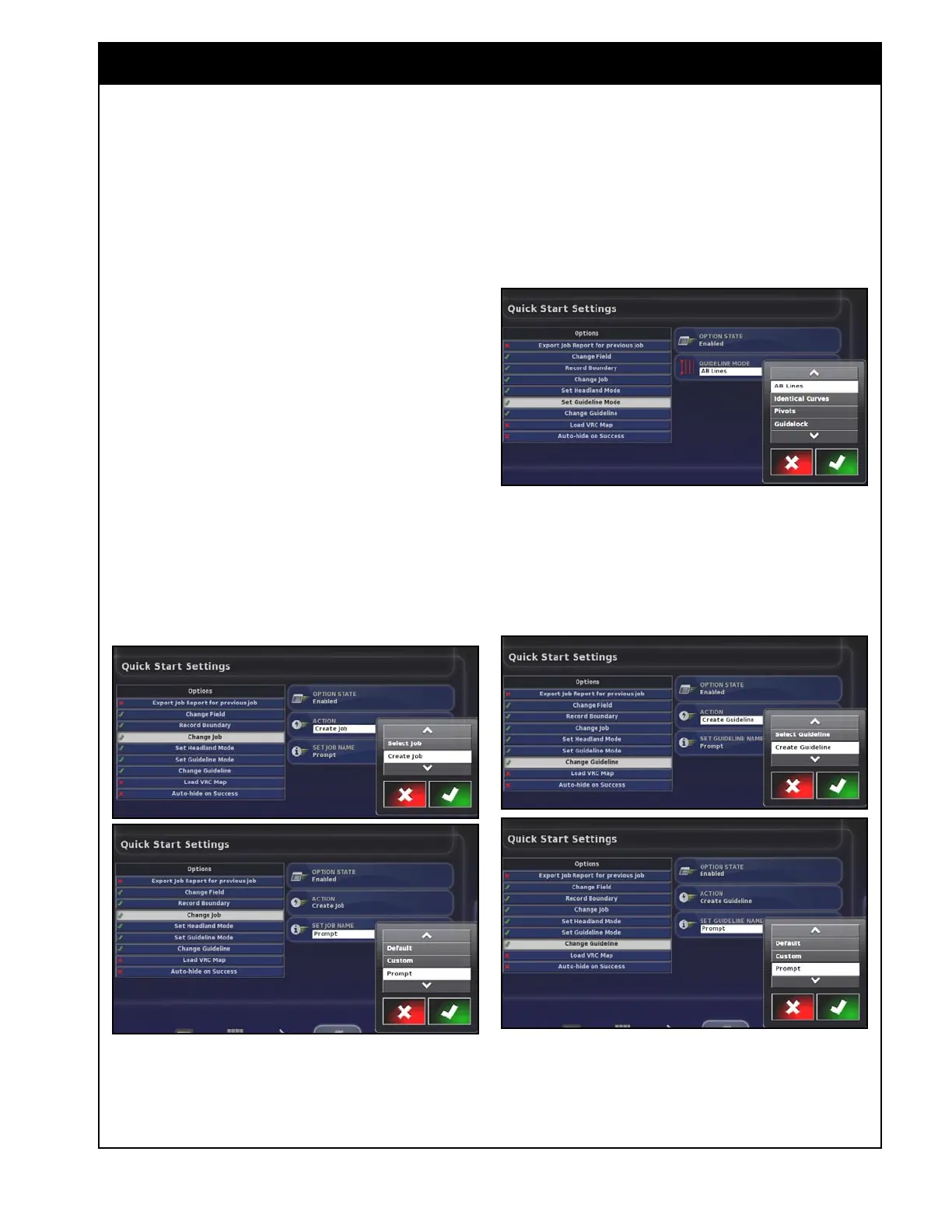
Figure 4.10 - Quick Start - Change Job
4. Change Job - will prompt to select or create a
job with a Default, Custom or Entered name.
5. Configure Job Regions - will prompt to
assign internal boundaries to work or exclude.
6. Load VRC Map - will prompt to
automatically load a VRC map from the
inserted thumbdrive.
7. Set Guidance Mode - can be set to whatever
guideline type will be used.
8. Change Guideline - prompts the user to select
or create guidelines with default, custom or
entered names.
9. Auto Hide on Success - will hide the Quick
Start window automatically once the job
successfully started.
Figure 4.11 - Quick Start - Guideline Mode
Figure 4.12 - Quick Start - Change Guideline



 To Next Page