X35 Monitor Air Seeder Setup
6.4
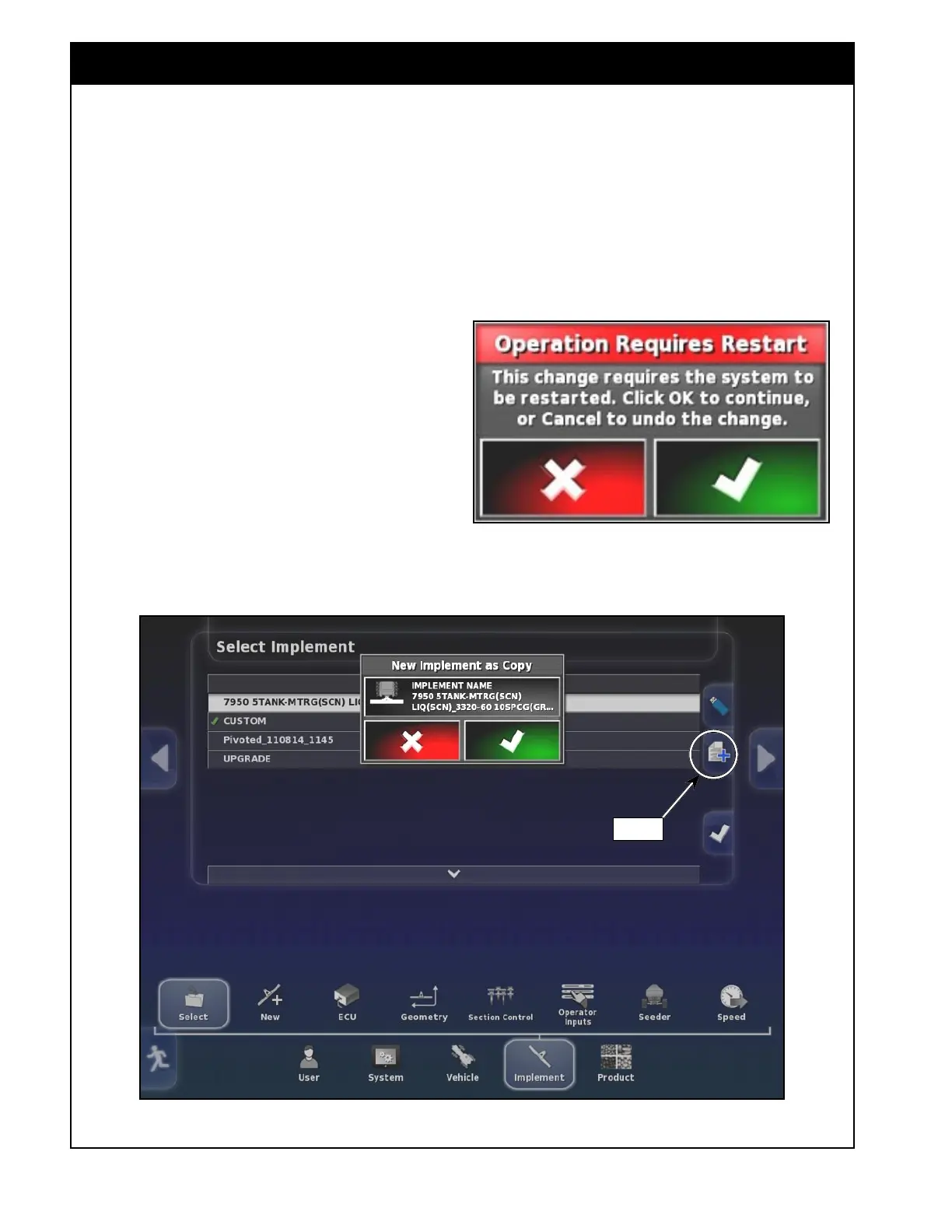
Figure 6.2 - Copy Implement
Copy
3. Copying an existing profile:
You can copy one of the existing profiles and
make the required changes. To do that:
a. Select the implement you would like to
copy (it will have white background).
The copy button will appear, refer to
Figure 6.2.
b. Select the copy button. A window
informing you that this operation will
require a restart will appear. Click OK
(green check mark) to continue or click the
red "X' to cancel the operation.
c. If creating a copy, the "New implement
as Copy" window will appear. Select an
implement name button to give it a new
name and confirm.
d. If required, make changes to the settings
like implement geometry, sectional control
(if applicable), operator inputs, seeder
(granular tank, NH3/Liquid tank, fans, etc).



 To Next Page